AI Portrait Retouch
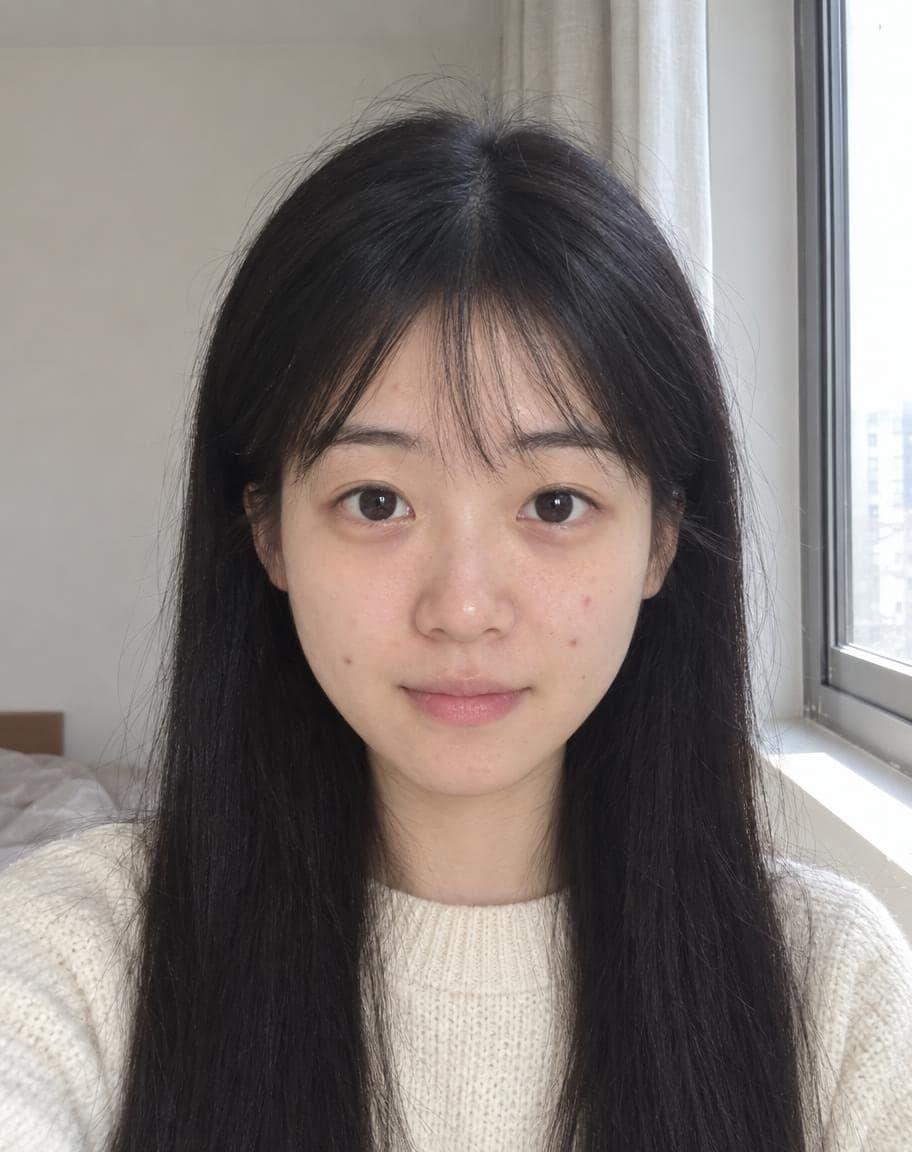
Tailored to your face shape, features and style: tidier hair and brows, brighter under-eyes, even skin tone, faded blemishes and fresher lips — plus a touch of natural makeup if it helps. Still you, just well-rested.
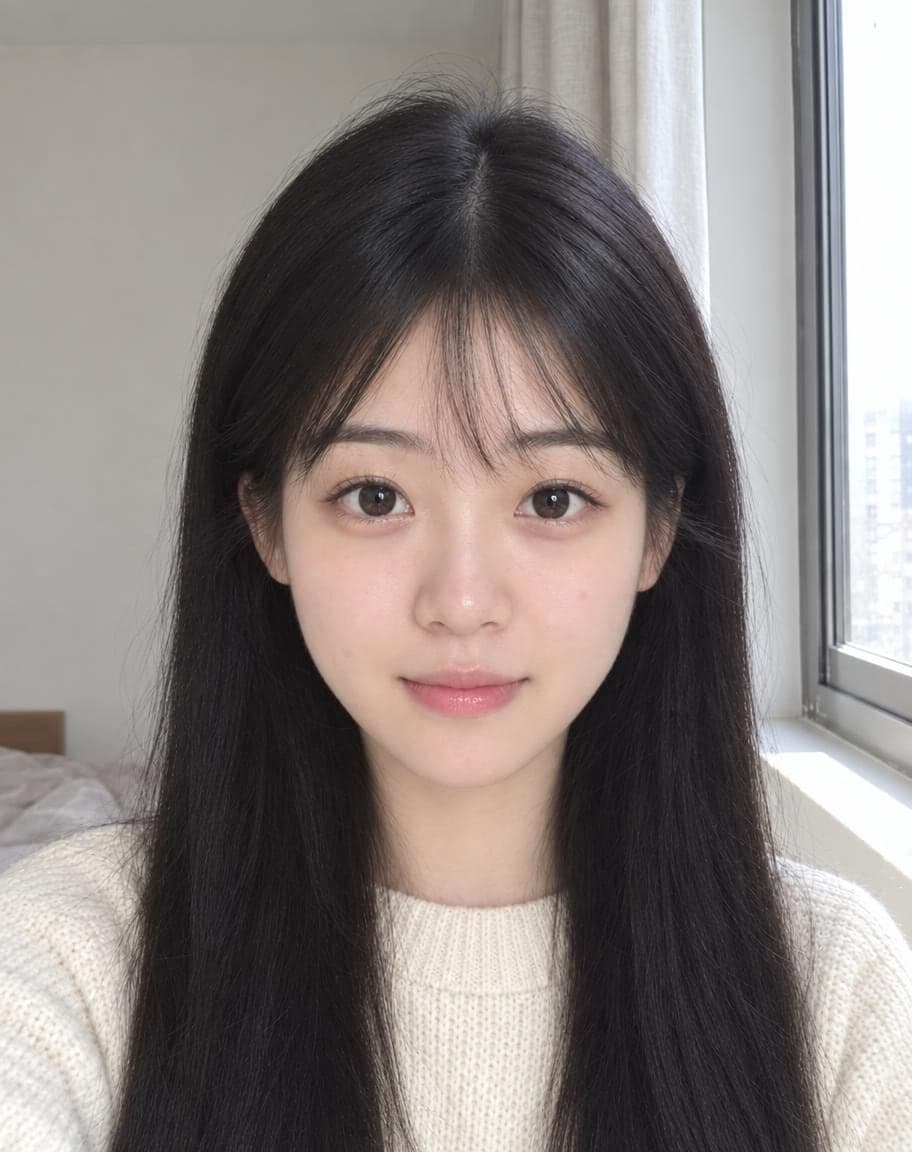
Example
Portrait photo*
Usually 30–90 s · failed edits don't count
- 1Upload a photo and tweak the options
- 2Tap “Generate” and wait 30–90 seconds
- 3Compare, download or keep editing
More photo fixes
All tools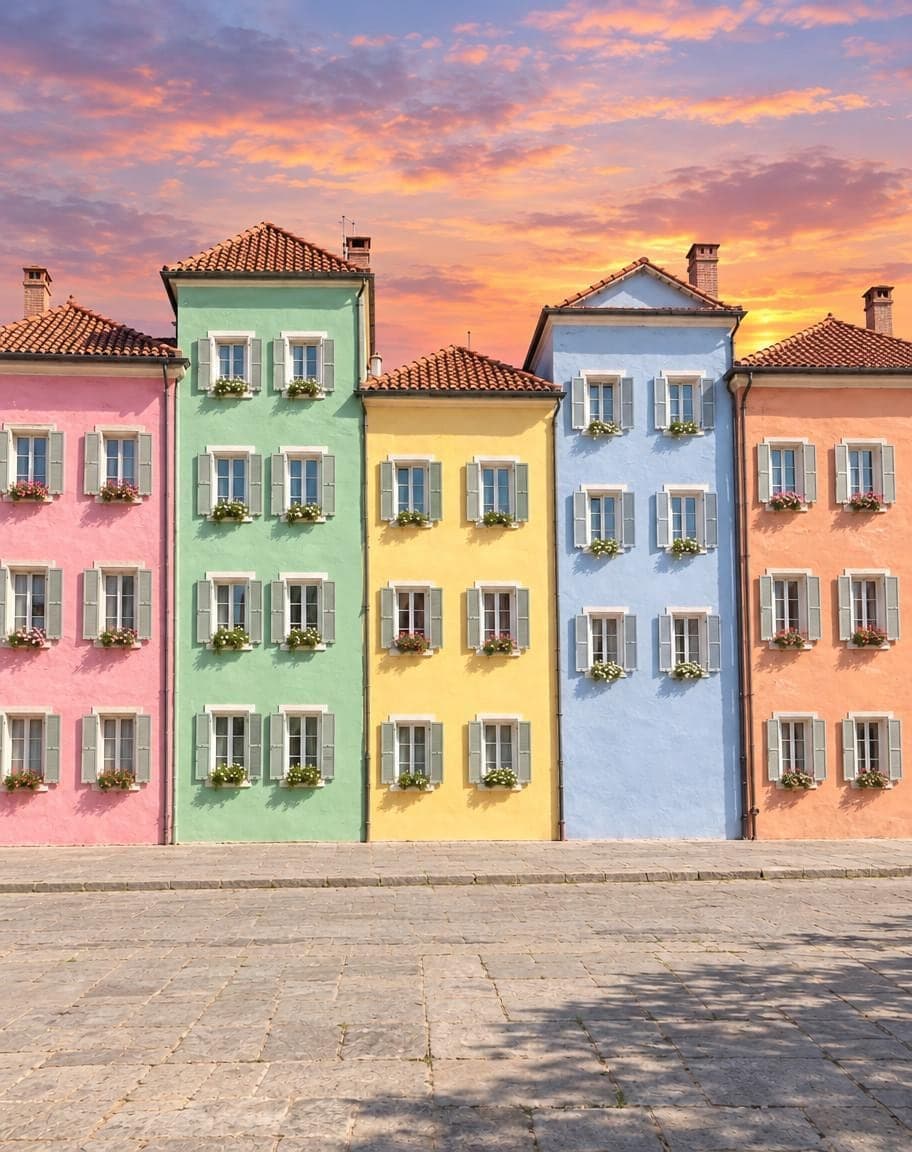
 12
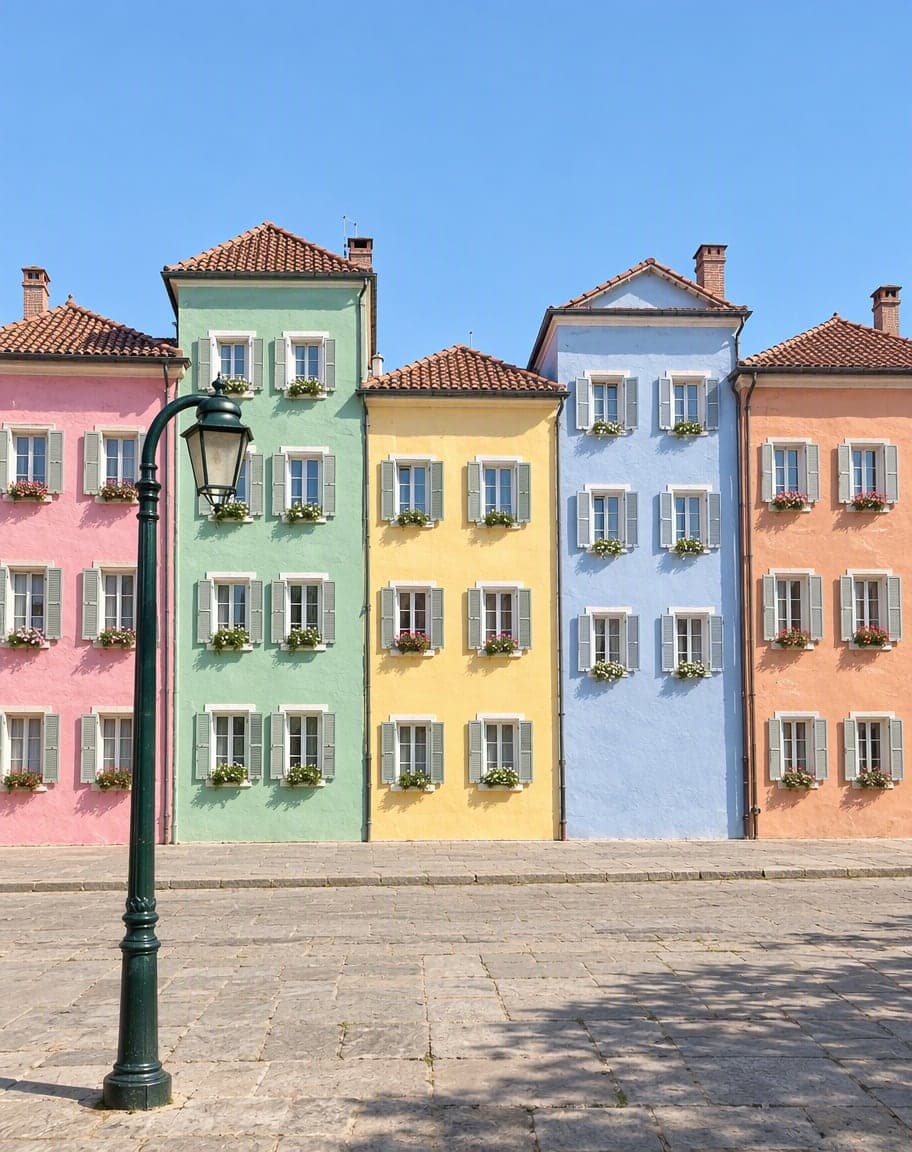
121Turn the sky into a sunset2Remove the lamp post
Point & Edit
Tap a spot, say what to change
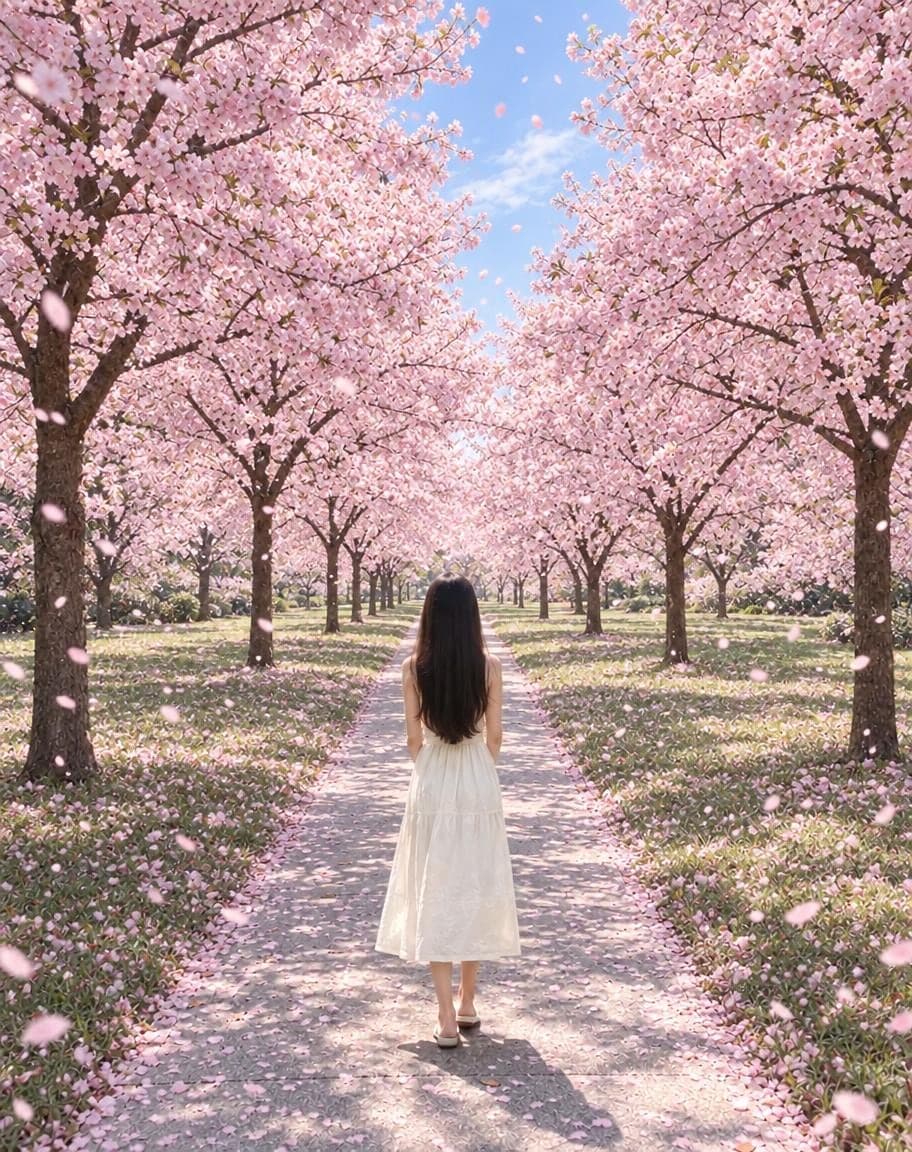
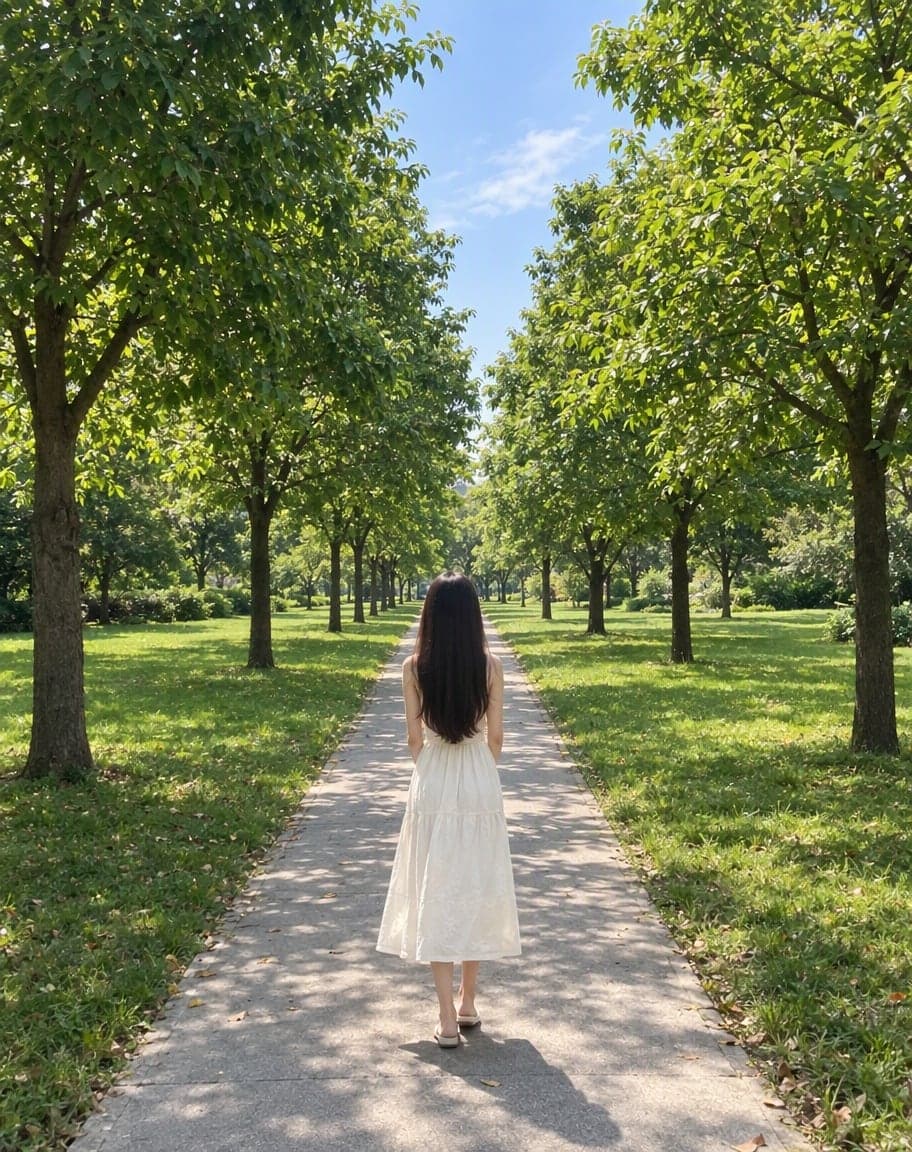
“Switch the background to cherry-blossom season, with petals drifting in the air”
Edit Photo with Text
Describe any edit in one sentence
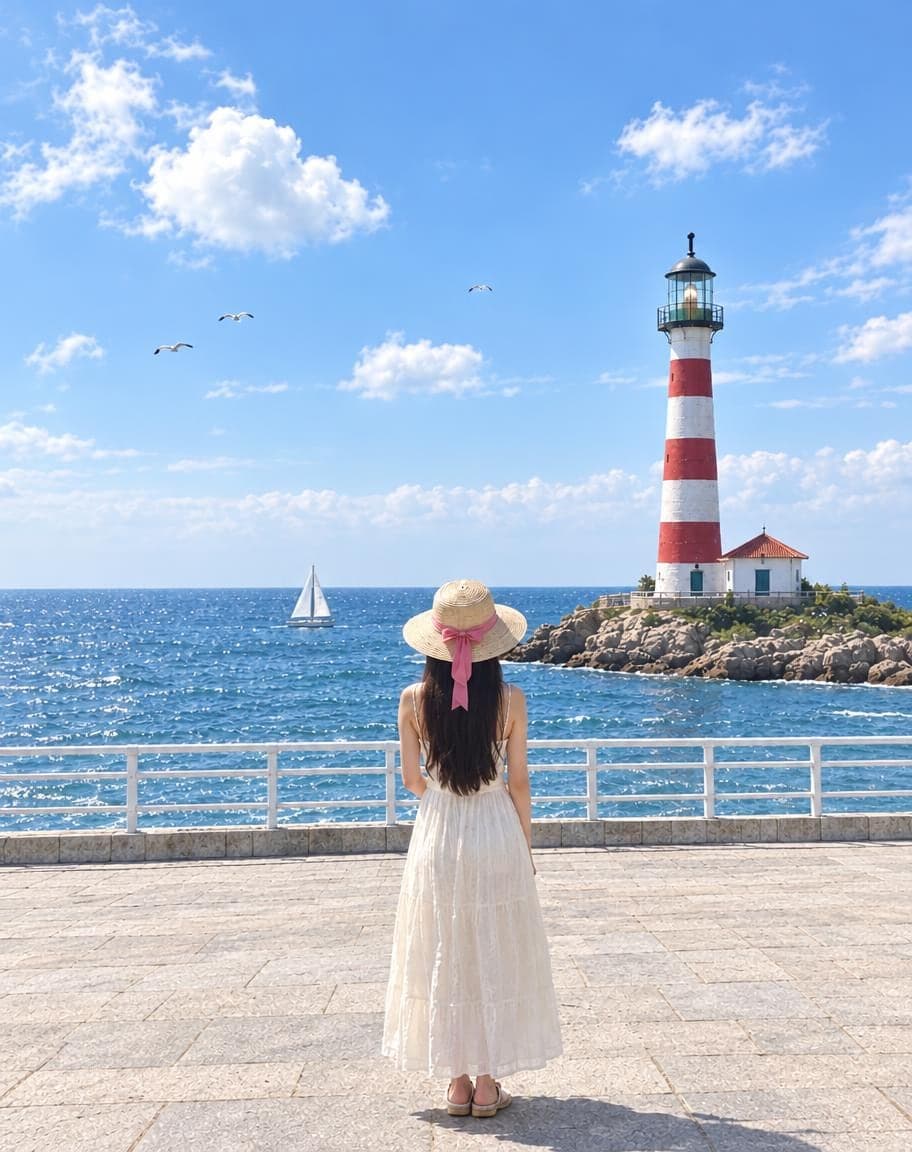
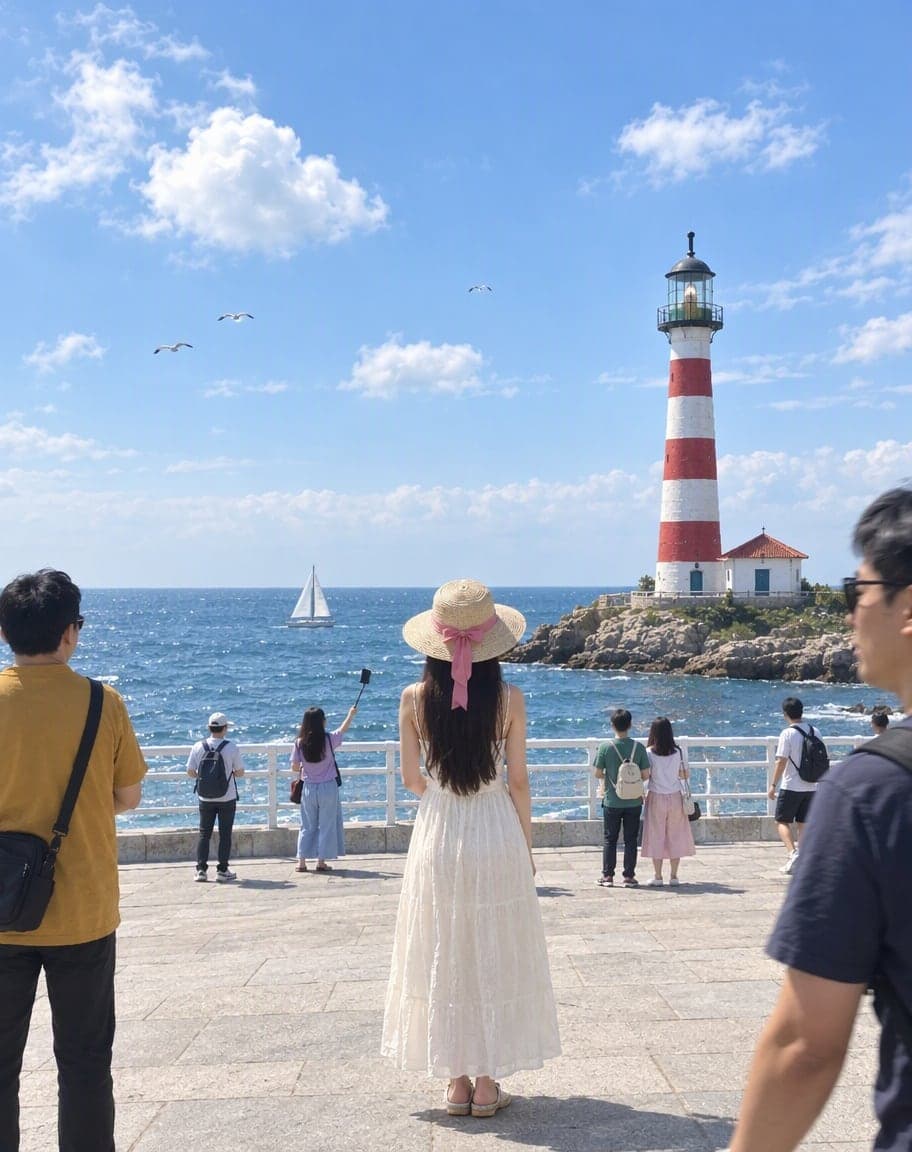
Remove People from Photos
Erase tourists and clutter from the background
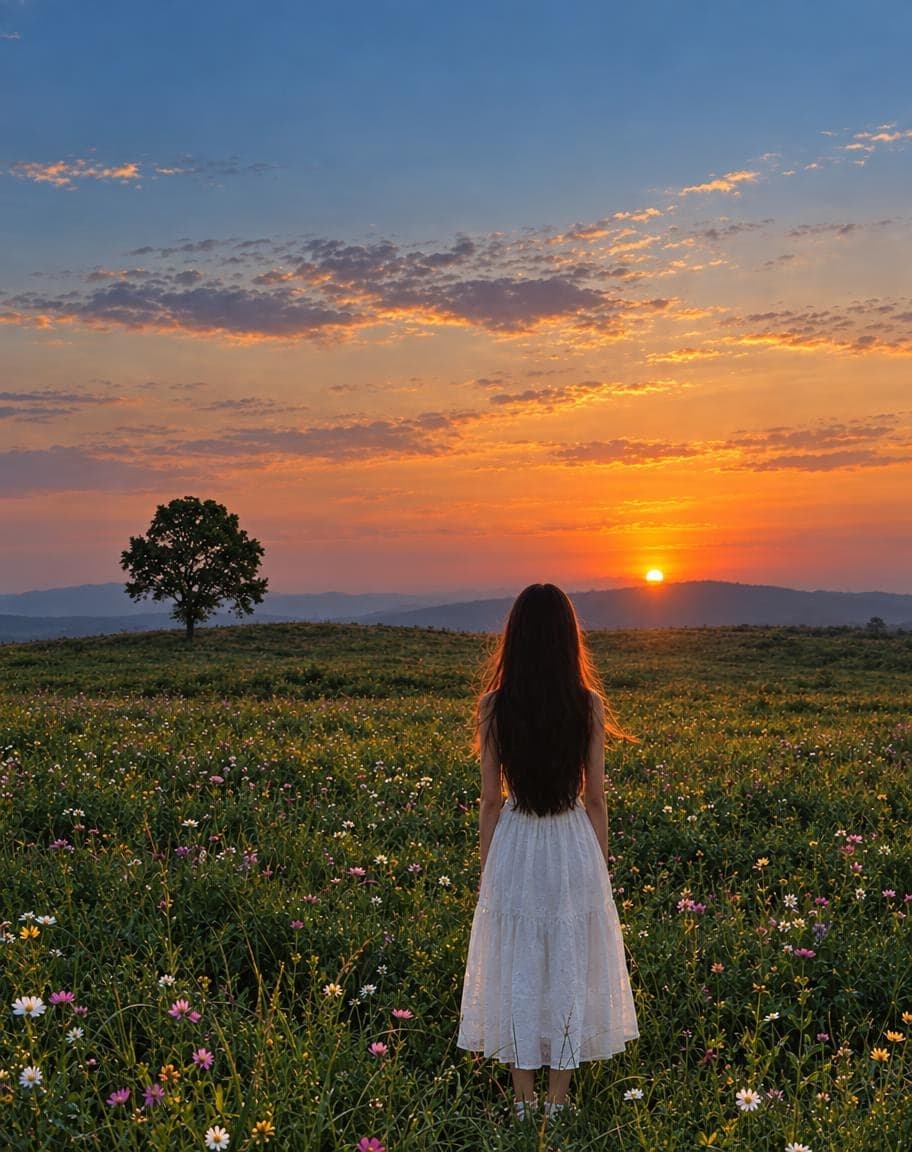
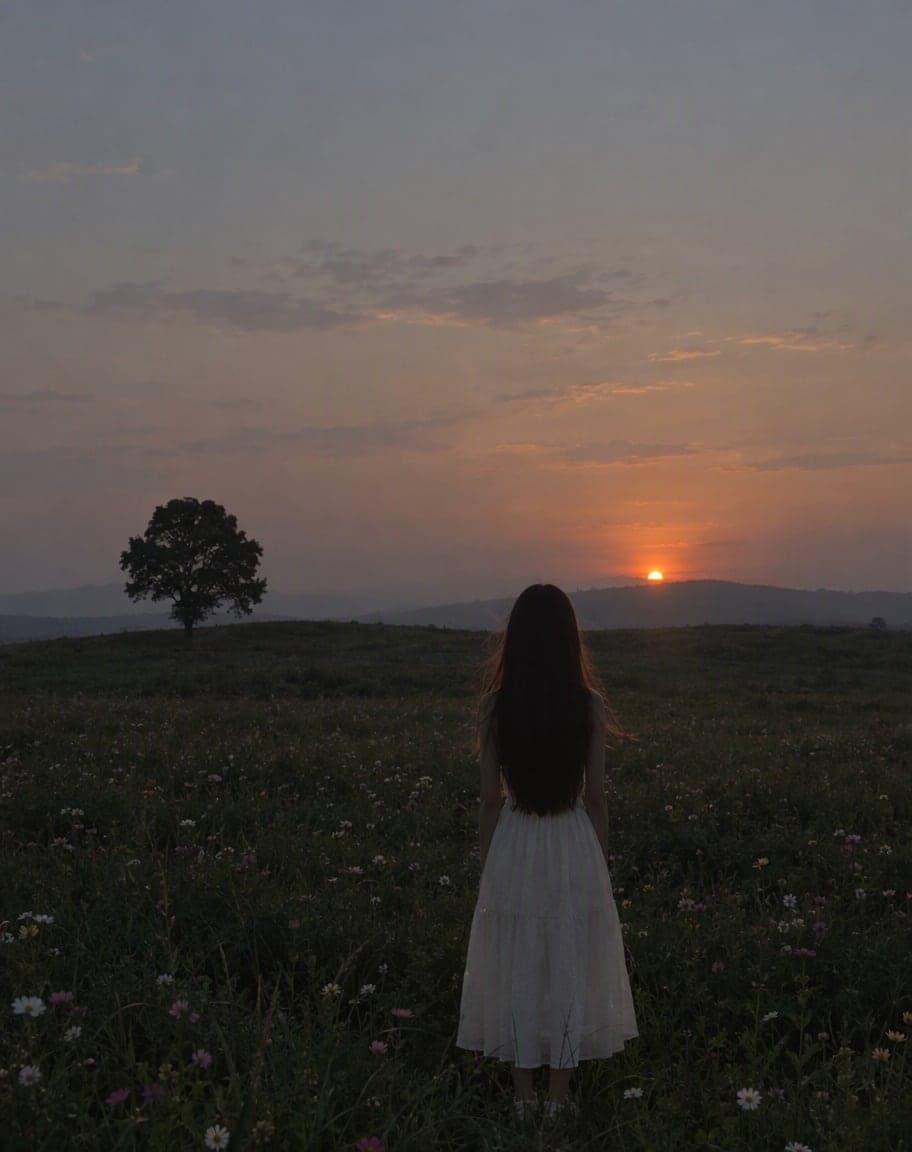
Fix Photo Lighting
Pro-level light, color and clarity in one tap
AI Portrait Retouch: FAQ
Will I still look like myself?
That's the point. The retouch is tailored to your own face shape and features — it tidies and refreshes instead of reshaping your face, so you still look like you, just well-rested.
What exactly does it change?
Hair shape, parting and volume, eyebrows, under-eye darkness, skin tone and blemishes, and lips — plus light makeup if it helps. Everything else in the photo stays the same.
Can I ask it to keep something as it is?
Yes. Use “Anything else?” for requests like “keep my glasses” or “no makeup”.
What photos work best?
A front-facing portrait in clear light. Group photos work too, but a single face gives the most precise result.
What happens to my photo?
It's stored privately and only used to make your edit. Only the browser you uploaded from can see it, and we never sell your photos or use them to train AI models.
5 free edits every day. Need more? See pricing