Remove Power Lines from Photos
Wires across the sunset, a pole in front of the house, a tangle of cables over the street. Upload the photo — “Remove all the power lines and utility poles” is already in the box — and the AI erases them and fills in the sky and scenery behind, while everything else stays exactly where it was.

Example
Photo*
Reference image (optional)
Usually 30–90 s · failed edits don't count
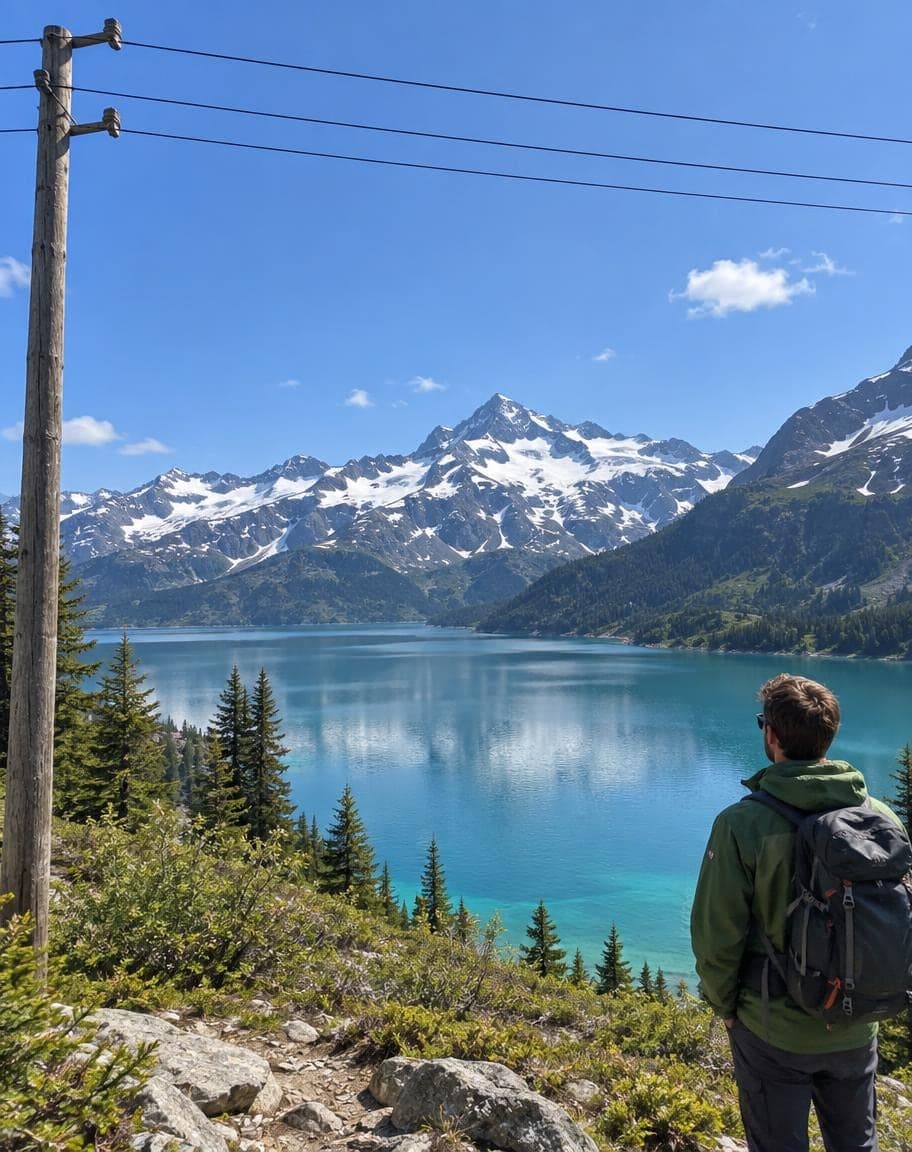
“Remove all the power lines and utility poles”
- 1Upload a photo and tweak the options
- 2Tap “Generate” and wait 30–90 seconds
- 3Compare, download or keep editing
More real results
All made with this tool. Drag the line on each photo to compare.


“Remove all the power lines and utility poles”


“Remove all the power lines and utility poles”
What works best, and what it can't do
Works best
- Wires and poles against the sky, trees or fields — the gaps fill in cleanly, even far down the road.
- Transformers, boxes and cables on the poles go along with them.
- Busy streets: the tangle overhead goes, and the shops, signs and people stay put.
What it can't do
- A thick pole right in the foreground may stay, stripped of its cables. To take it out too, use Point & Edit and tap it.
- Where a pole stood in front of a wall or a shop, what was behind it is redrawn by AI and may not match the real building.
- Removing just one wire out of many: the sentence clears them all. To pick single wires, use Point & Edit.
More photo fixes
All tools

Remove People from Photos
Erase tourists and clutter from the background


Fix Photo Lighting
Pro-level light, color and clarity in one tap


AI Portrait Retouch
Natural retouching that still looks like you

 12
121Turn the sky into a sunset2Remove the lamp post
Point & Edit
Tap a spot, say what to change
Remove Power Lines from Photos: FAQ
How do I remove power lines from a photo?
Upload it — “Remove all the power lines and utility poles” is already filled in — and tap Generate. The AI erases the wires, the poles and the gear on them, and fills in the sky and scenery behind.
Will the sky look natural where the wires were?
Yes. Wires are thin, so the sky behind them is easy to rebuild — clouds, sunset colors and gradients carry on right through. Poles take more filling in, but against sky, trees or fields they blend in well.
Can it remove the poles and transformers too?
Yes, the sentence already asks for the poles, and transformers, boxes and cables on them go too. A thick pole right in front of you may stay behind with its cables gone — use Point & Edit and tap it to take it out.
Can I use it on real estate photos?
Yes, wires and poles in front of a house are some of the most common things people remove, and the house, lawn and driveway stay as they were. If the photo is for a listing, check the listing site's rules on edited photos first.
What if a wire is still there?
Tap “Keep editing” on your result, choose Point & Edit and tap the wire that's left. It only changes the spots you tap.
Is it free?
Yes. You get 2 free edits every day — no sign-up and no credit card (free results carry a small watermark). Edits that fail don't count.
What happens to my photo?
It's stored privately and only used to make your edit. Only you can see it — in the browser you uploaded from, or in your account once you sign in — and we never sell your photos or use them to train AI models.
2 free edits every day. Need more? See pricing