Fix Dark Photos
The candles were lit, the sun had just set, the lamp was dim — and the photo came out nearly black. Upload it and the AI brightens it until faces and details are clear, while the warm glow and the moment stay as they were.
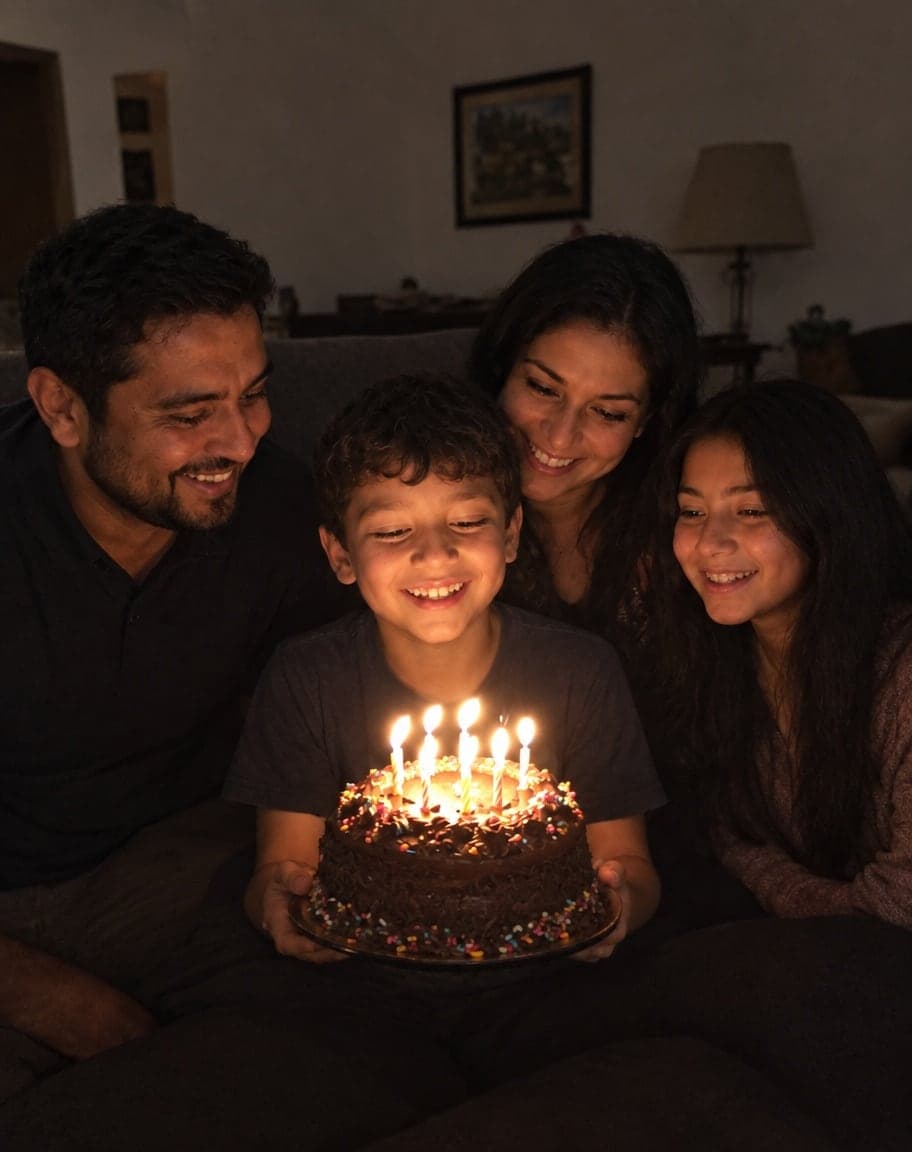
Example
Photo to fix*
Usually 30–90 s · failed edits don't count
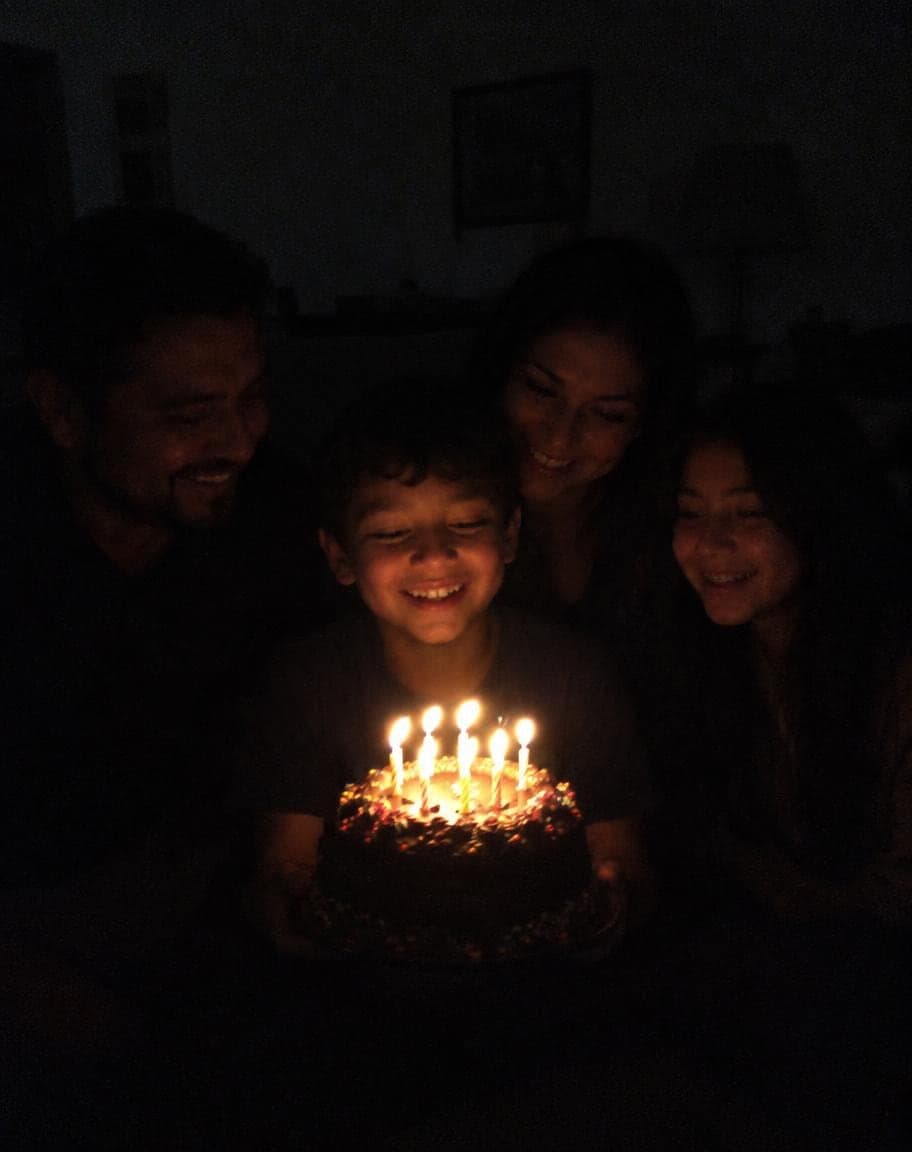
- What's wrong with it?:
- Too dark
- 1Upload a photo and tweak the options
- 2Tap “Generate” and wait 30–90 seconds
- 3Compare, download or keep editing
More real results
All made with this tool. Drag the line on each photo to compare.
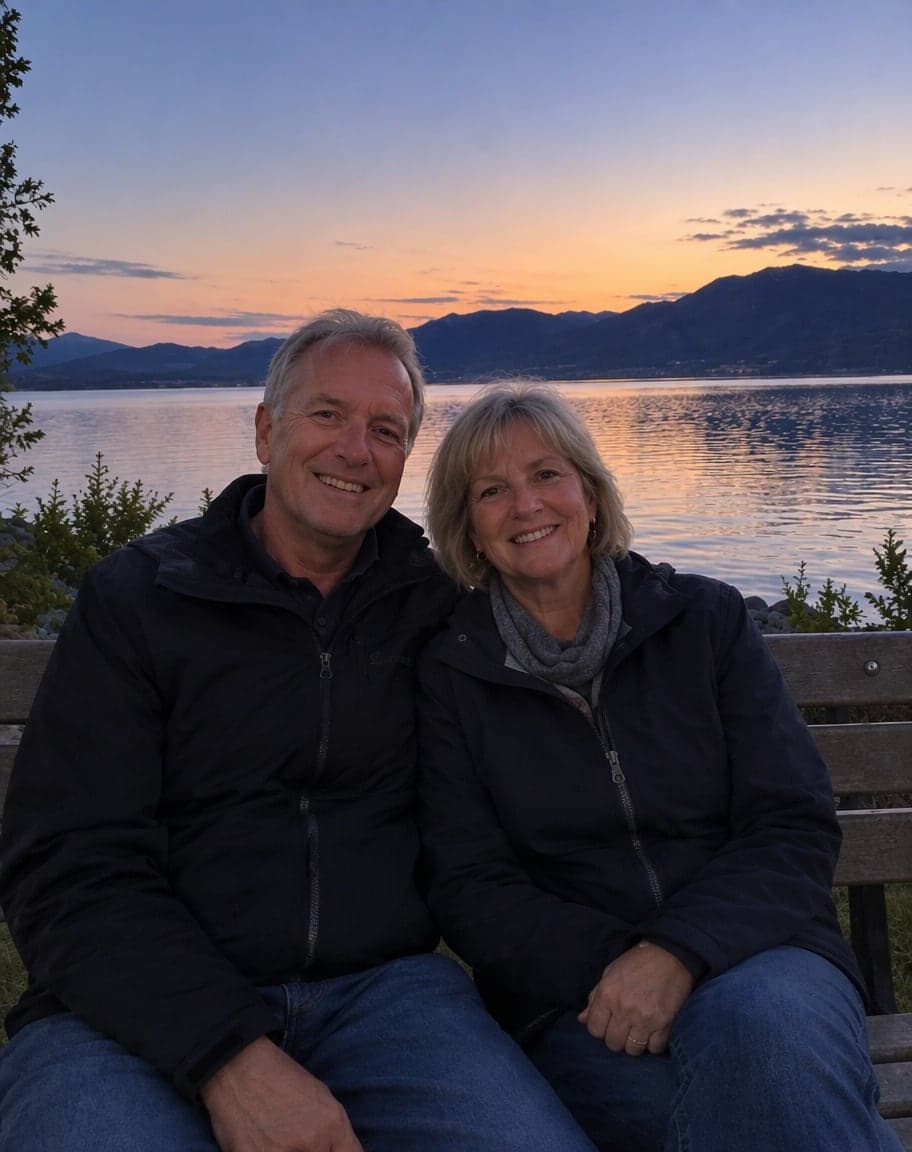
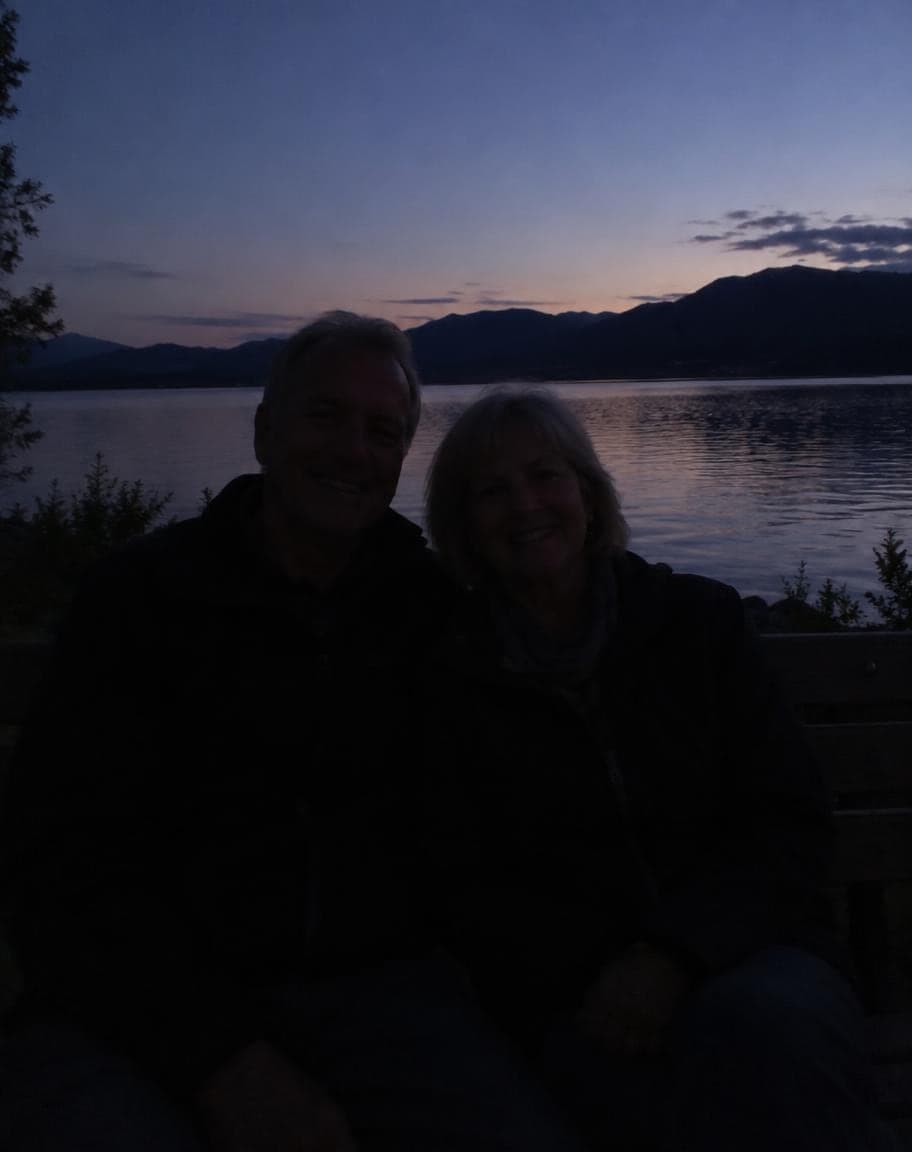
- What's wrong with it?:
- Too dark

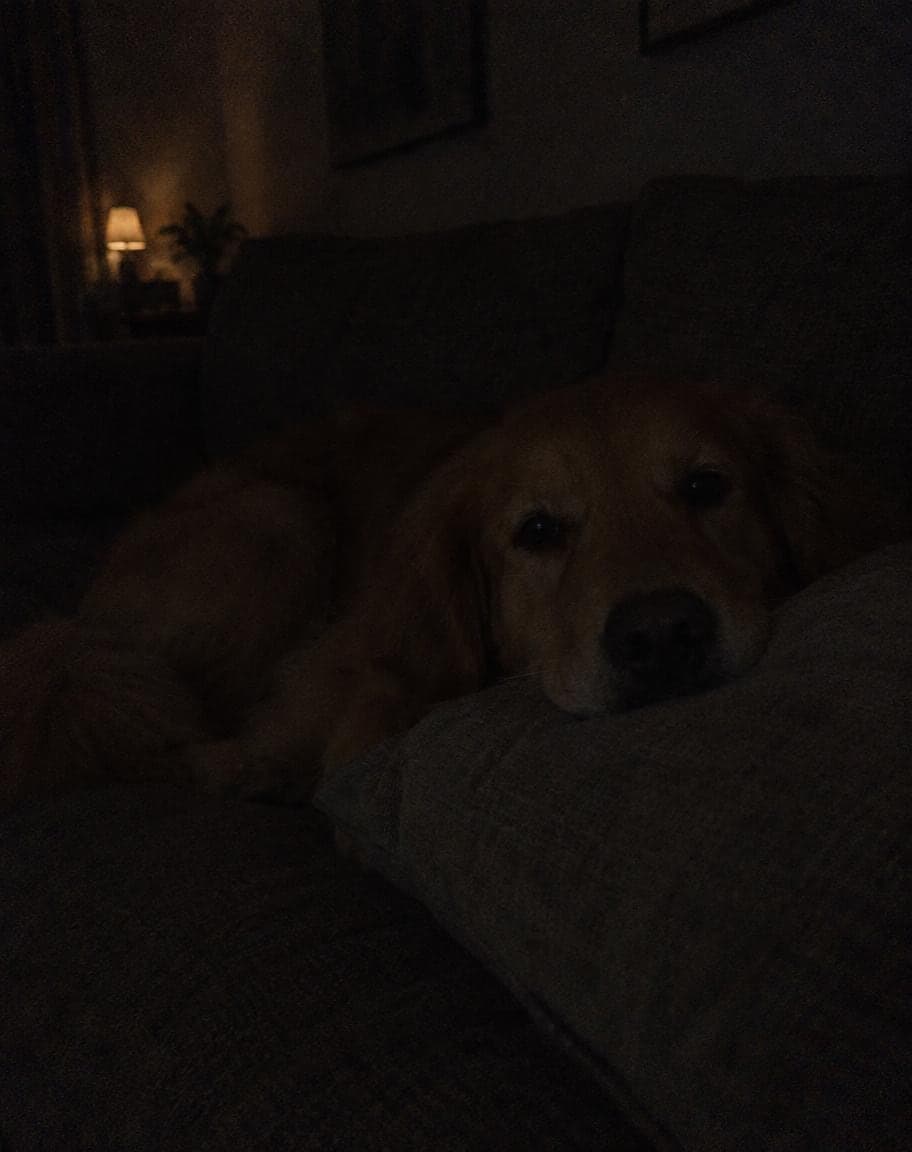
- What's wrong with it?:
- Too dark
What works best, and what it can't do
Works best
- In focus but too dark: dim rooms, candlelight, dusk, evenings indoors.
- You can just about make out faces and shapes — the more the camera caught, the more natural the result.
- Want it to stay moody? Say so under “Anything else?”, e.g. “keep it dim, just show our faces”.
What it can't do
- Blurry or shaky night shots: it fixes light and color, not focus.
- Pitch-black areas: detail the camera never caught is filled in by AI, not recovered, so it may not match the real scene.
- Very dark photos can come out a bit brighter than the room really was, as if a flash went off. Ask for “a little darker” under “Anything else?” and run it again.
More photo fixes
All tools
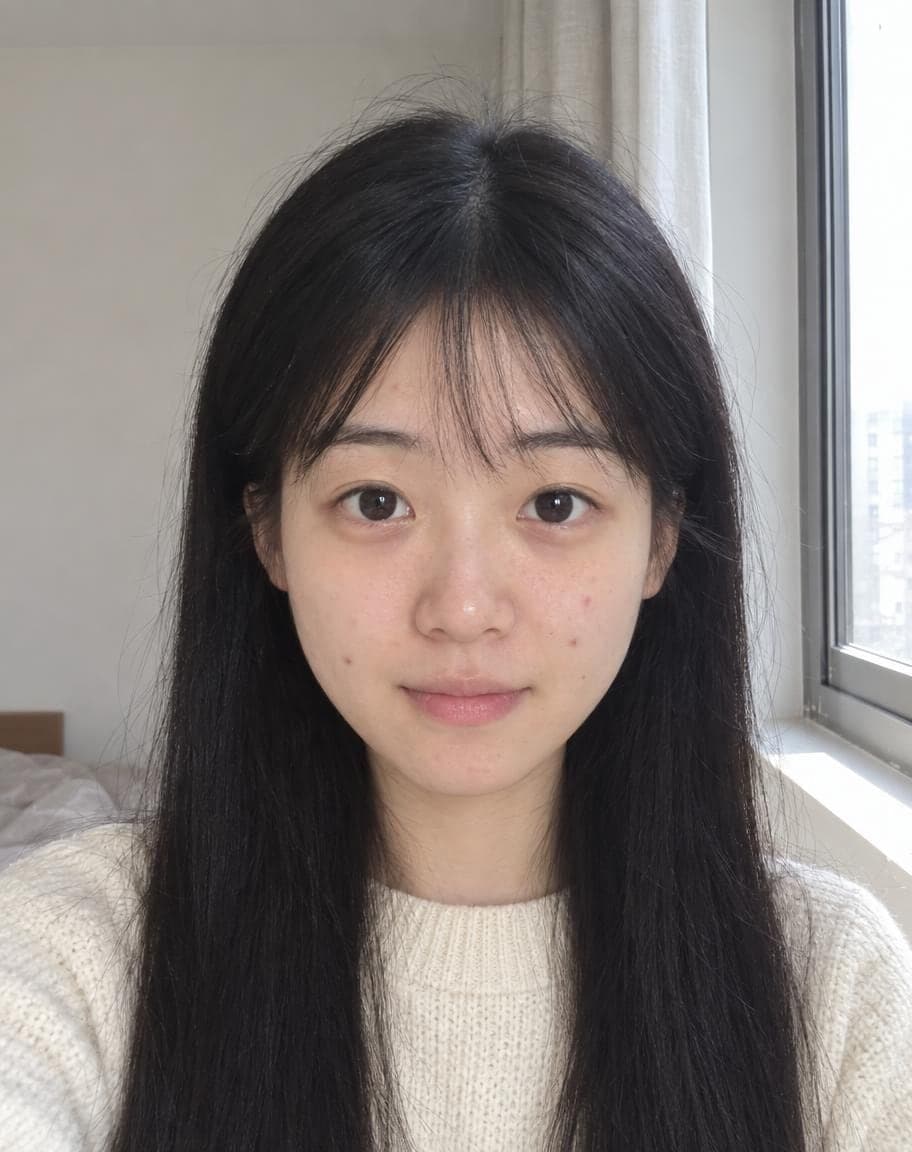
AI Portrait Retouch
Natural retouching that still looks like you
 12
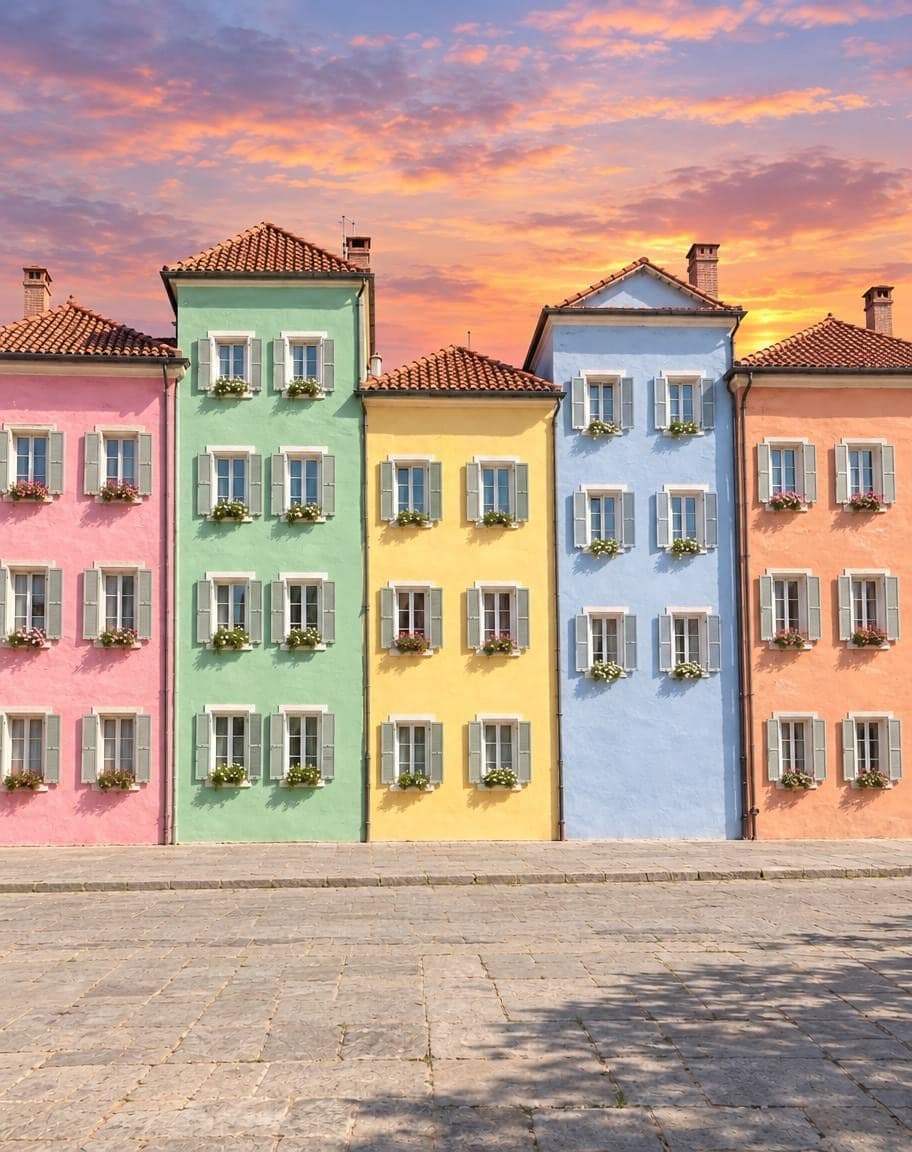
121Turn the sky into a sunset2Remove the lamp post
Point & Edit
Tap a spot, say what to change
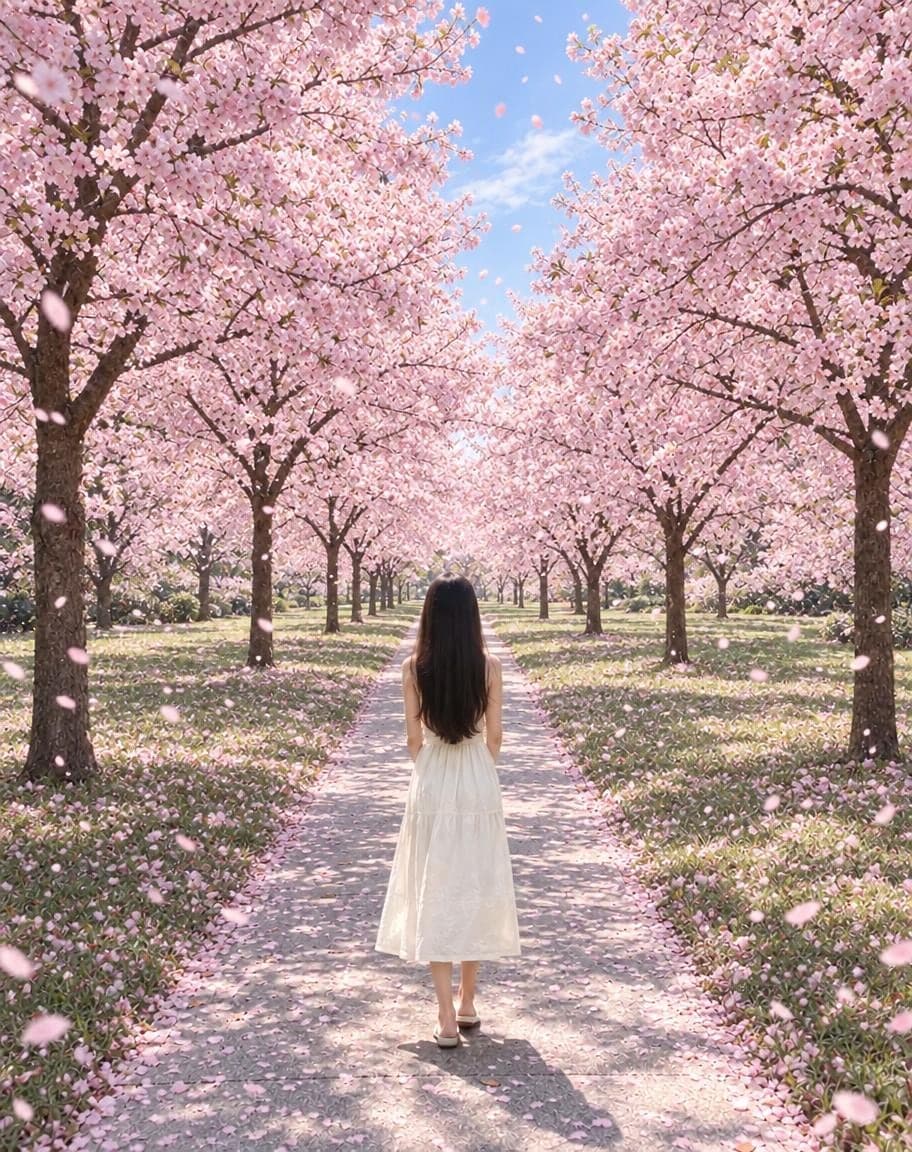
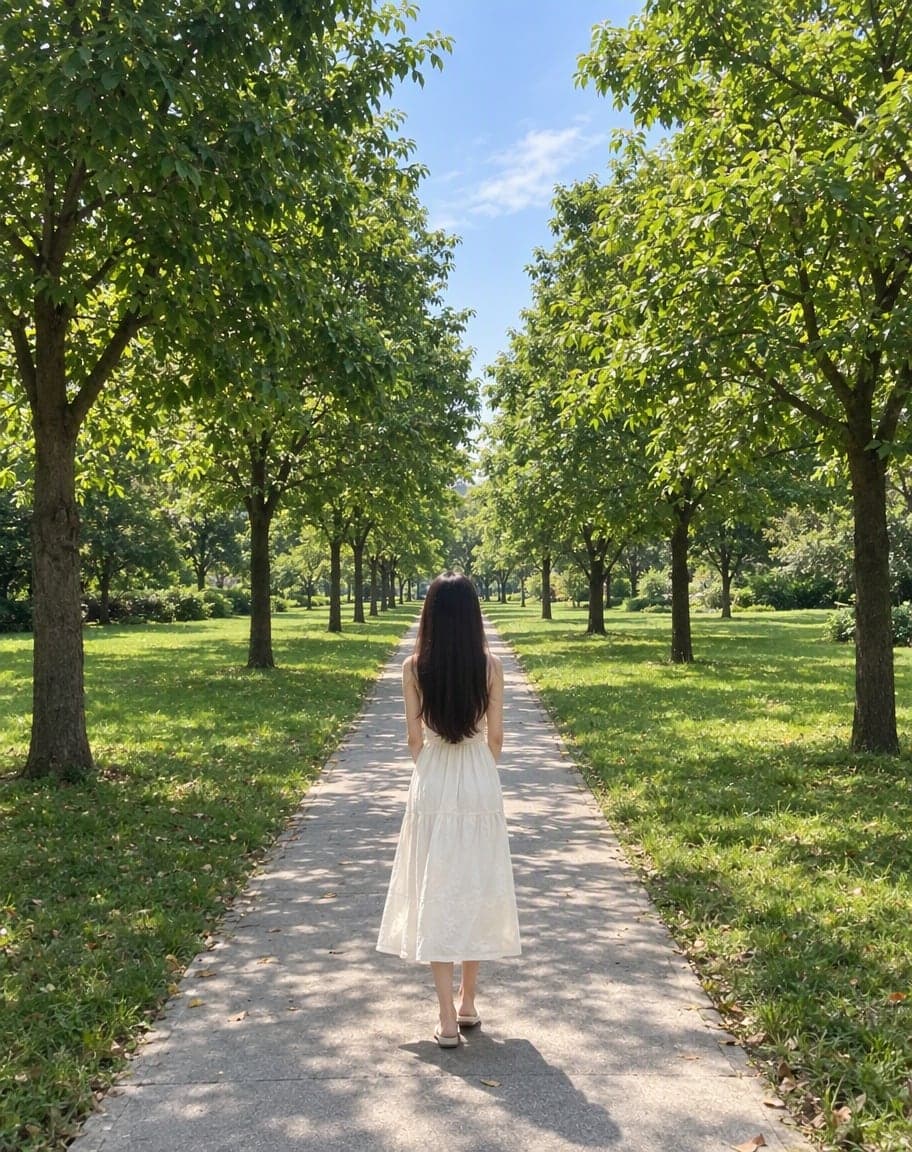
“Switch the background to cherry-blossom season, with petals drifting in the air”
Edit Photo with Text
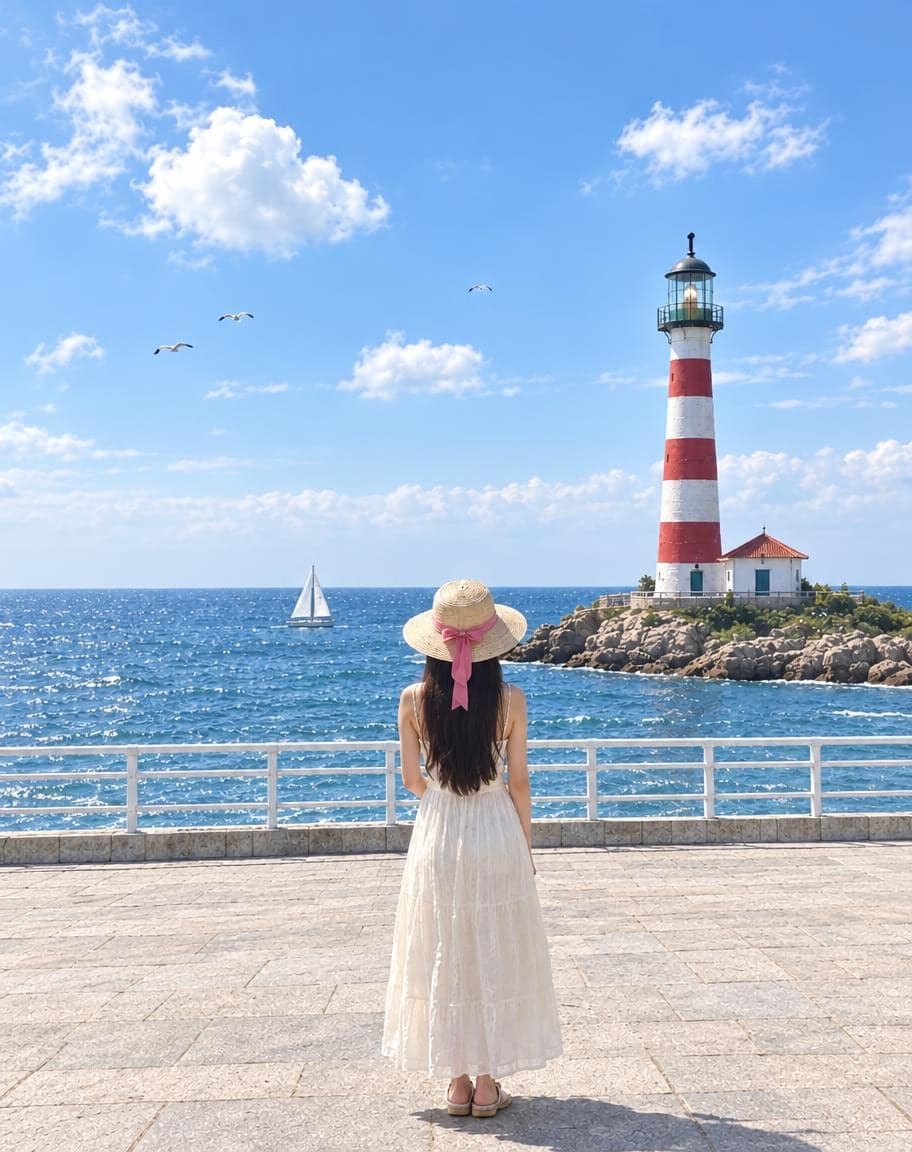
Describe any edit in one sentence
Remove People from Photos
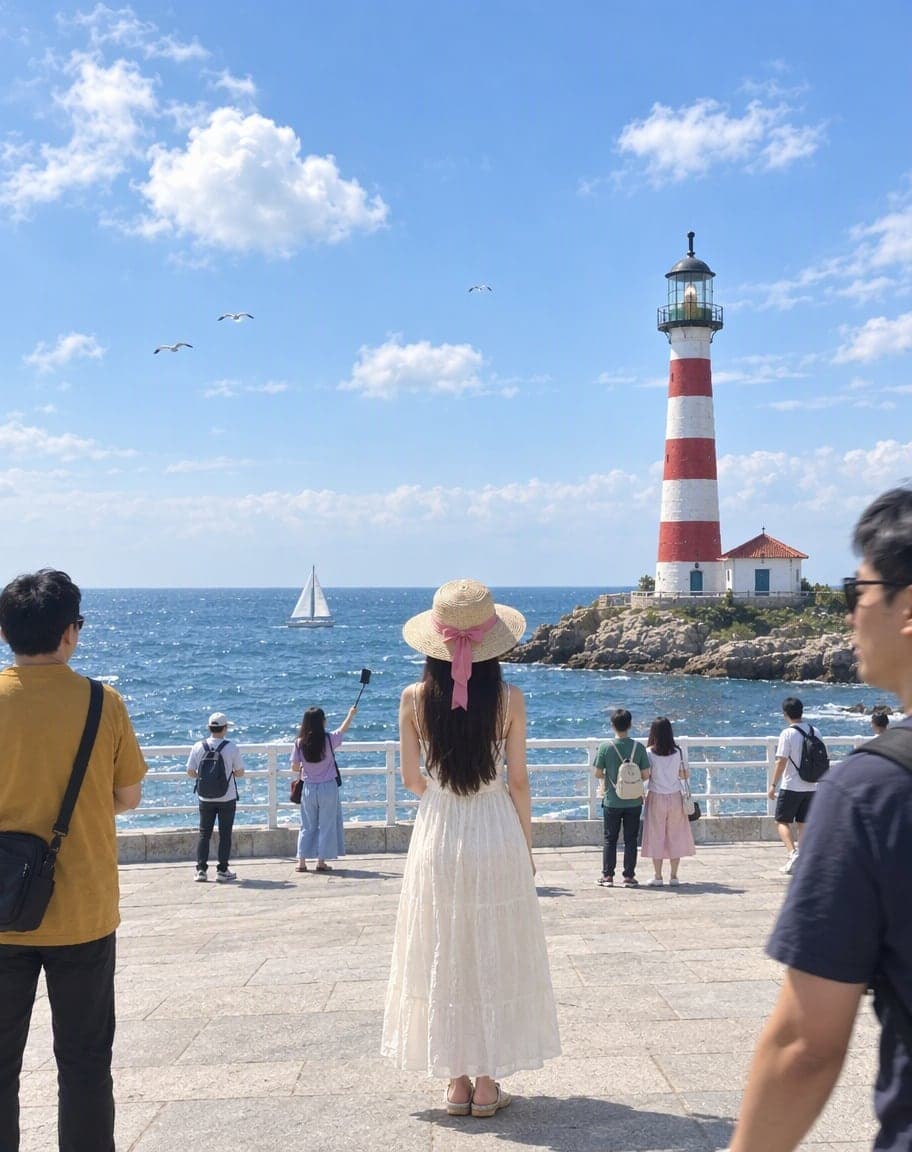
Erase tourists and clutter from the background
Fix Dark Photos: FAQ
How do I fix a photo that's too dark?
Upload it — “Too dark” is already selected — and tap Generate. The AI lifts the shadows and balances the colors the way a photographer would, without moving or changing anyone in the photo.
Will it still look like it was taken at night?
Yes. It keeps the time of day and the light you shot in: candles stay warm and a dusk sky stays dusk. It brightens things just enough to see faces and details.
Can it fix grainy, noisy dark photos?
It cleans up some of the grain while it brightens, but it can't add sharpness that isn't there. Dark photos that are in focus work best.
Does it work on iPhone and Android photos?
Yes. Upload straight from your phone in the browser, including iPhone HEIC photos — there's no app to install.
Is it free?
Yes. You get 2 free edits every day — no sign-up and no credit card (free results carry a small watermark). Edits that fail don't count.
What happens to my photo?
It's stored privately and only used to make your edit. Only you can see it — in the browser you uploaded from, or in your account once you sign in — and we never sell your photos or use them to train AI models.
2 free edits every day. Need more? See pricing