Point & Edit
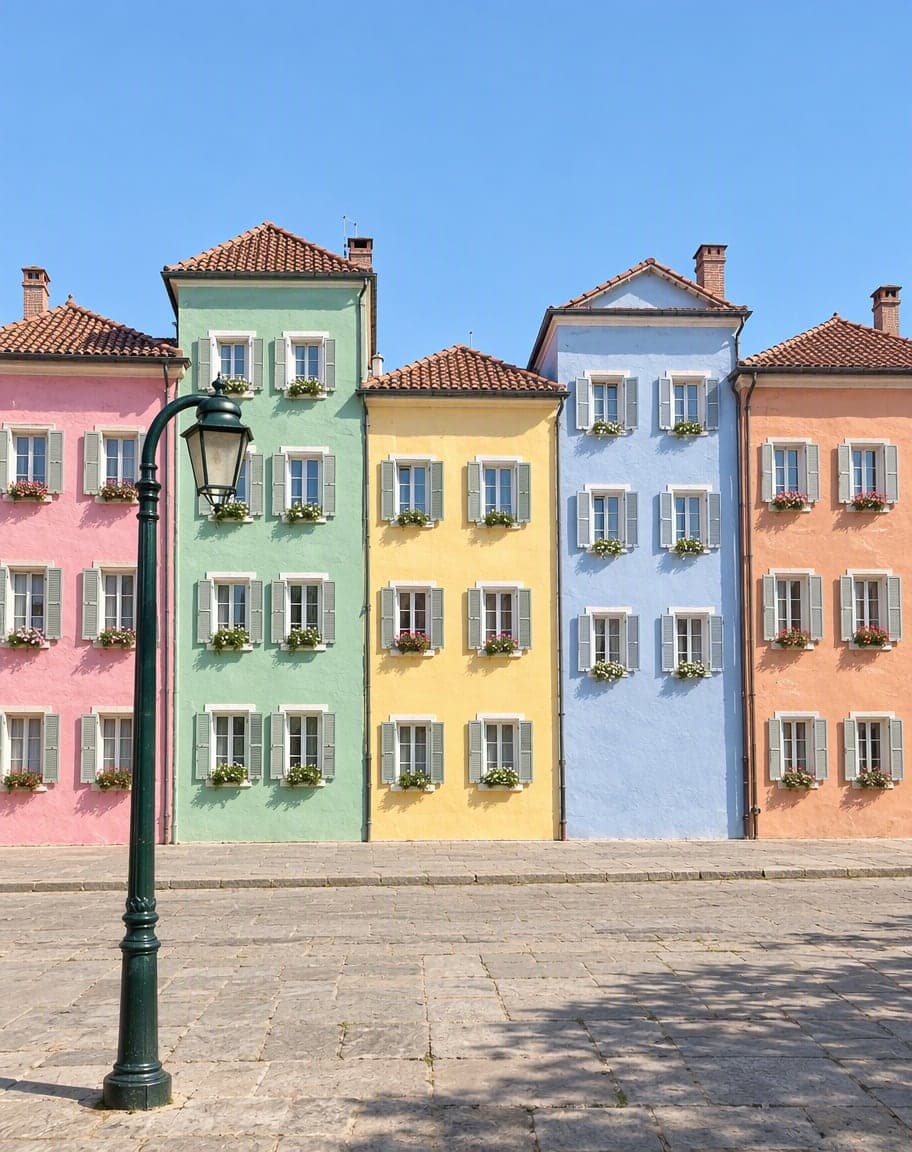
Too many changes to describe? Tap each spot on your photo and write one instruction per pin. Only those spots change — everything else stays put.

Example
Photo to edit*
Usually 30–90 s · failed edits don't count
 12
121Turn the sky into a sunset2Remove the lamp post
- 1Upload a photo and tweak the options
- 2Tap “Generate” and wait 30–90 seconds
- 3Compare, download or keep editing
More photo fixes
All tools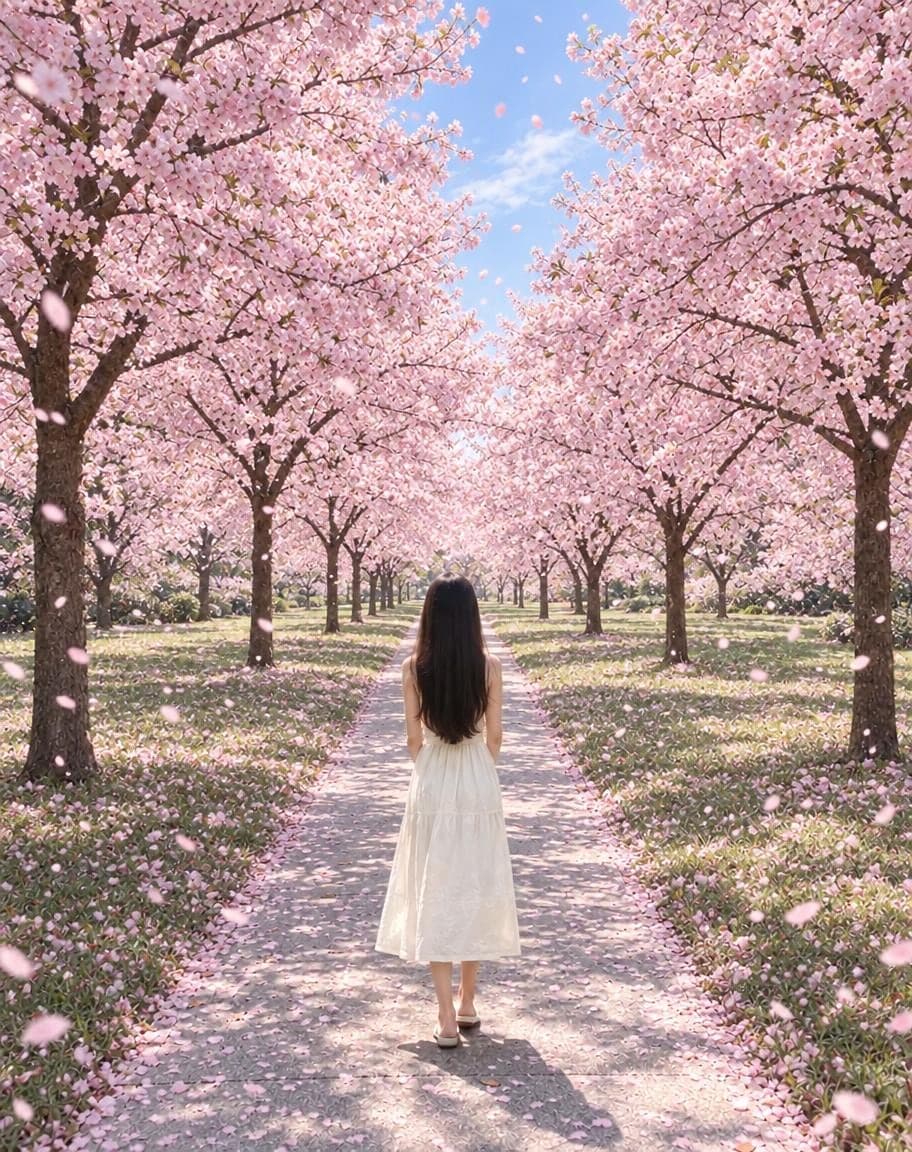
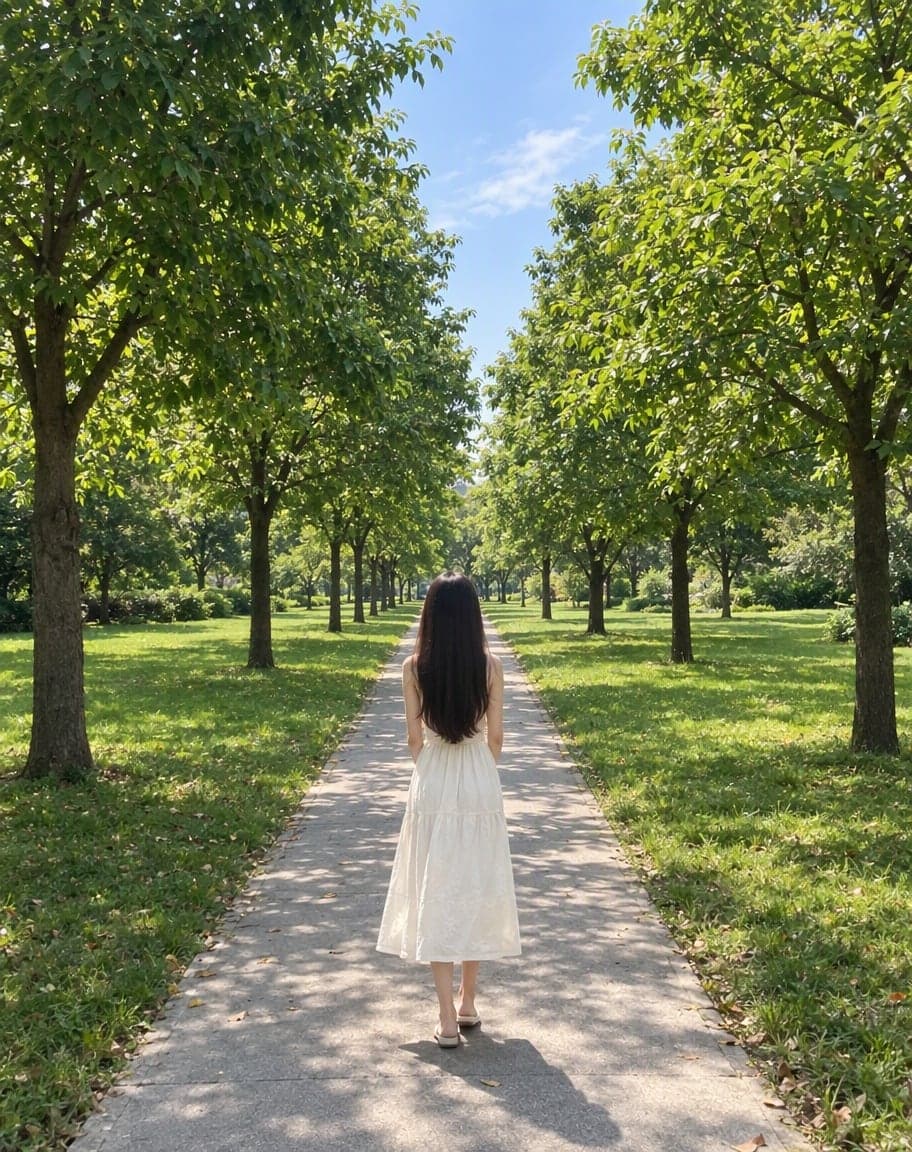
“Switch the background to cherry-blossom season, with petals drifting in the air”
Edit Photo with Text
Describe any edit in one sentence
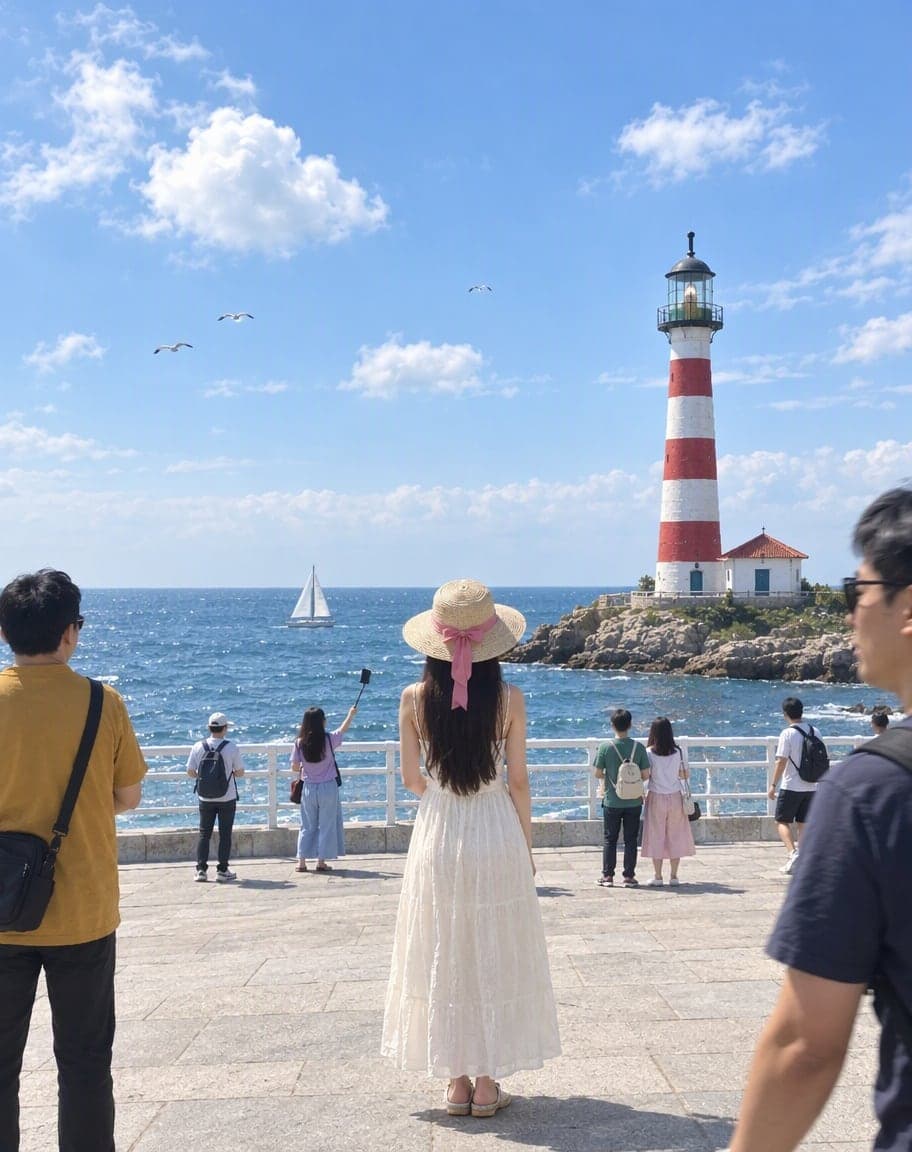
Remove People from Photos
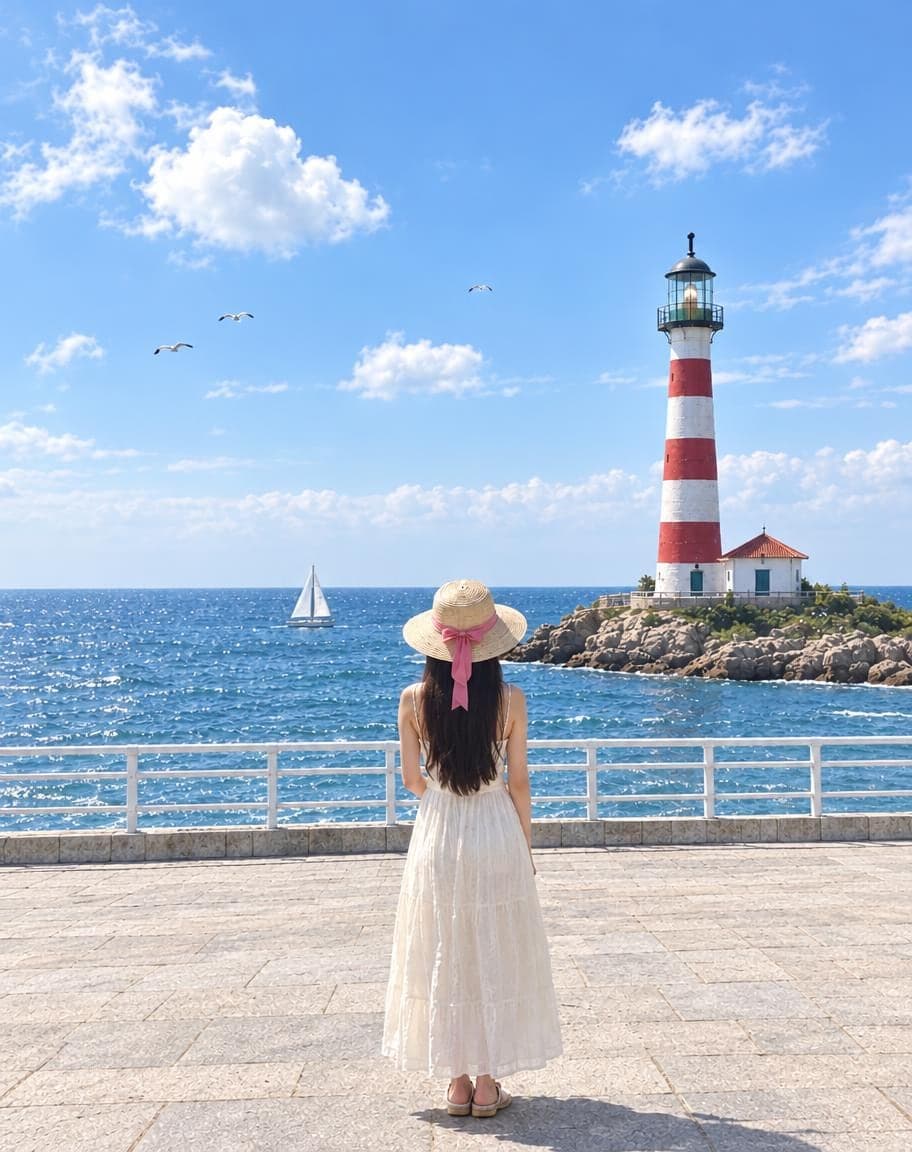
Erase tourists and clutter from the background
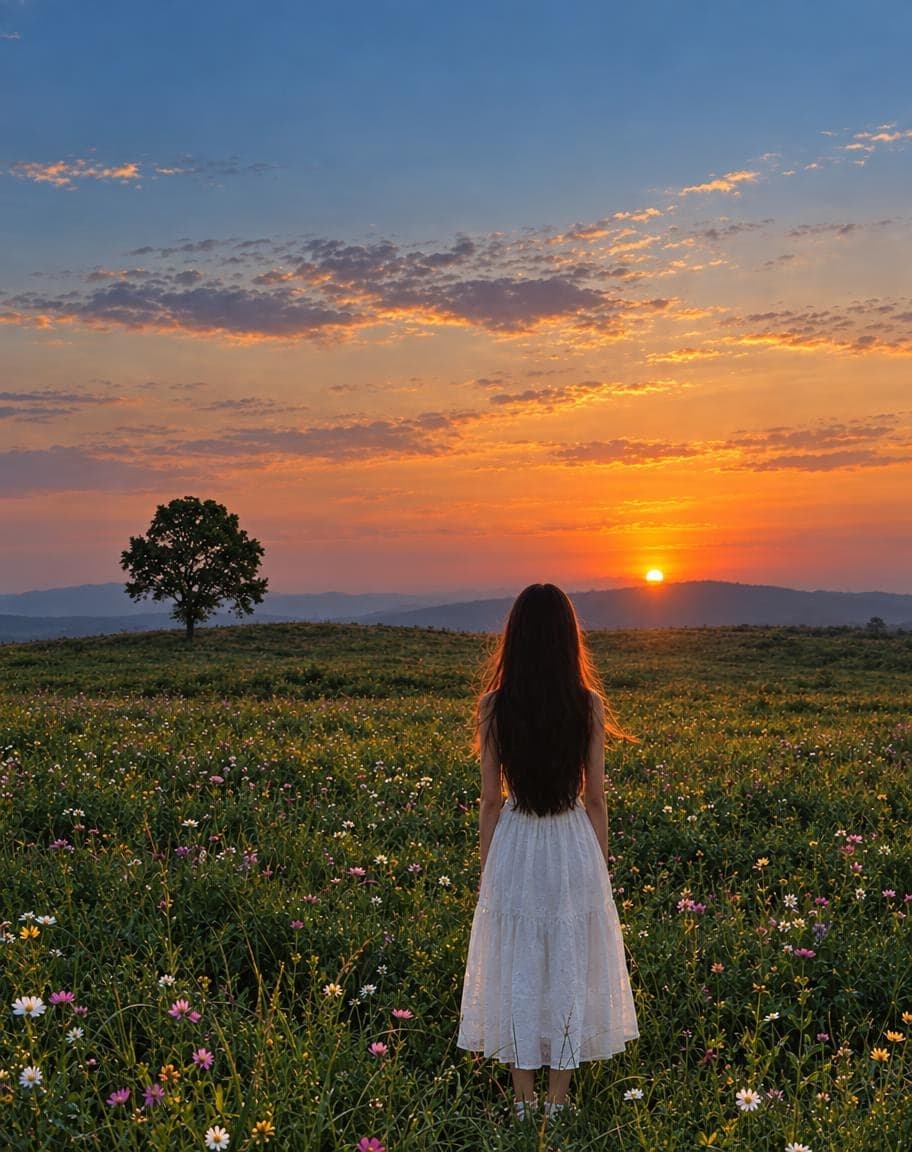
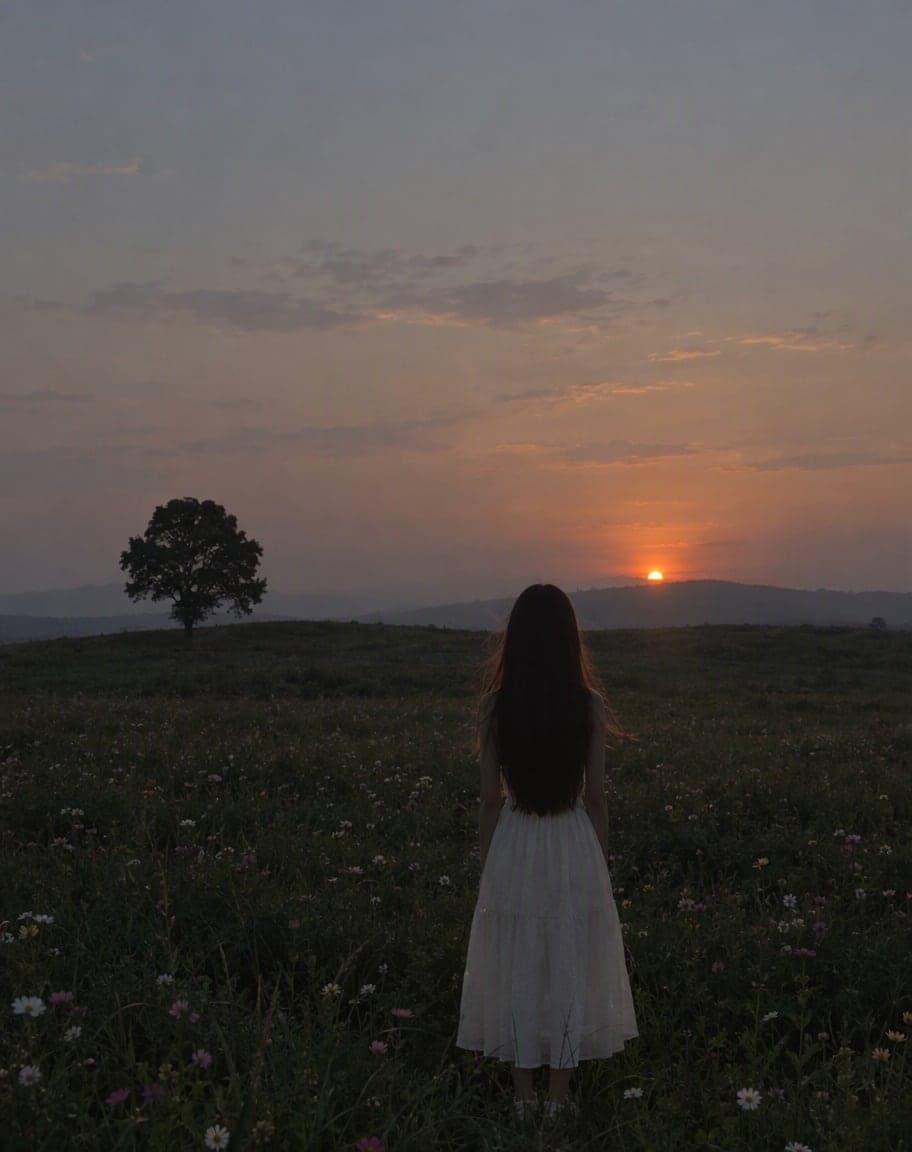
Fix Photo Lighting
Pro-level light, color and clarity in one tap
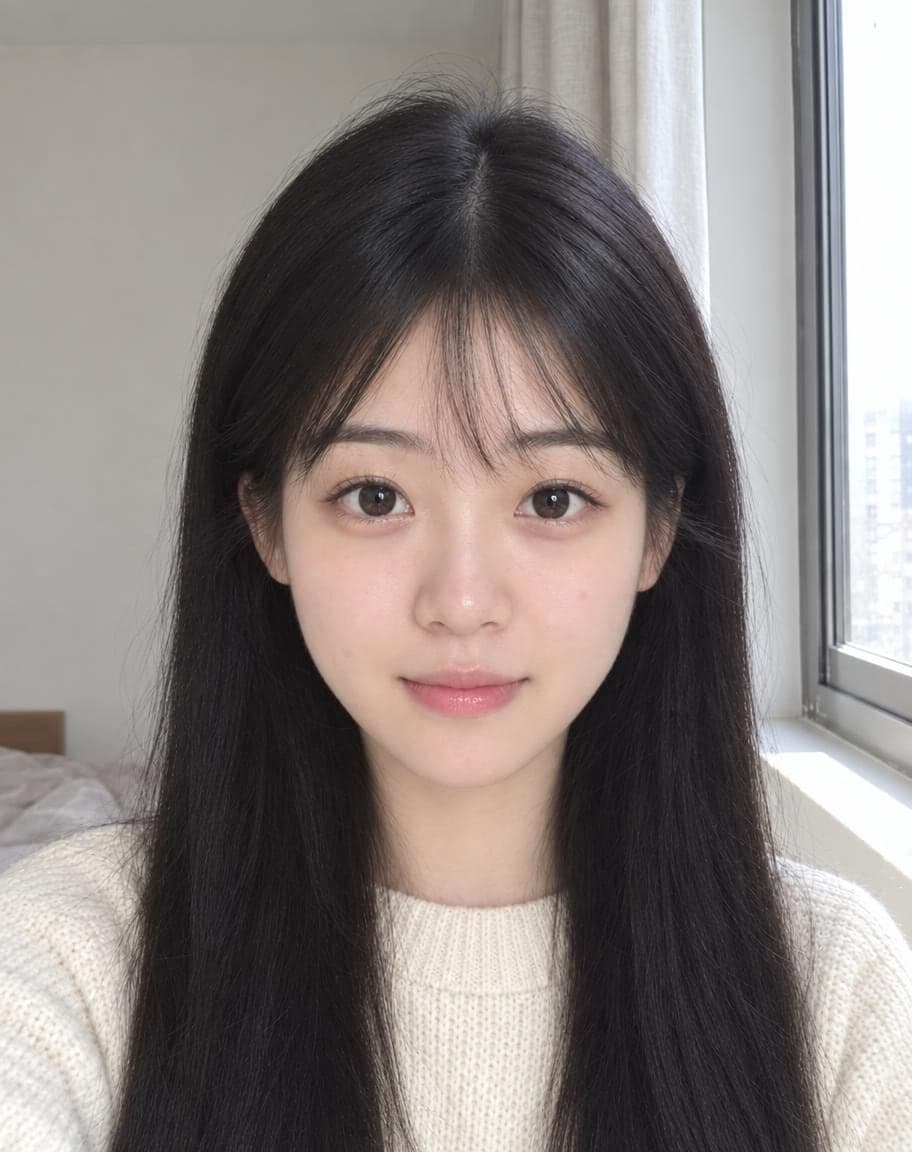
AI Portrait Retouch
Natural retouching that still looks like you
Point & Edit: FAQ
How does Point & Edit work?
Upload a photo, tap each spot you want to change (up to 6) and write one instruction per pin — like “turn the sky into a sunset” or “remove the lamp post”. Only those spots are edited.
Will the pins show up in the result?
No. The numbered pins only tell the AI where to look; they never appear in your final image.
What kind of changes can I make?
Remove objects, recolor things, change the sky, swap a sign, clean up a stain — anything you can describe in a sentence.
What if I want to change the whole photo?
Use Edit Photo with Text instead and describe the change in one sentence.
Is it free?
Yes. You get 5 free edits every day — no sign-up, no credit card and no watermark. Edits that fail don't count.
5 free edits every day. Need more? See pricing