Fix Photo Lighting
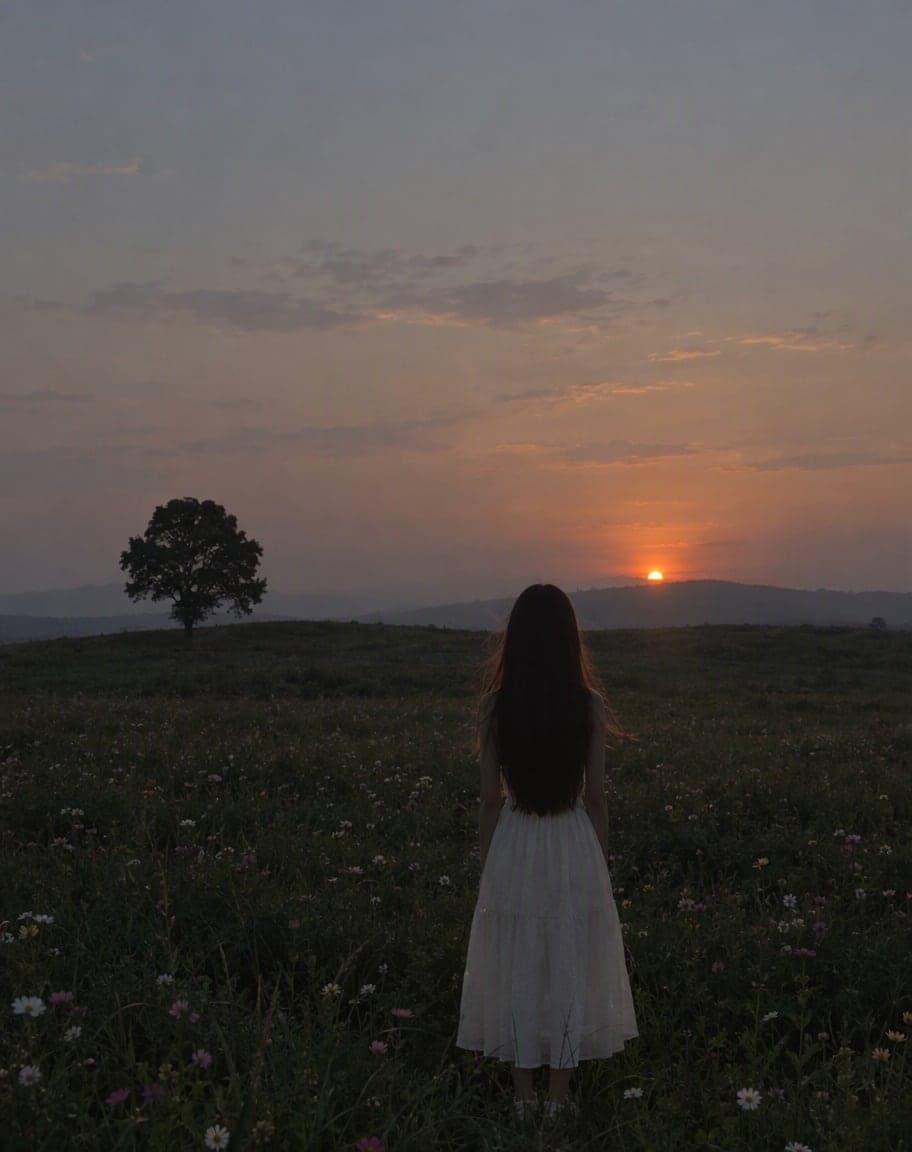
Blown out, too dark, washed out or backlit? The AI re-grades light, color and clarity like a professional photographer — while the composition and faces stay untouched.
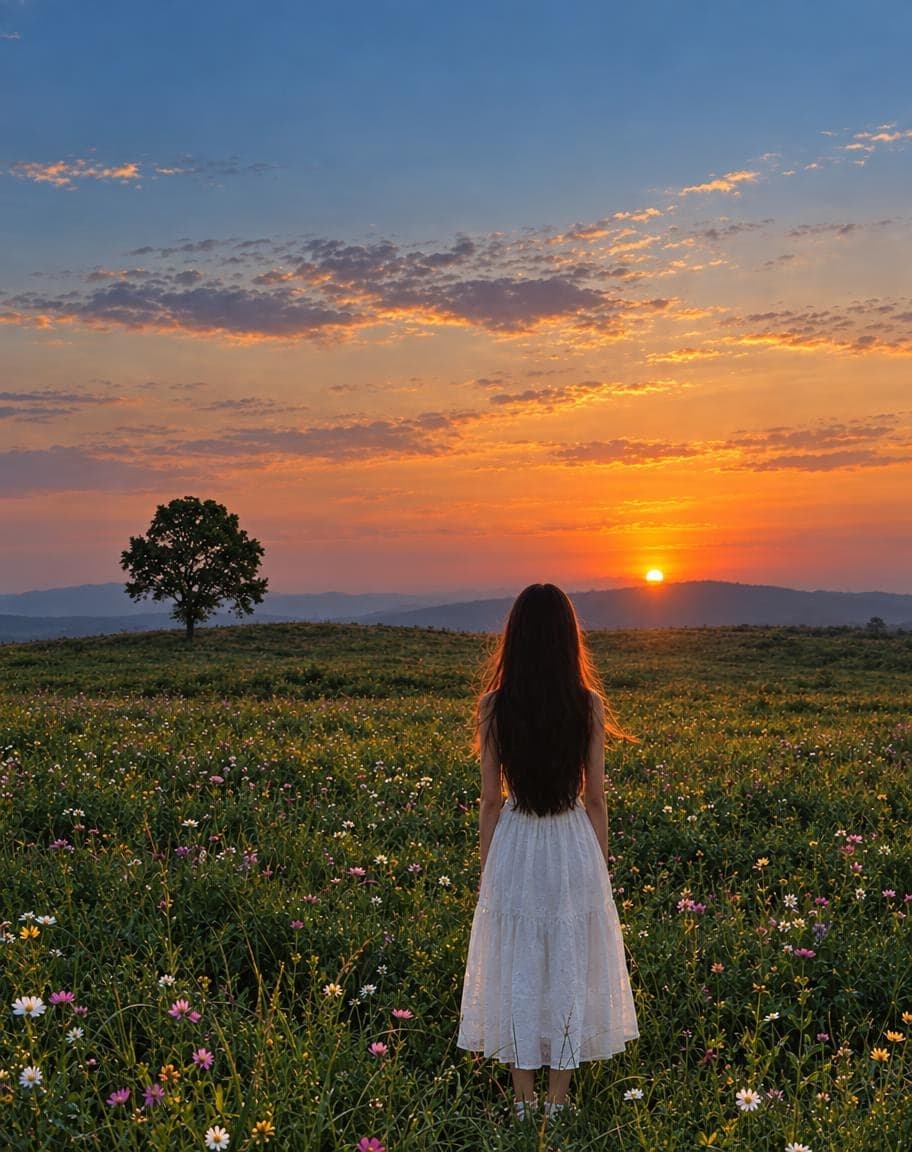
Example
Photo to fix*
Usually 30–90 s · failed edits don't count
- 1Upload a photo and tweak the options
- 2Tap “Generate” and wait 30–90 seconds
- 3Compare, download or keep editing
More photo fixes
All tools
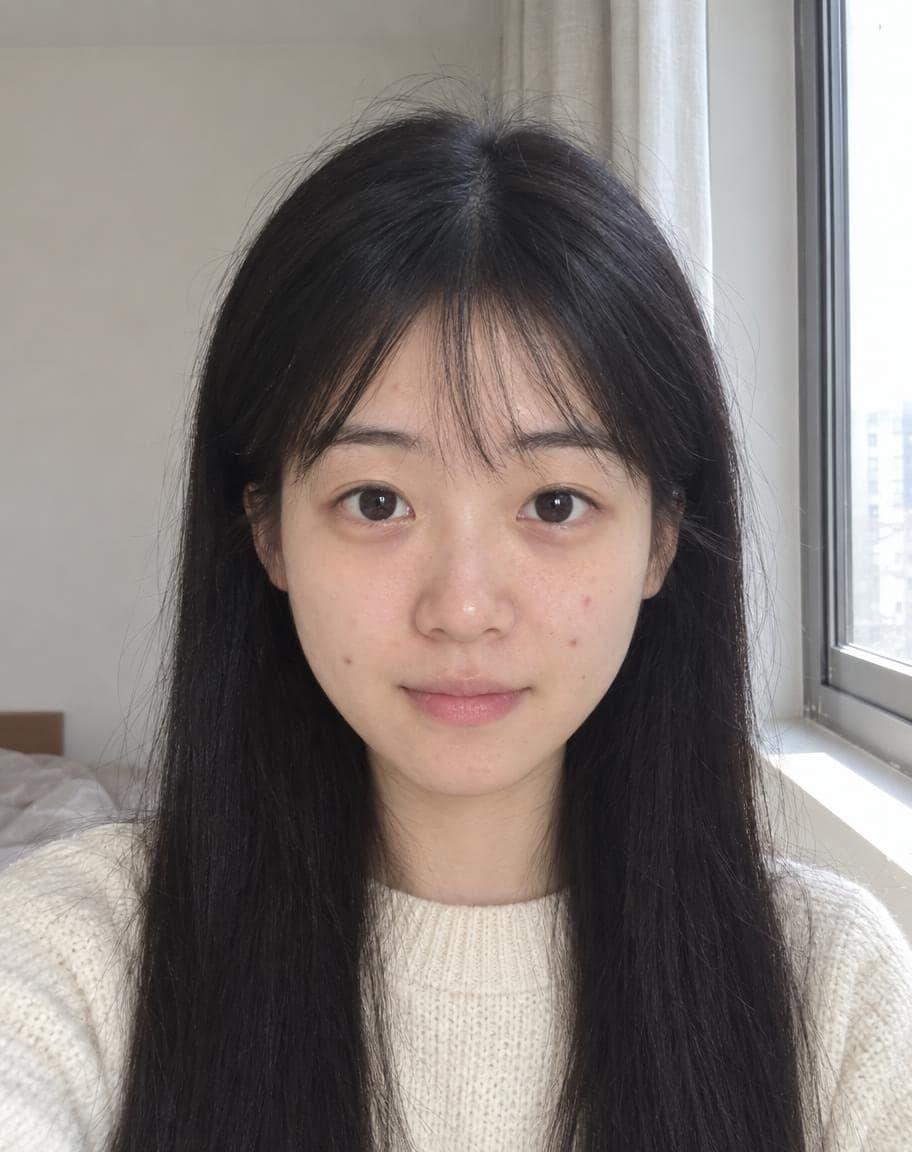
AI Portrait Retouch
Natural retouching that still looks like you
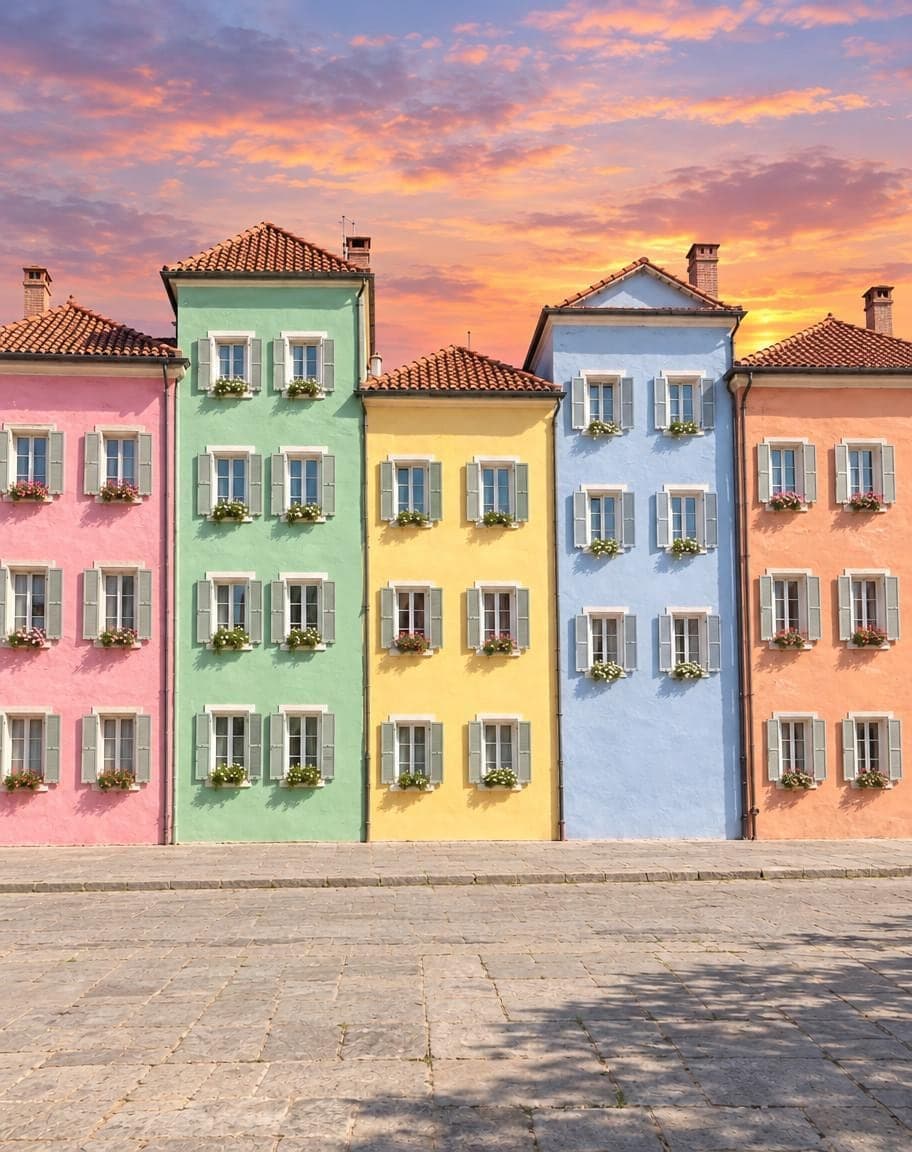
 12
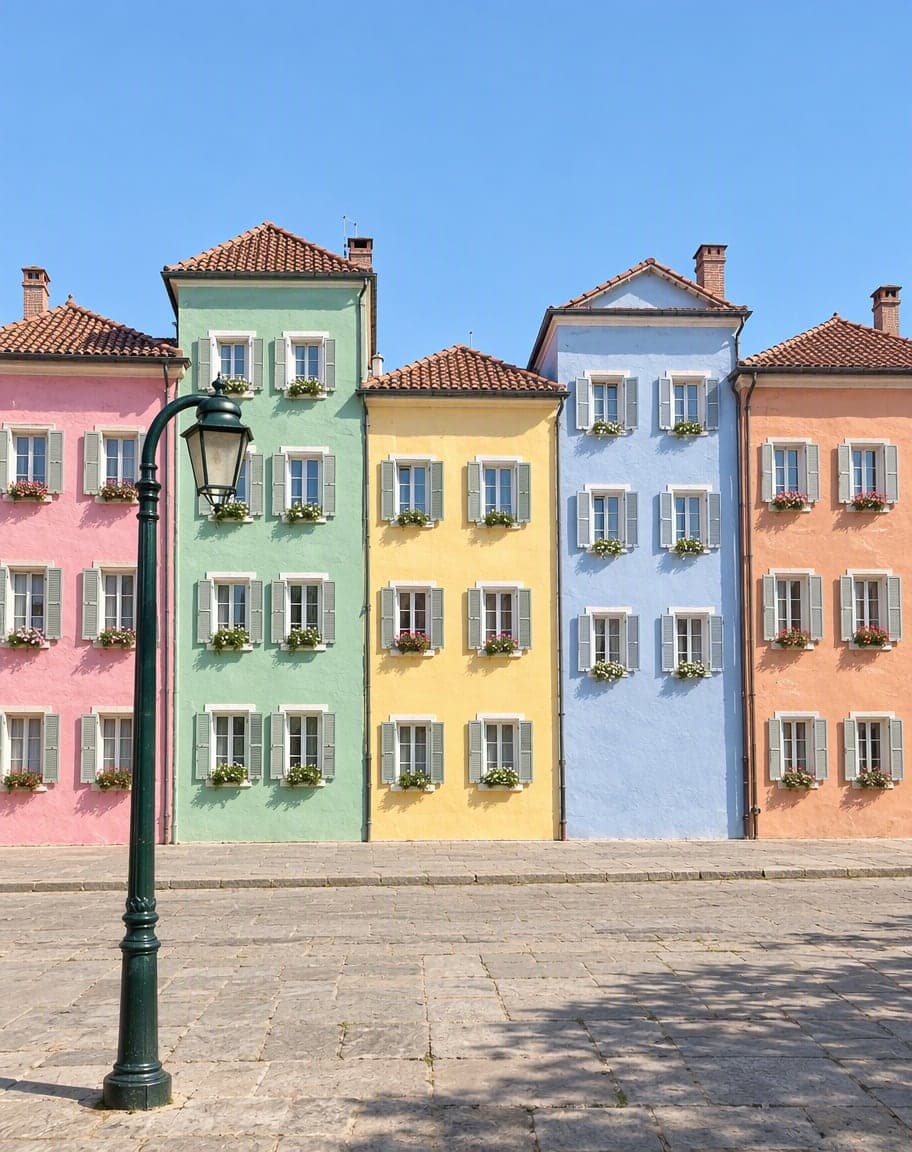
121Turn the sky into a sunset2Remove the lamp post
Point & Edit
Tap a spot, say what to change
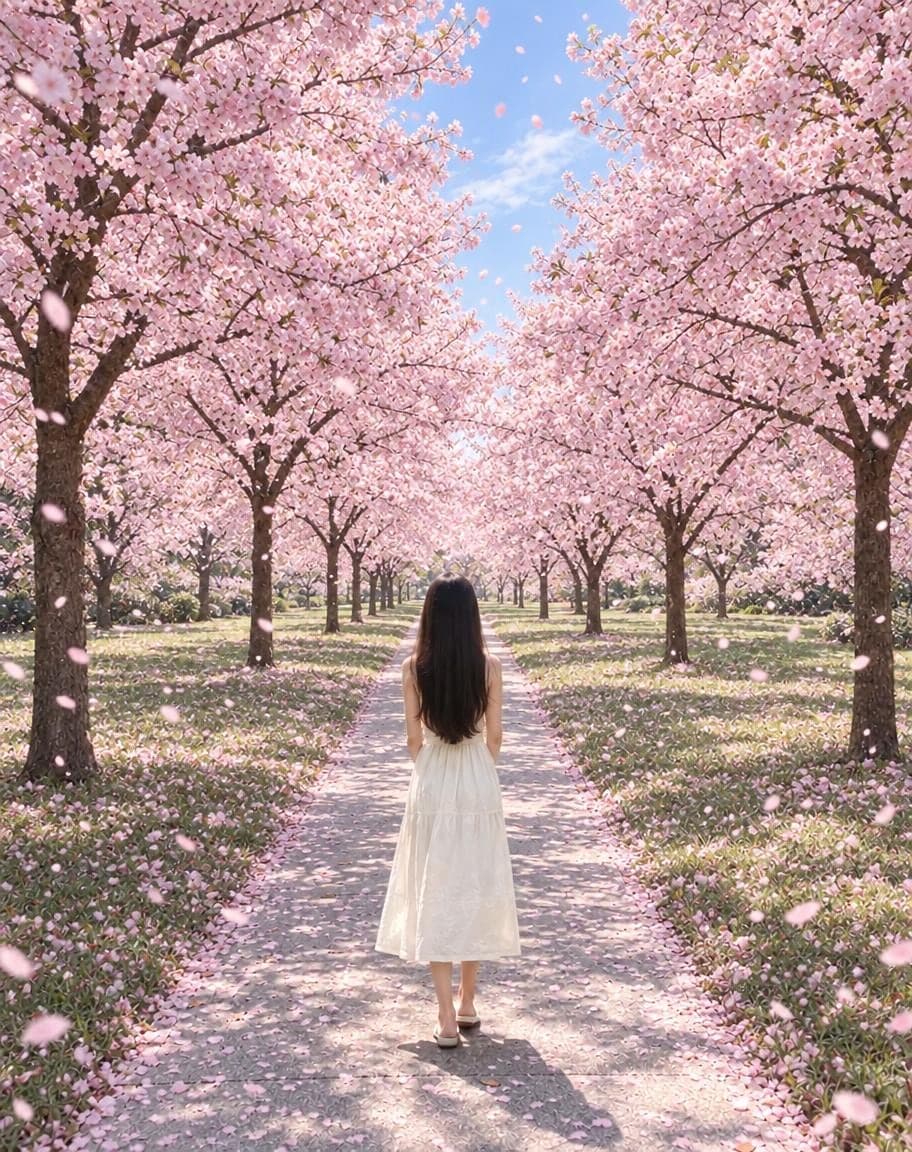
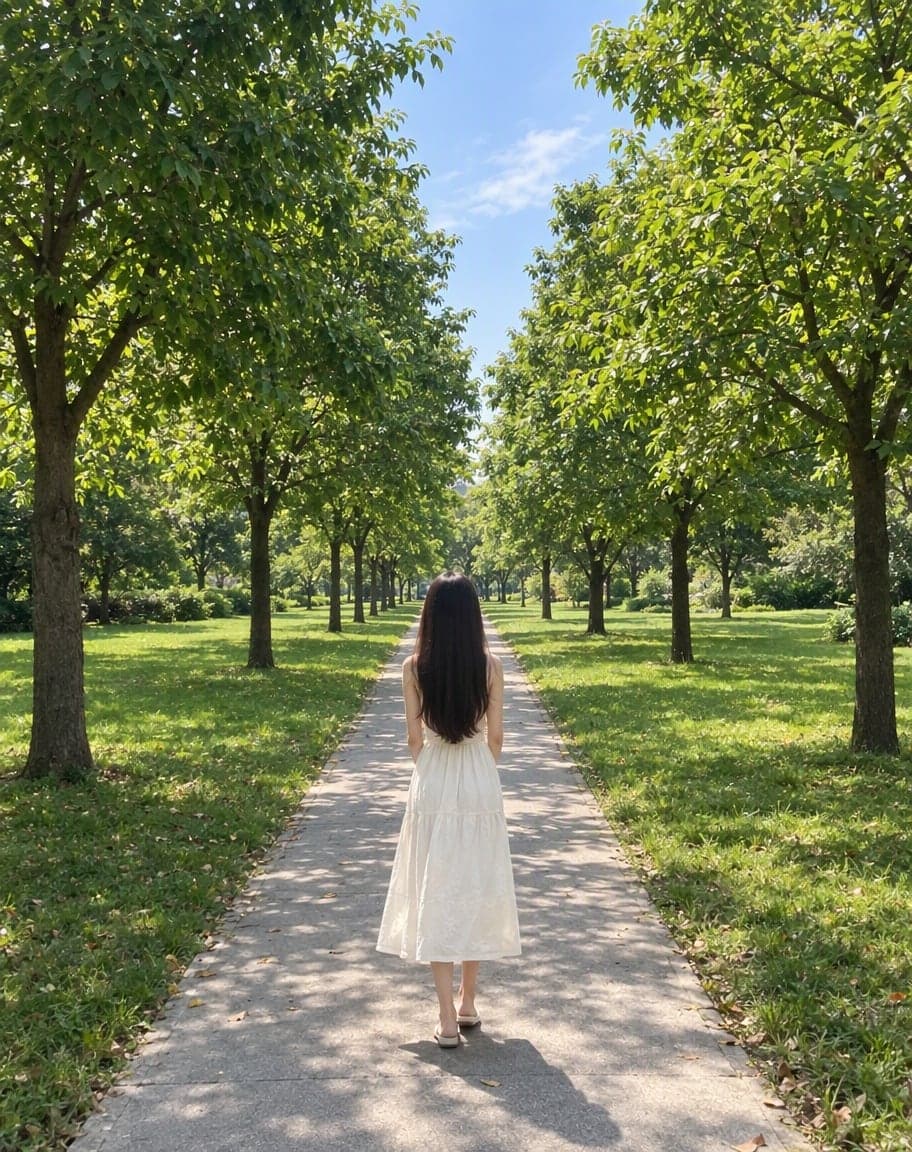
“Switch the background to cherry-blossom season, with petals drifting in the air”
Edit Photo with Text
Describe any edit in one sentence
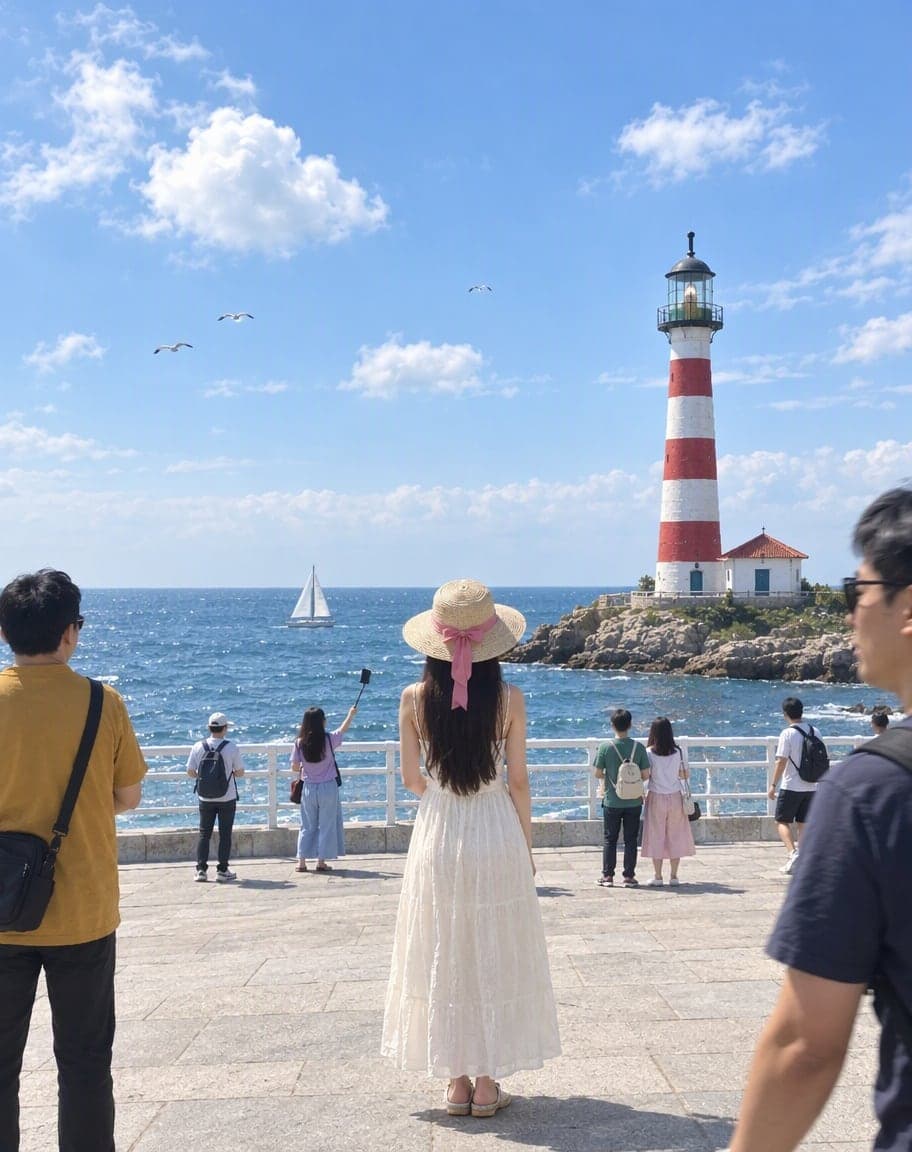
Remove People from Photos
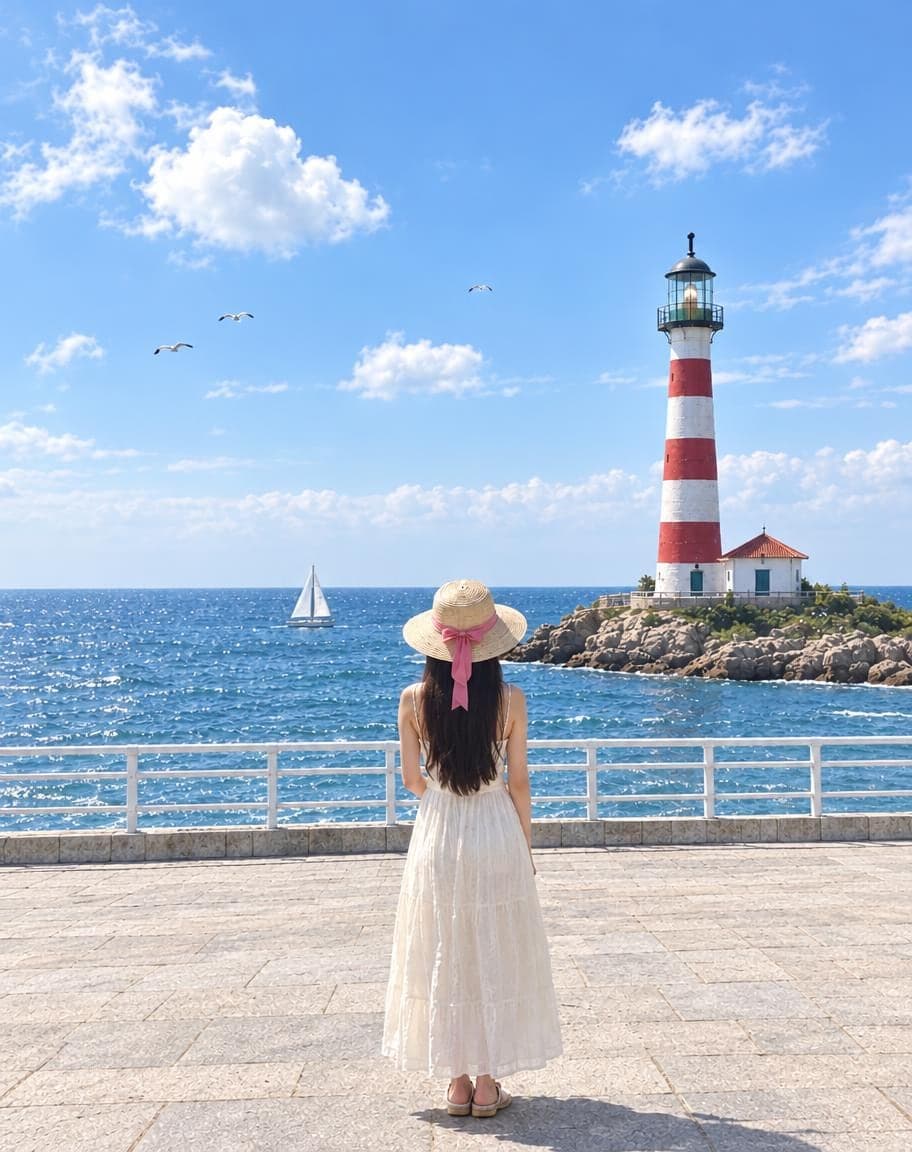
Erase tourists and clutter from the background
Fix Photo Lighting: FAQ
Can it fix a photo that's too dark?
Yes. Choose “Too dark” (or let the AI decide) and it lifts the shadows, recovers detail and balances the colors the way a photographer would.
What about a blown-out sky or a backlit face?
Pick “Blown-out background” or “Backlit face” so the AI knows what to focus on. It rebalances the exposure without changing anything in the scene.
Will it change my face or the scene?
No. The composition, faces and everything in the frame stay the same — only light, color and clarity change.
How is this different from a filter?
A filter applies the same look to every photo. This looks at your photo and fixes its specific problems — exposure, color cast, flatness — the way a retoucher would.
Is it free?
Yes. You get 5 free edits every day — no sign-up, no credit card and no watermark. Edits that fail don't count.
5 free edits every day. Need more? See pricing