Fix Overexposed Photos
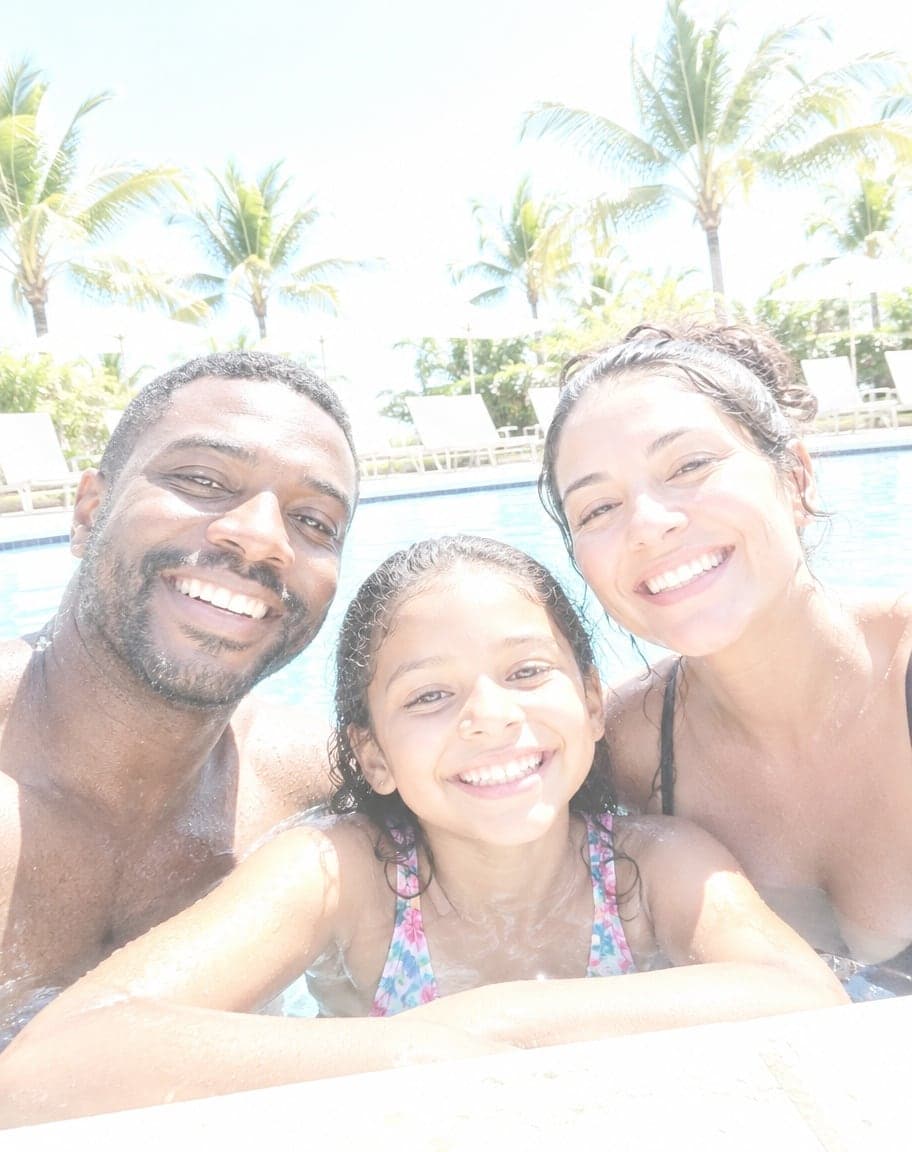
The midday sun, the snow, a bright window or a flash fired too close — and the photo came out white and washed out. Upload it and the AI tones down the glare and brings back the sky, the colors and the shape of faces, while everyone and everything stays exactly where it was.

Example
Photo to fix*
Usually 30–90 s · failed edits don't count
- What's wrong with it?:
- Overexposed
- 1Upload a photo and tweak the options
- 2Tap “Generate” and wait 30–90 seconds
- 3Compare, download or keep editing
More real results
All made with this tool. Drag the line on each photo to compare.
- What's wrong with it?:
- Overexposed
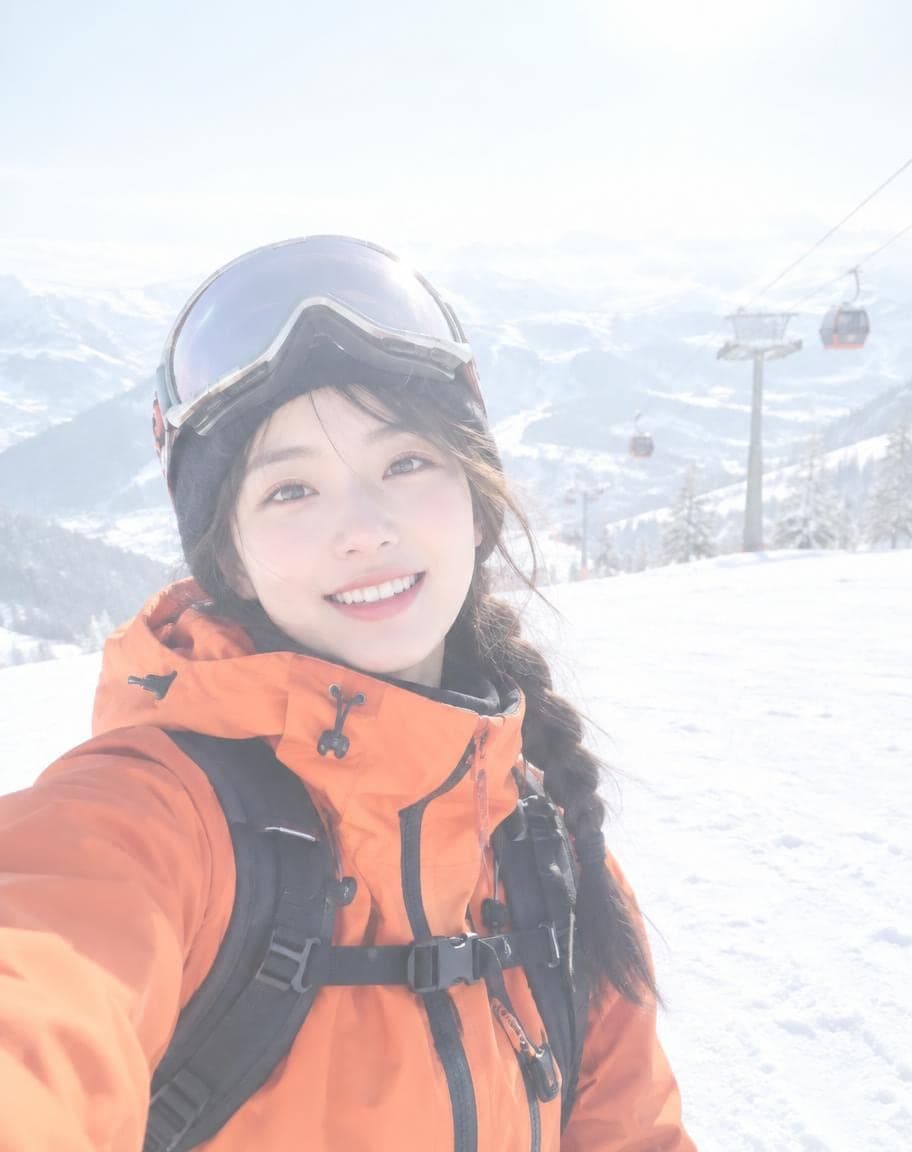
- What's wrong with it?:
- Overexposed
What works best, and what it can't do
Works best
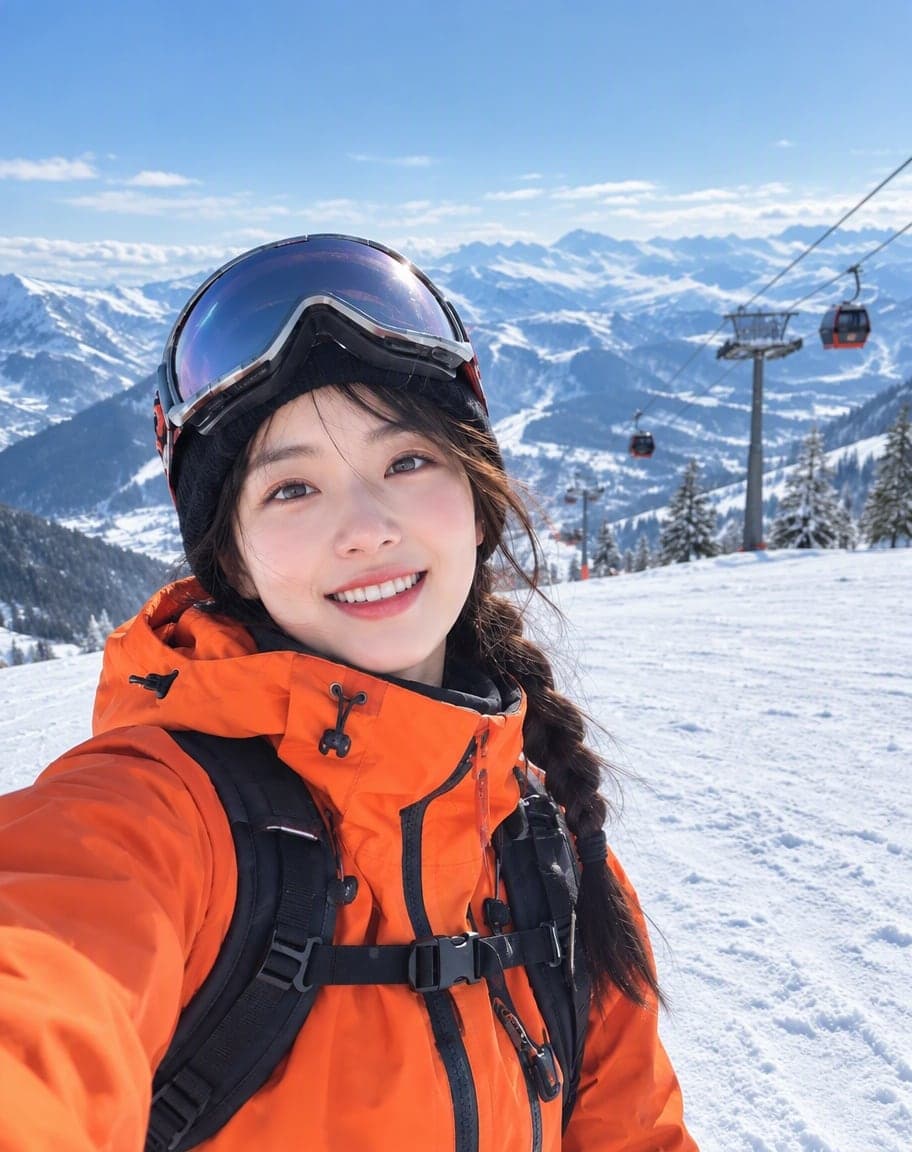
- Washed-out daylight shots: beaches, pools, snow, the midday sun.
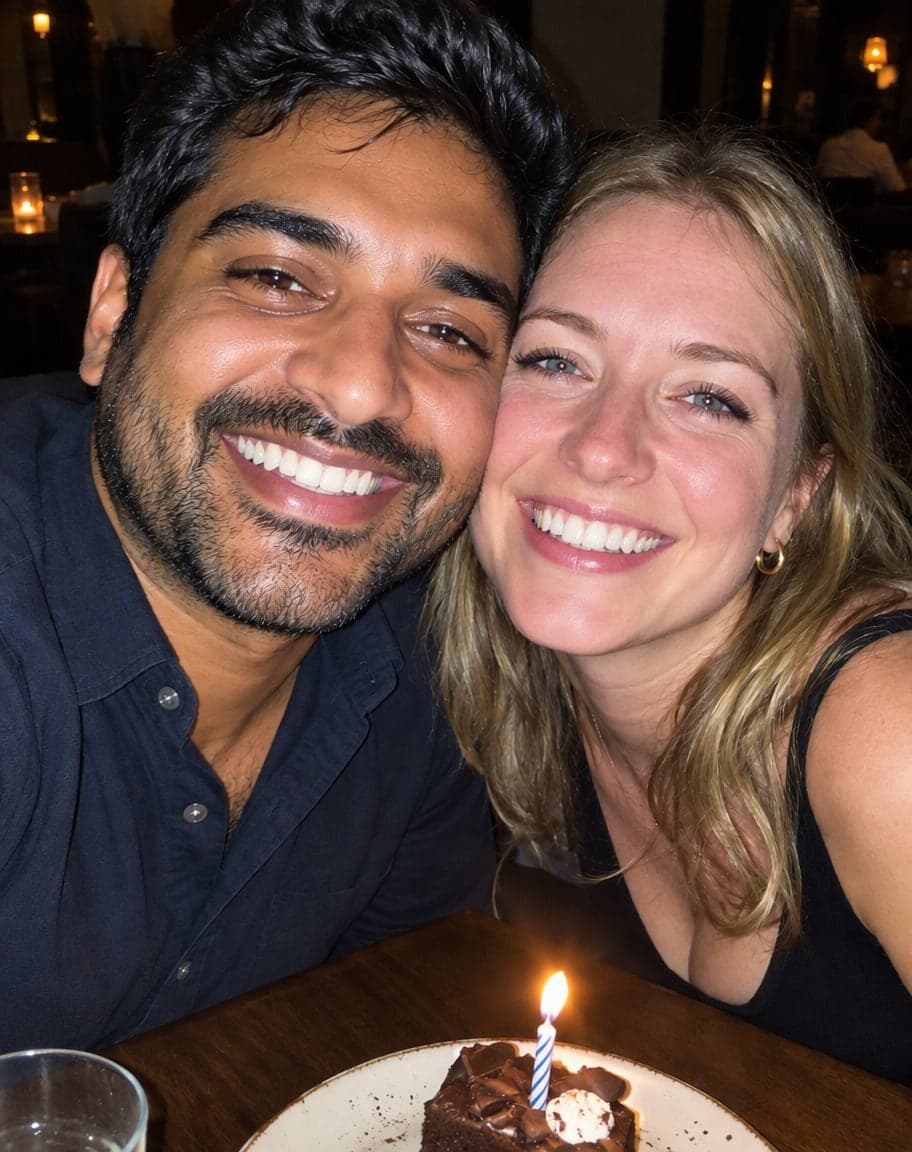
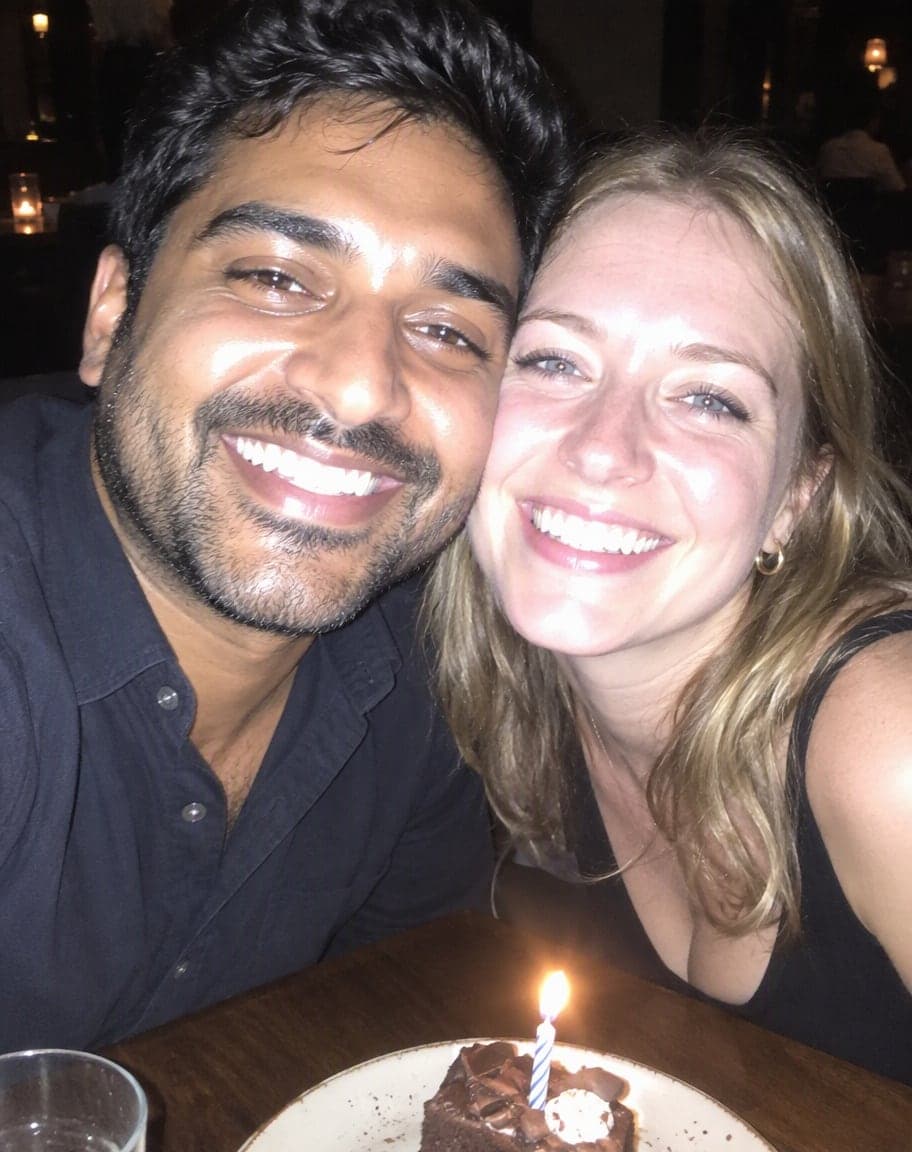
- Faces turned chalky and shiny by a flash that fired too close.
- A bright window or sky behind you that came out as a white blank.
What it can't do
- Pure white areas with no detail left: a blank sky or window is filled in by AI, so it may gain clouds or a view that weren't quite there.
- Flash shine is toned down, not always gone — the oiliest spots may stay a little bright.
- Blurry or shaky photos: it fixes light and color, not focus.
More photo fixes
All tools
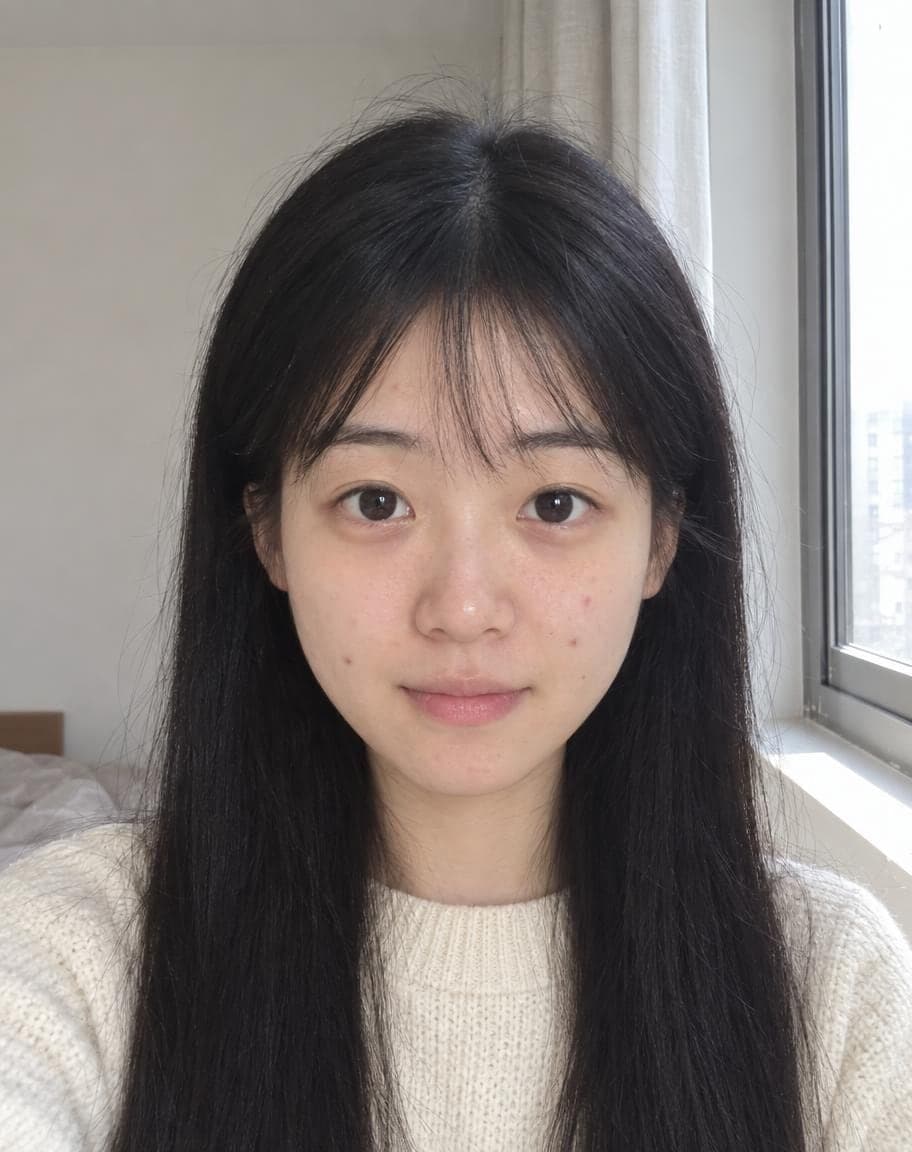
AI Portrait Retouch
Natural retouching that still looks like you
 12
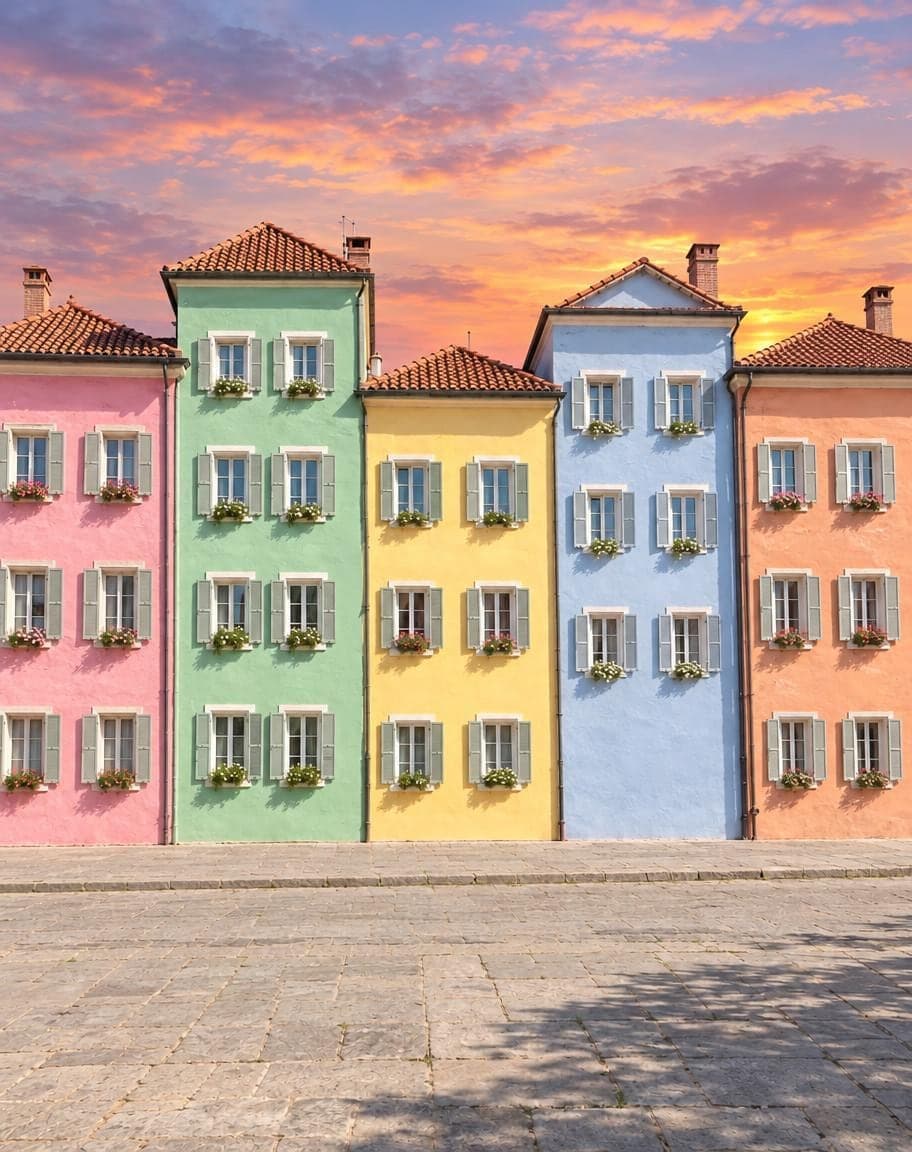
121Turn the sky into a sunset2Remove the lamp post
Point & Edit
Tap a spot, say what to change
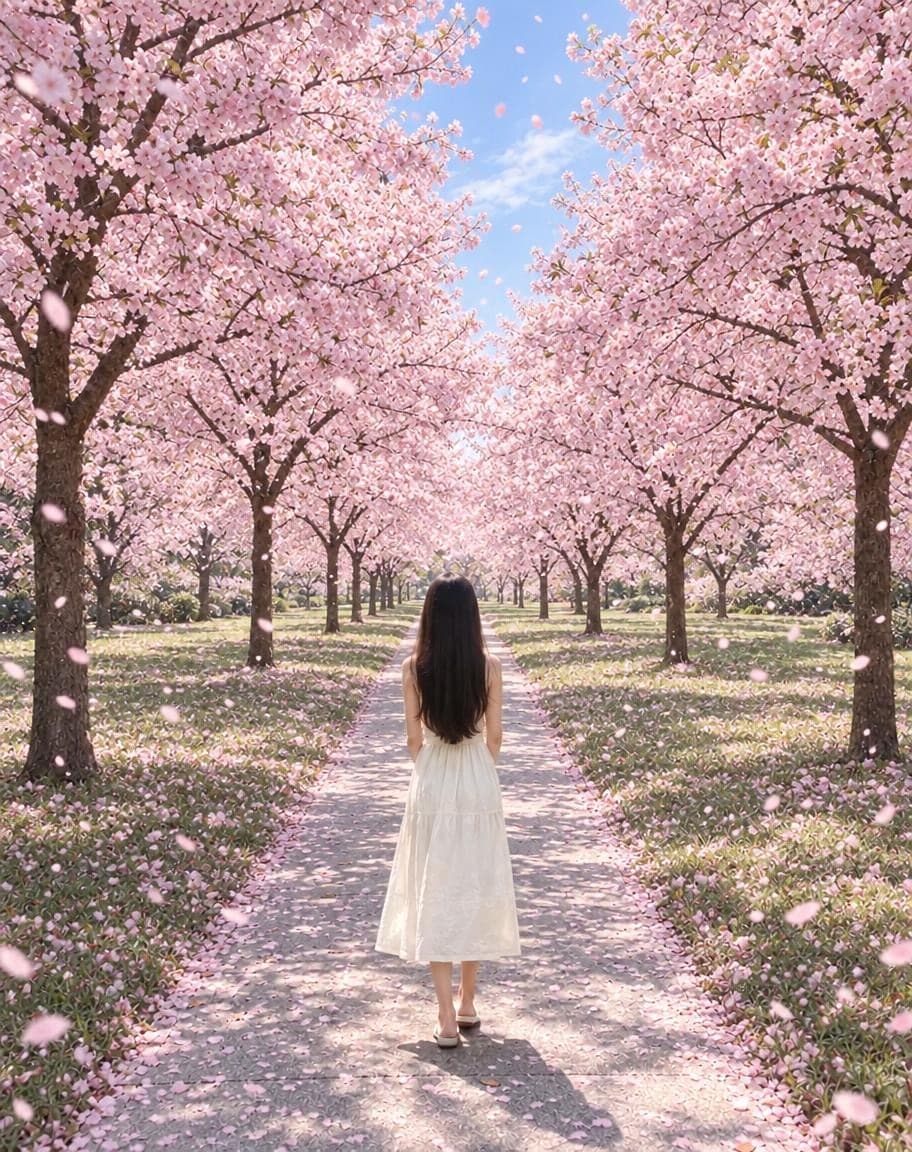
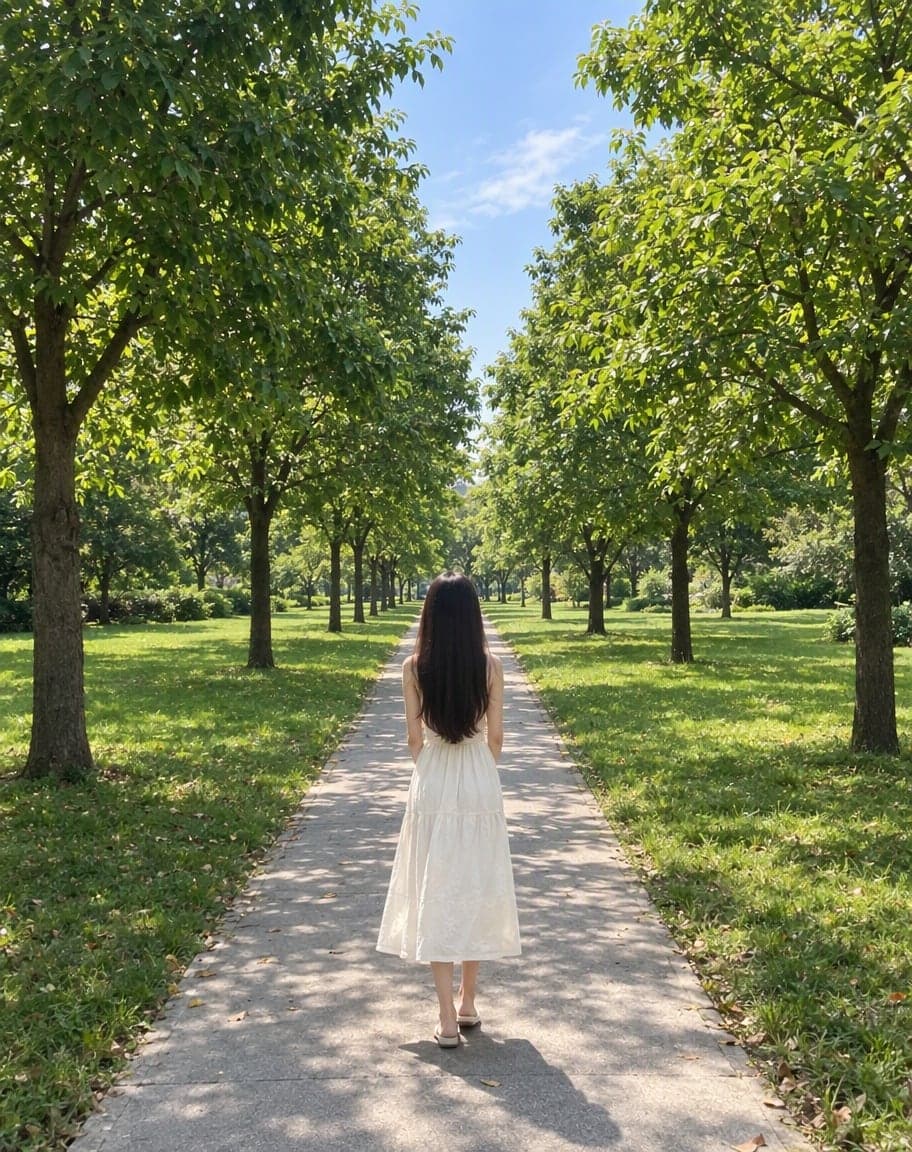
“Switch the background to cherry-blossom season, with petals drifting in the air”
Edit Photo with Text
Describe any edit in one sentence
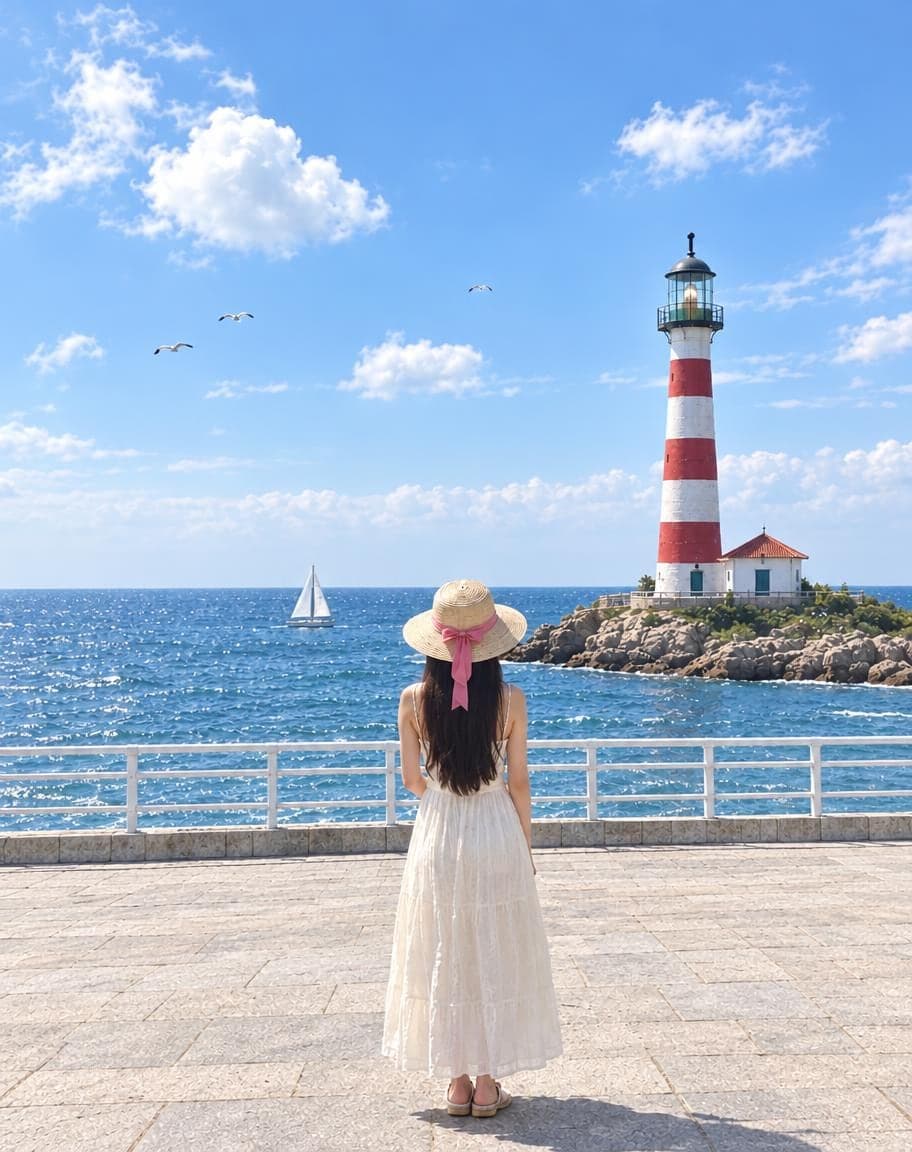
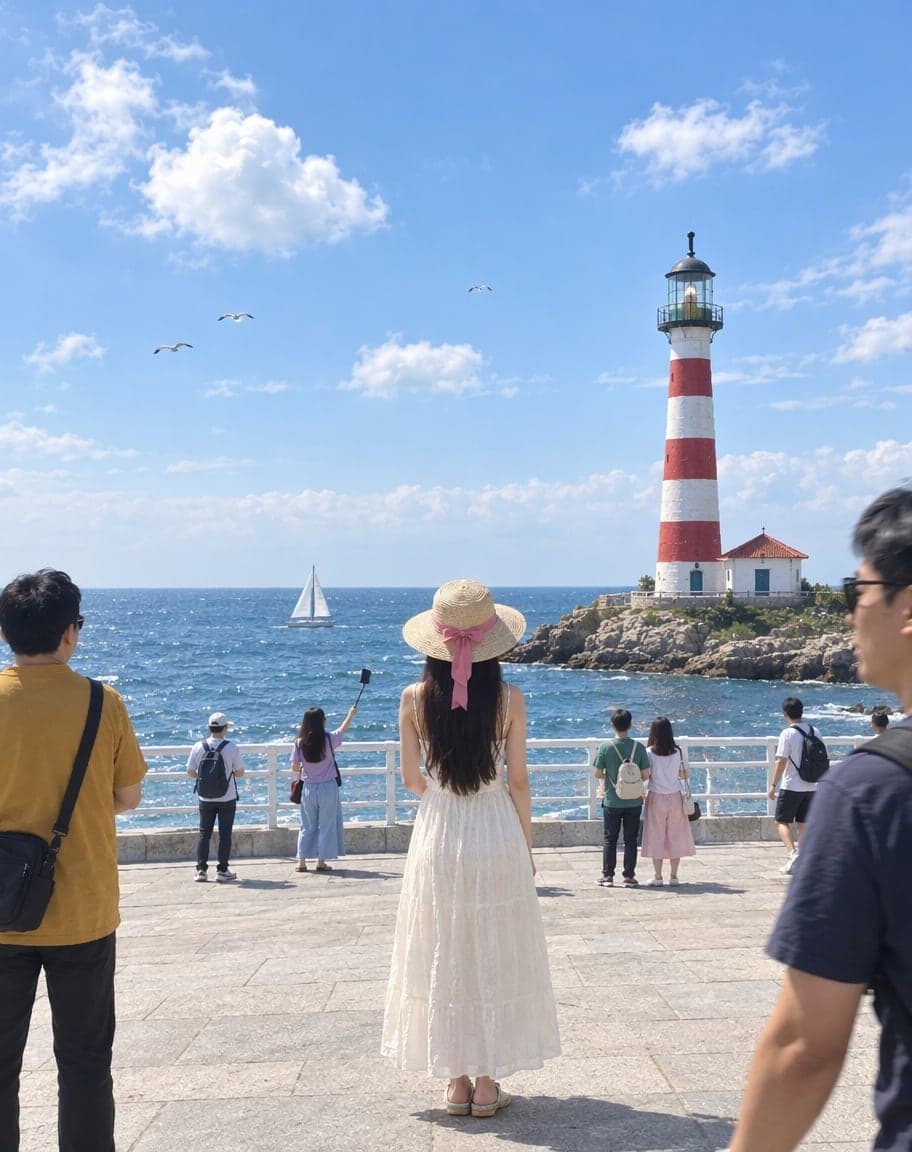
Remove People from Photos
Erase tourists and clutter from the background
Fix Overexposed Photos: FAQ
How do I fix an overexposed photo?
Upload it — “Overexposed” is already selected — and tap Generate. The AI pulls back the blown-out highlights, restores color and contrast, and keeps the composition and faces exactly as they were.
Can it bring back a sky that came out completely white?
Usually. Where some color is left, it comes back; where the sky is pure white, the AI paints in a natural one that fits the scene, sometimes with a few clouds. To choose the sky yourself, use Replace the Sky.
Does it work on flash photos?
Yes. It tones down the white glare a flash leaves on foreheads, noses and cheeks and brings back natural skin tones, while the room keeps its evening mood.
Will it change anyone's skin tone?
No. It takes away the washed-out look and keeps each person's own skin tone. Drag the slider on your result to compare it with the original.
Is it free?
Yes. You get 2 free edits every day — no sign-up and no credit card (free results carry a small watermark). Edits that fail don't count.
What happens to my photo?
It's stored privately and only used to make your edit. Only you can see it — in the browser you uploaded from, or in your account once you sign in — and we never sell your photos or use them to train AI models.
2 free edits every day. Need more? See pricing