Remove Photobombers
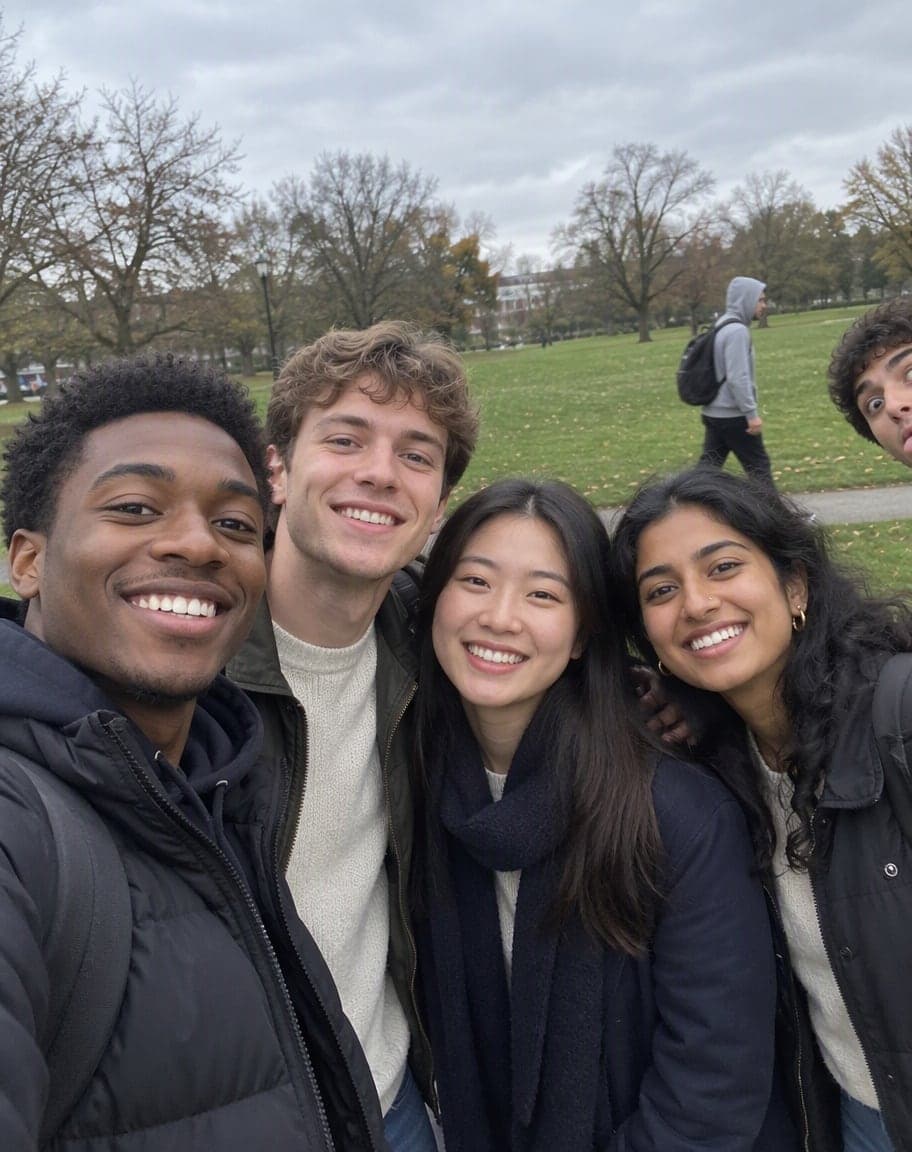
A stranger strolled through your group photo, stared into your selfie or leaned into the corner of the shot. Upload it and the photobomber is gone — your friends, your faces and the moment stay exactly as they were.
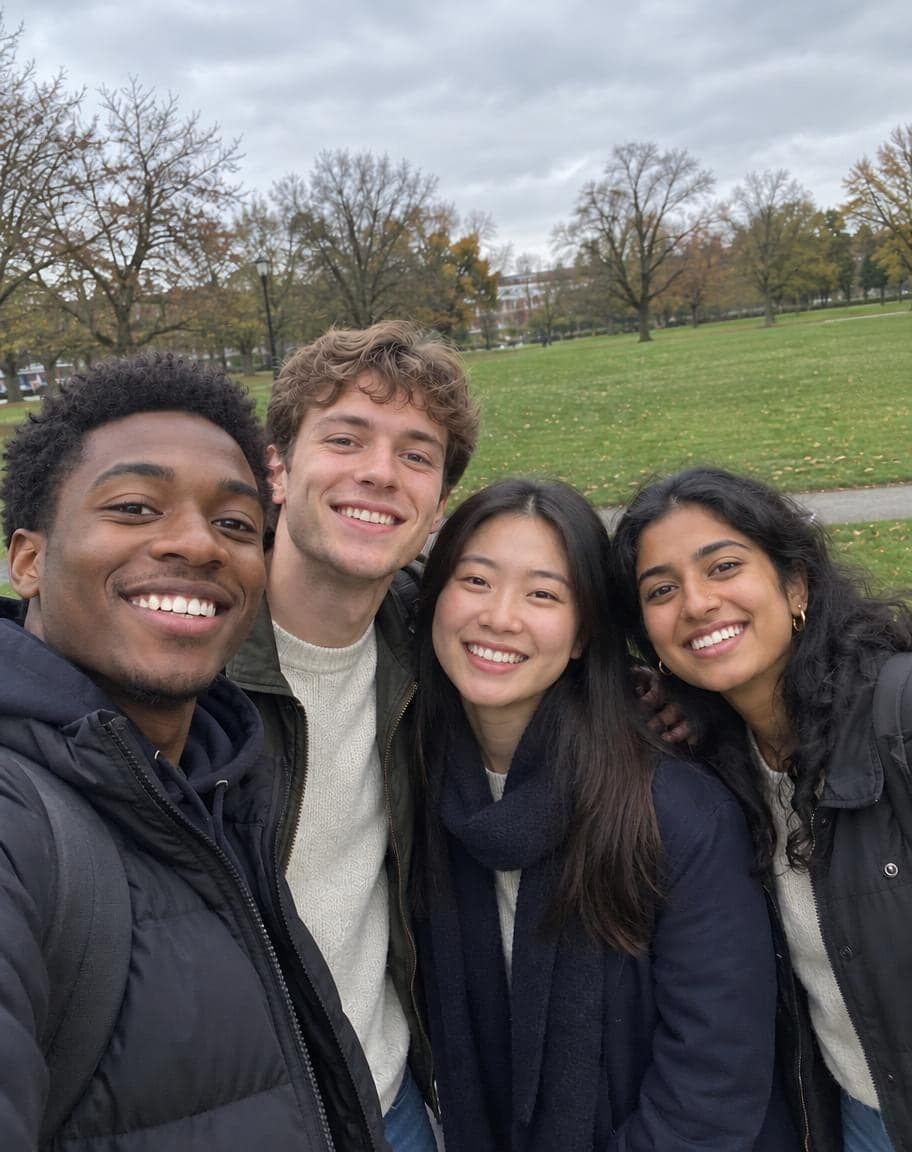
Example
Photo to clean up*
Usually 30–90 s · failed edits don't count
- 1Upload a photo and tweak the options
- 2Tap “Generate” and wait 30–90 seconds
- 3Compare, download or keep editing
More real results
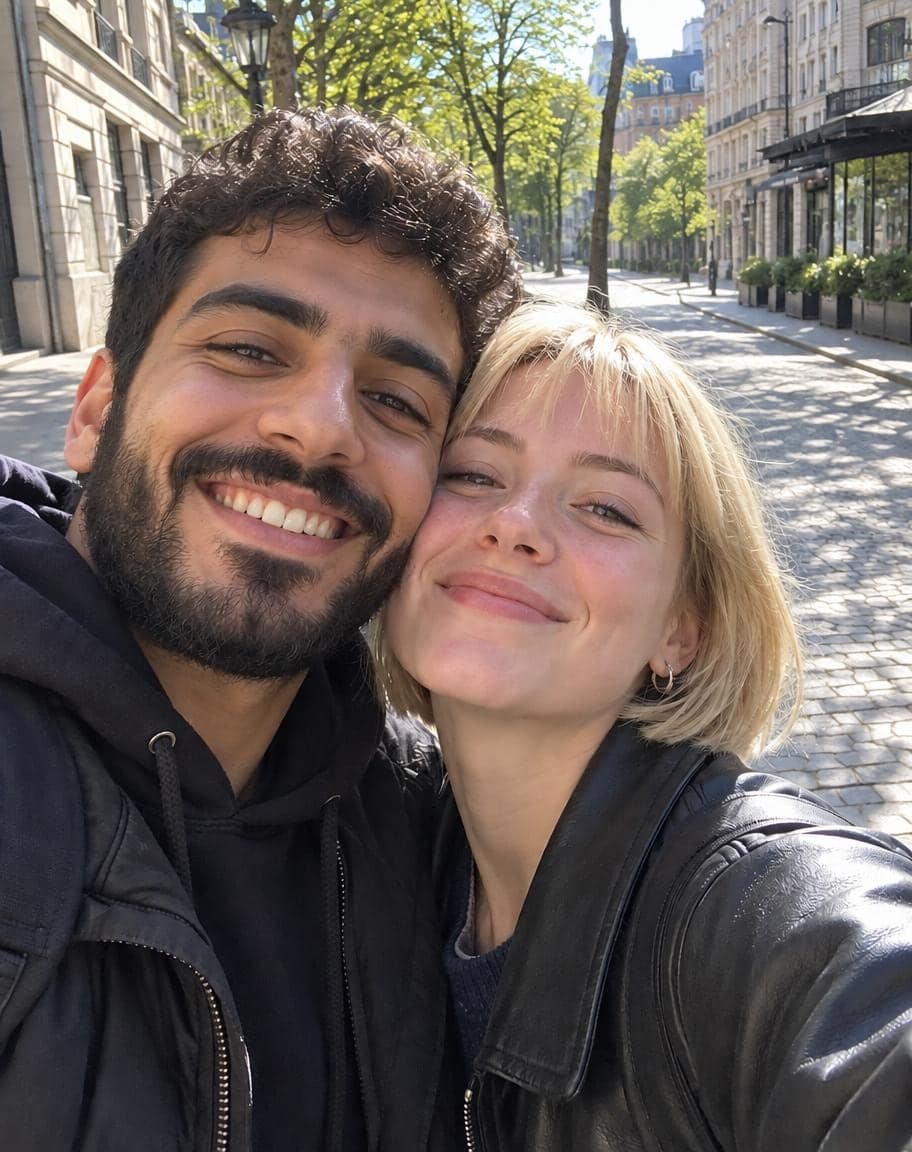
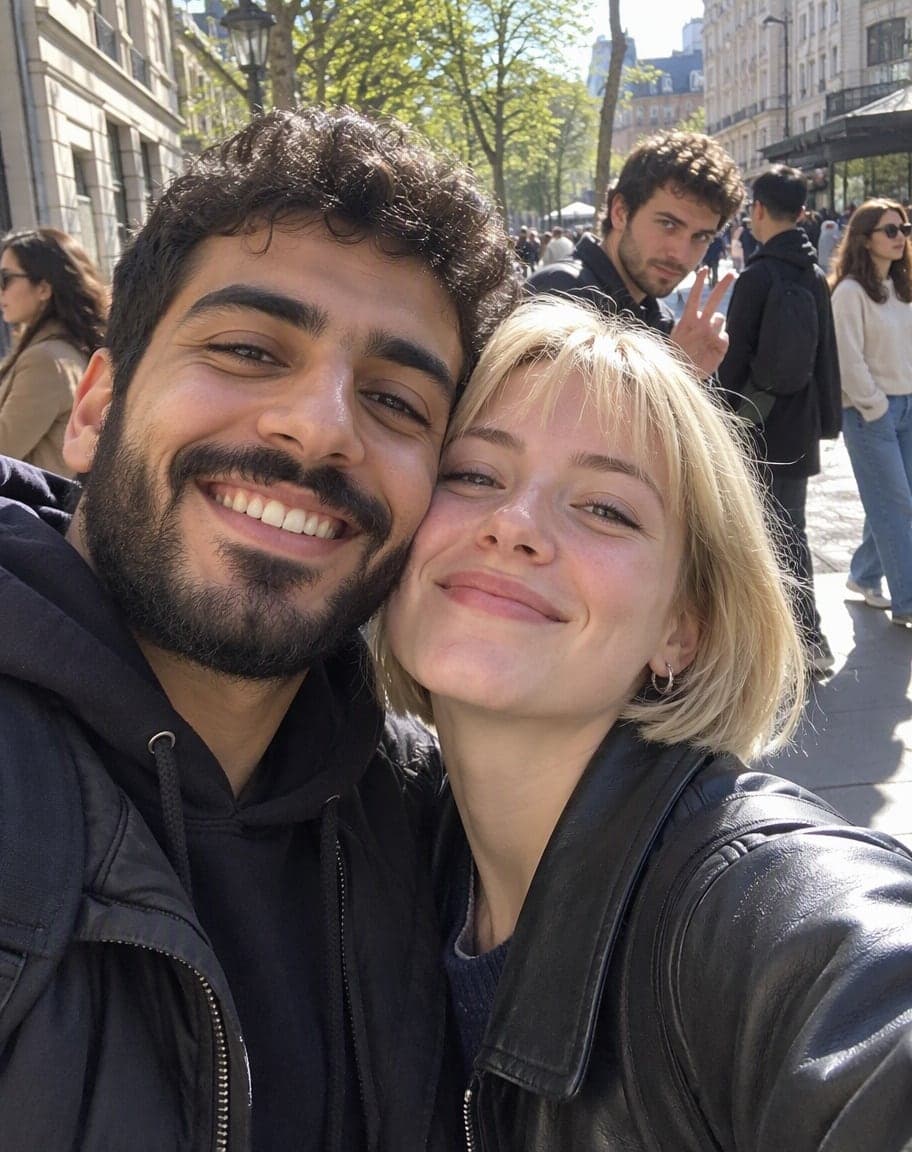
All made with this tool. Drag the line on each photo to compare.


What works best, and what it can't do
Works best
- Photobombers in the background or at the edge of the frame.
- Group photos and selfies where the people posing stand together.
- If a friend stands apart from the group, name them under “Anything else?”.
What it can't do
- Someone standing right next to you or in the front row — people beside you count as part of the photo.
- A photobomber covering part of a friend's face or body: the hidden part can't be brought back exactly.
- Removing someone from your own group — that's a job for Point & Edit: tap them and write “remove this person”.
More photo fixes
All tools
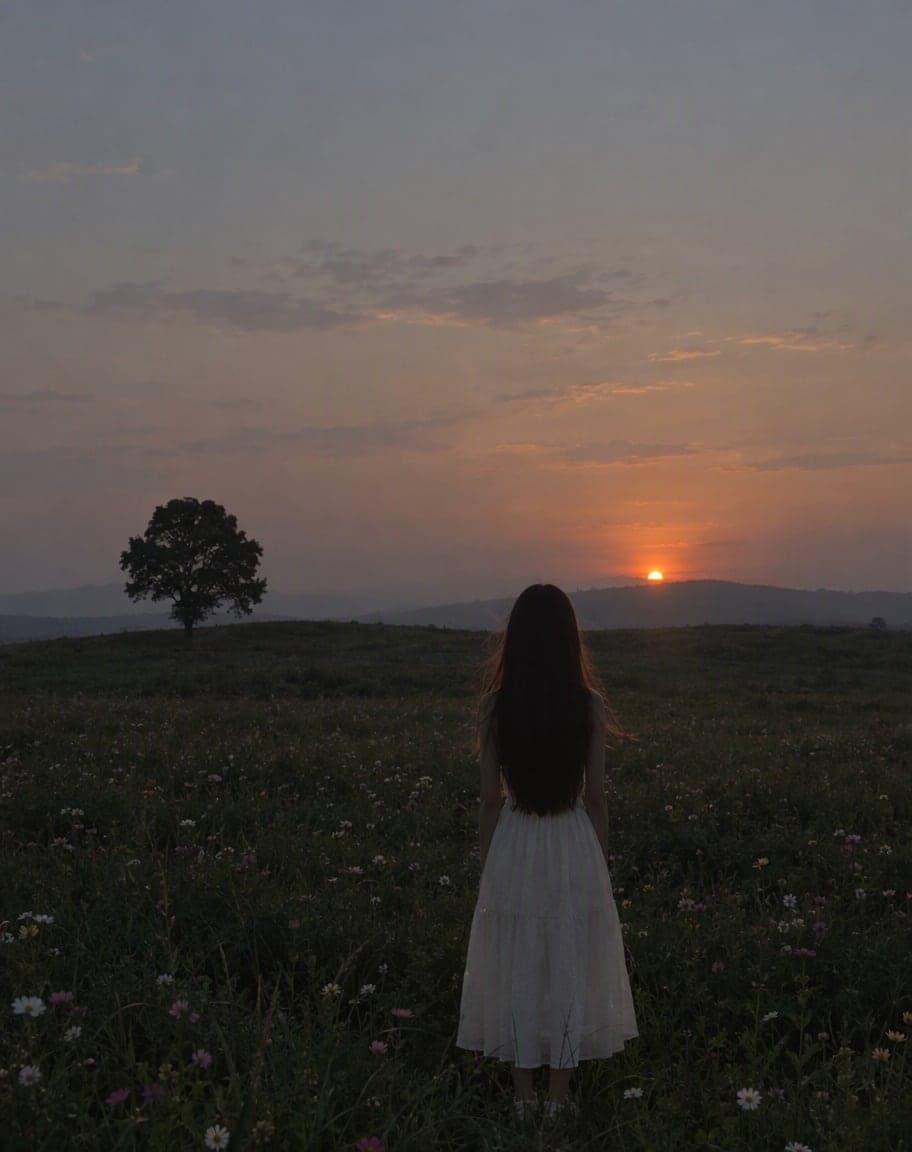
Fix Photo Lighting
Pro-level light, color and clarity in one tap


AI Portrait Retouch
Natural retouching that still looks like you

 12
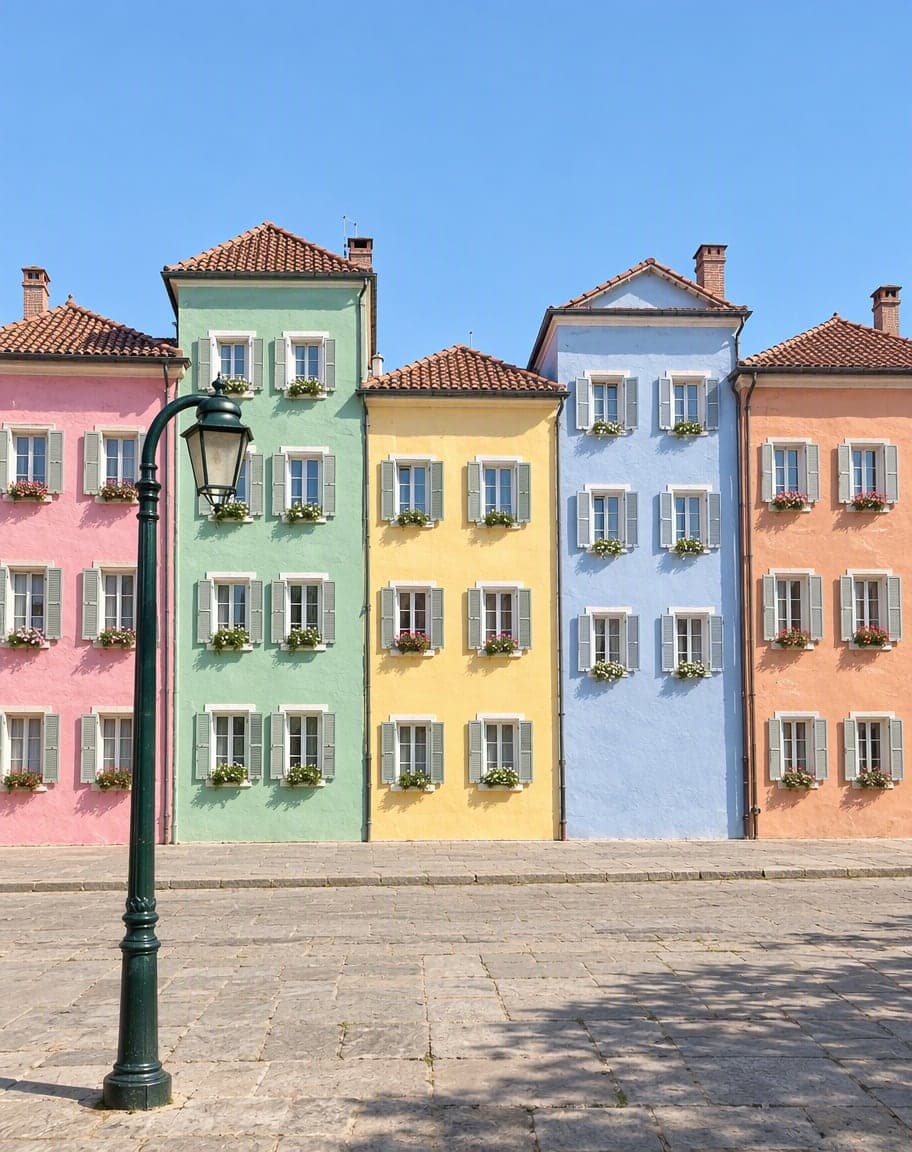
121Turn the sky into a sunset2Remove the lamp post
Point & Edit
Tap a spot, say what to change
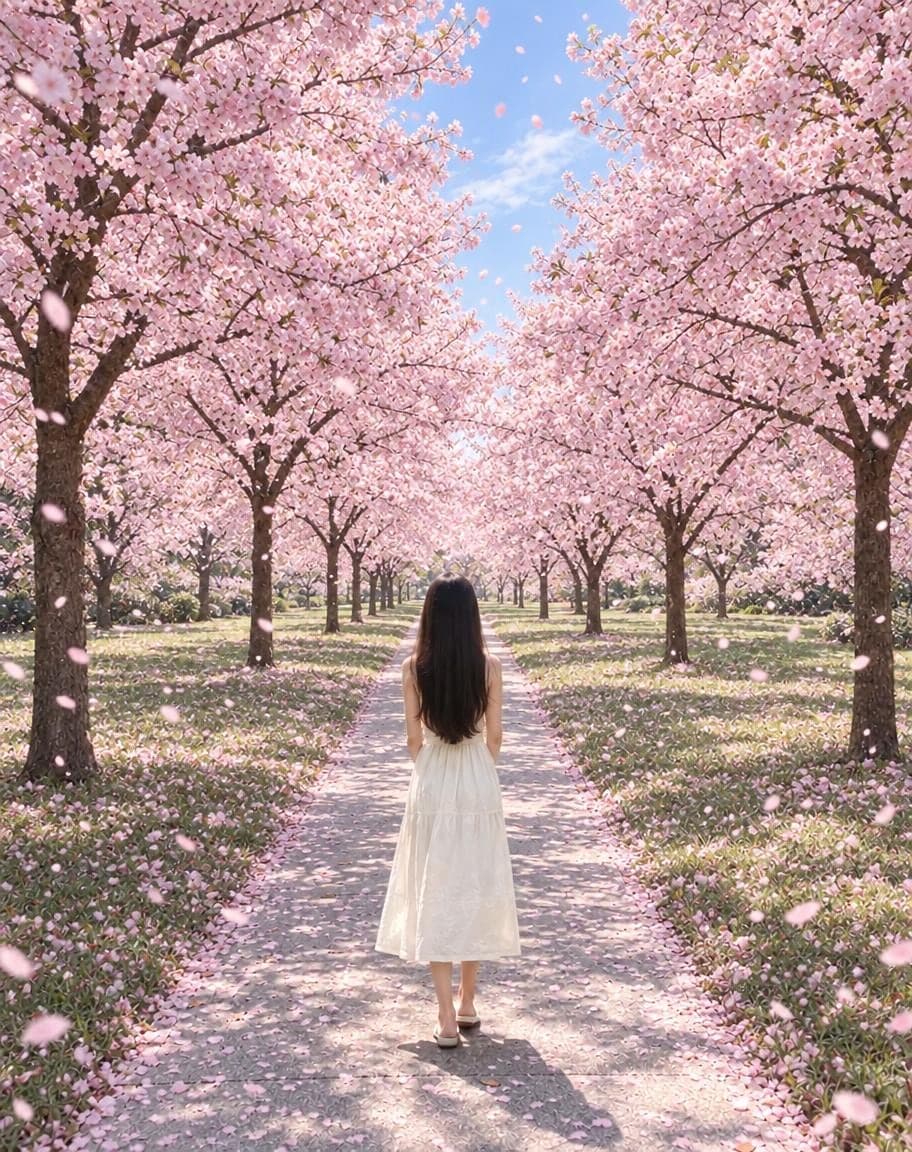
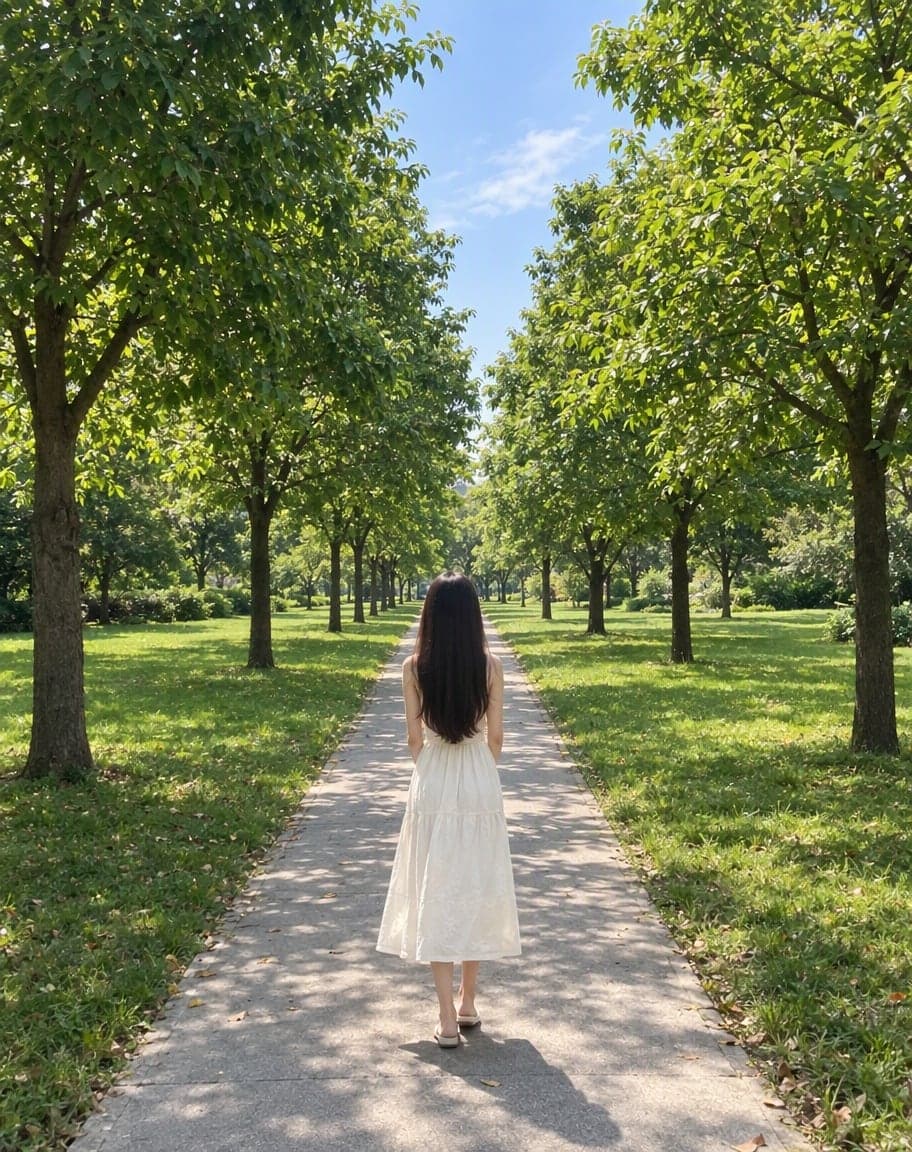
“Switch the background to cherry-blossom season, with petals drifting in the air”
Edit Photo with Text
Describe any edit in one sentence
Remove Photobombers: FAQ
What counts as a photobomber?
Anyone in the background who isn't part of your shot: people walking past, staring into the lens, waving or pulling faces at the edge of the frame.
Will it remove my friends by mistake?
It keeps the people posing for the photo. If a friend stands apart from the group, name them under “Anything else?” — for example “keep the man in the red jacket on the right”.
Does it work on selfies?
Yes. A stranger lurking behind a front-camera selfie is one of the most common cases, and your face and the background stay as they were.
Can it remove someone standing right next to me?
Not with this tool — it only removes people in the background. To take out a specific person, use Point & Edit, tap them and write “remove this person”.
Is it free?
Yes. You get 5 free edits every day — no sign-up, no credit card and no watermark. Edits that fail don't count.
What happens to my photo?
It's stored privately and only used to make your edit. Only you can see it — in the browser you uploaded from, or in your account once you sign in — and we never sell your photos or use them to train AI models.
5 free edits every day. Need more? See pricing