Edit Photo with Text
No preset fits? Tell the AI what to change in plain words — swap the sky, change an outfit, add or remove objects.
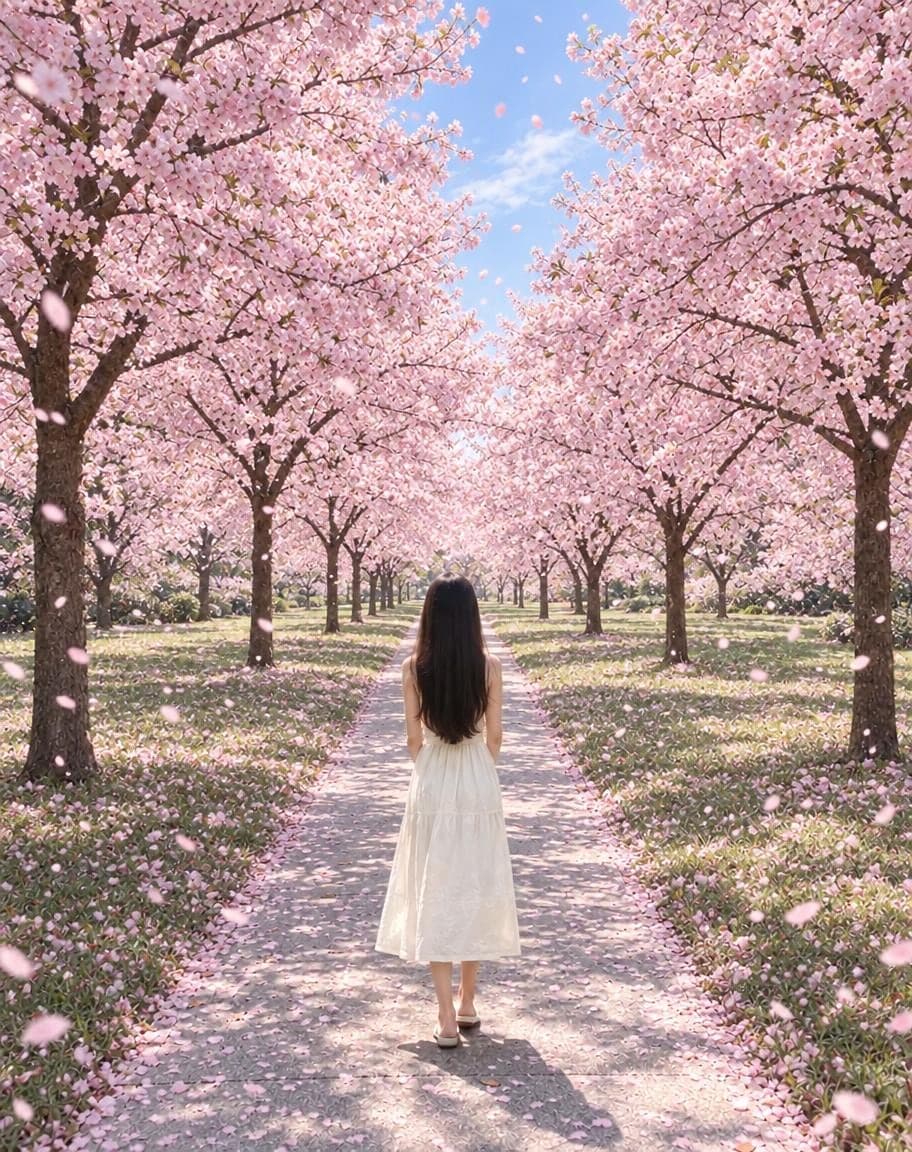
Example
Photo*
Reference image (optional)
Usually 30–90 s · failed edits don't count
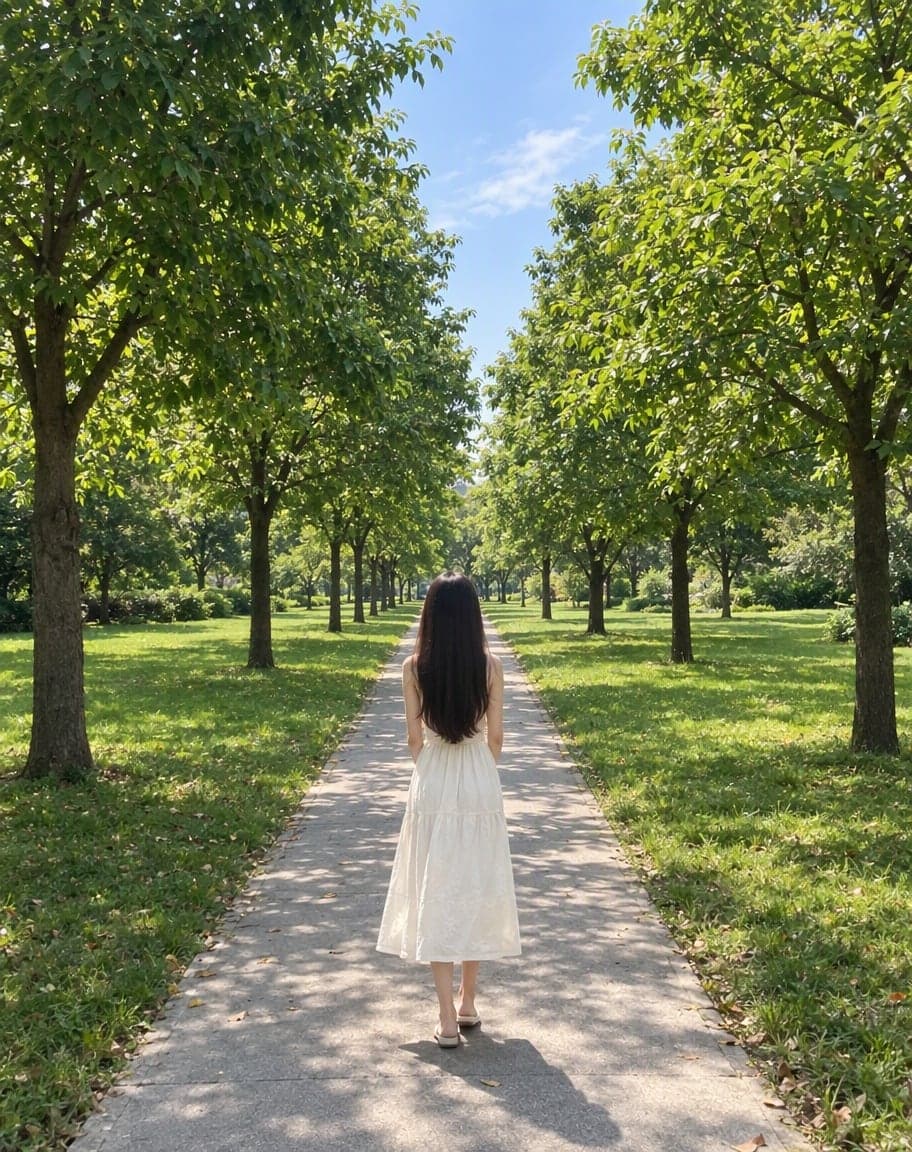
“Switch the background to cherry-blossom season, with petals drifting in the air”
- 1Upload a photo and tweak the options
- 2Tap “Generate” and wait 30–90 seconds
- 3Compare, download or keep editing
More photo fixes
All tools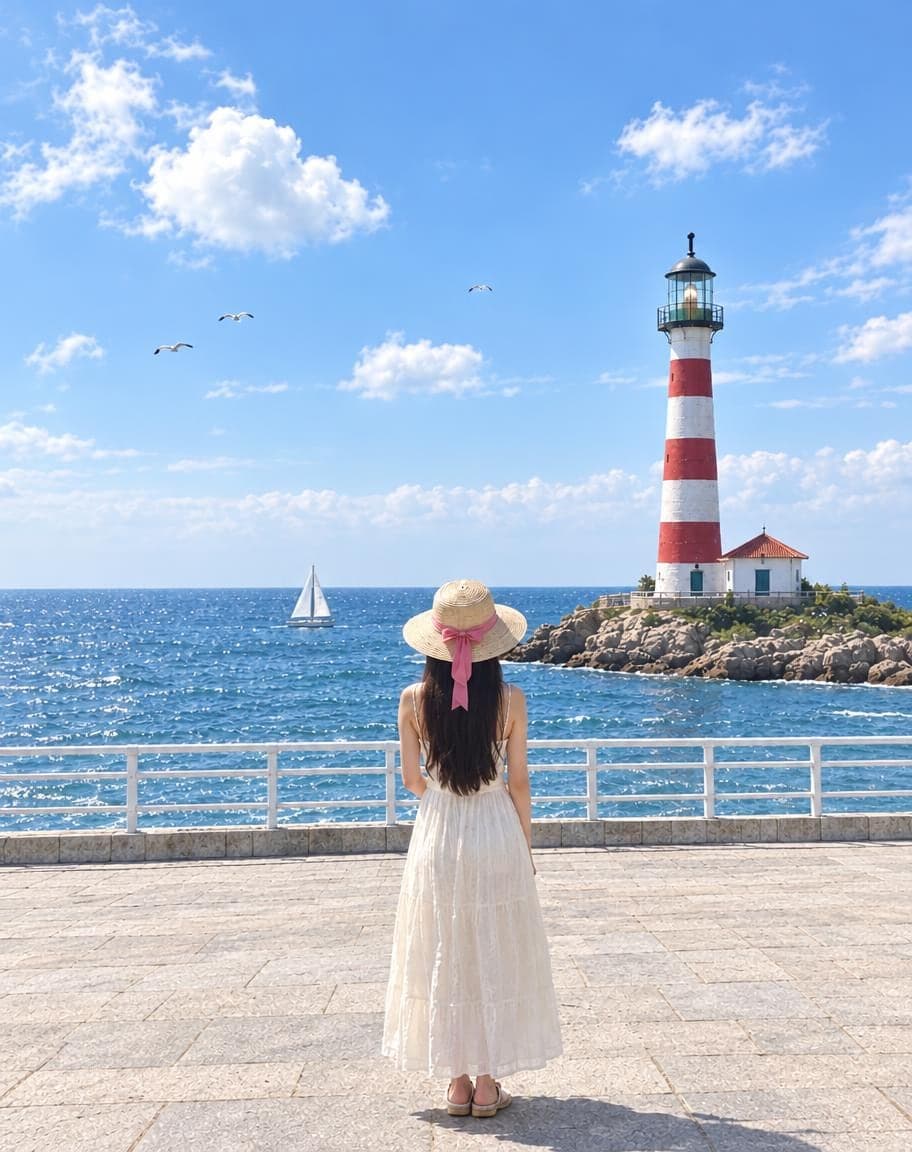
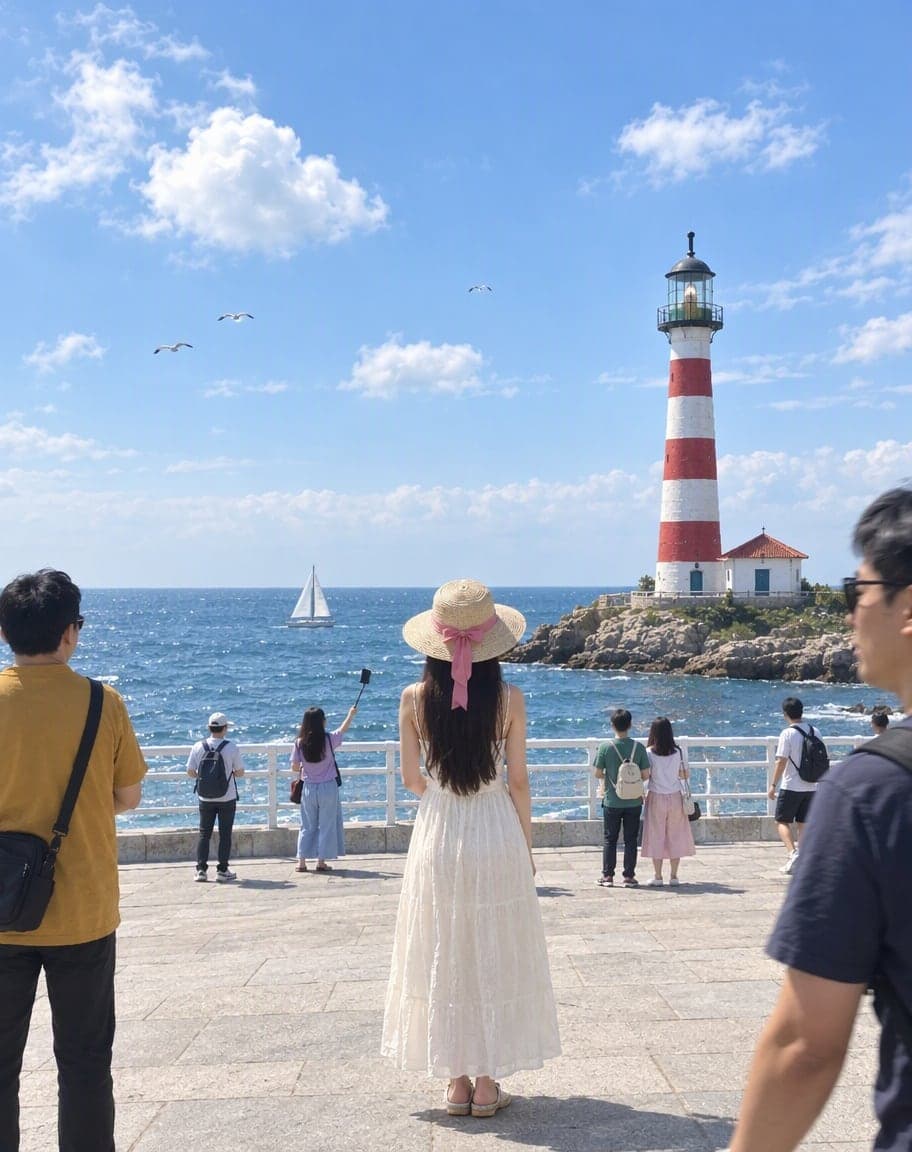
Remove People from Photos
Erase tourists and clutter from the background
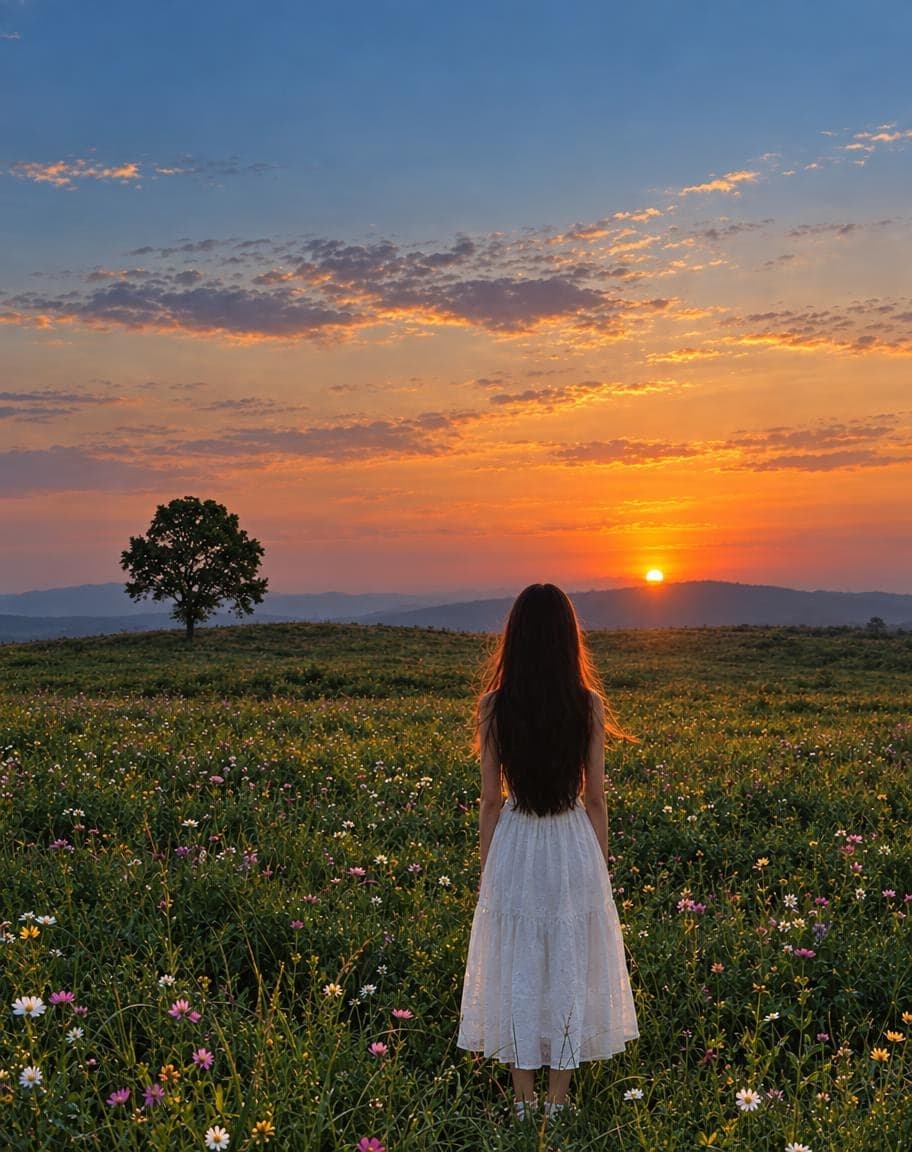
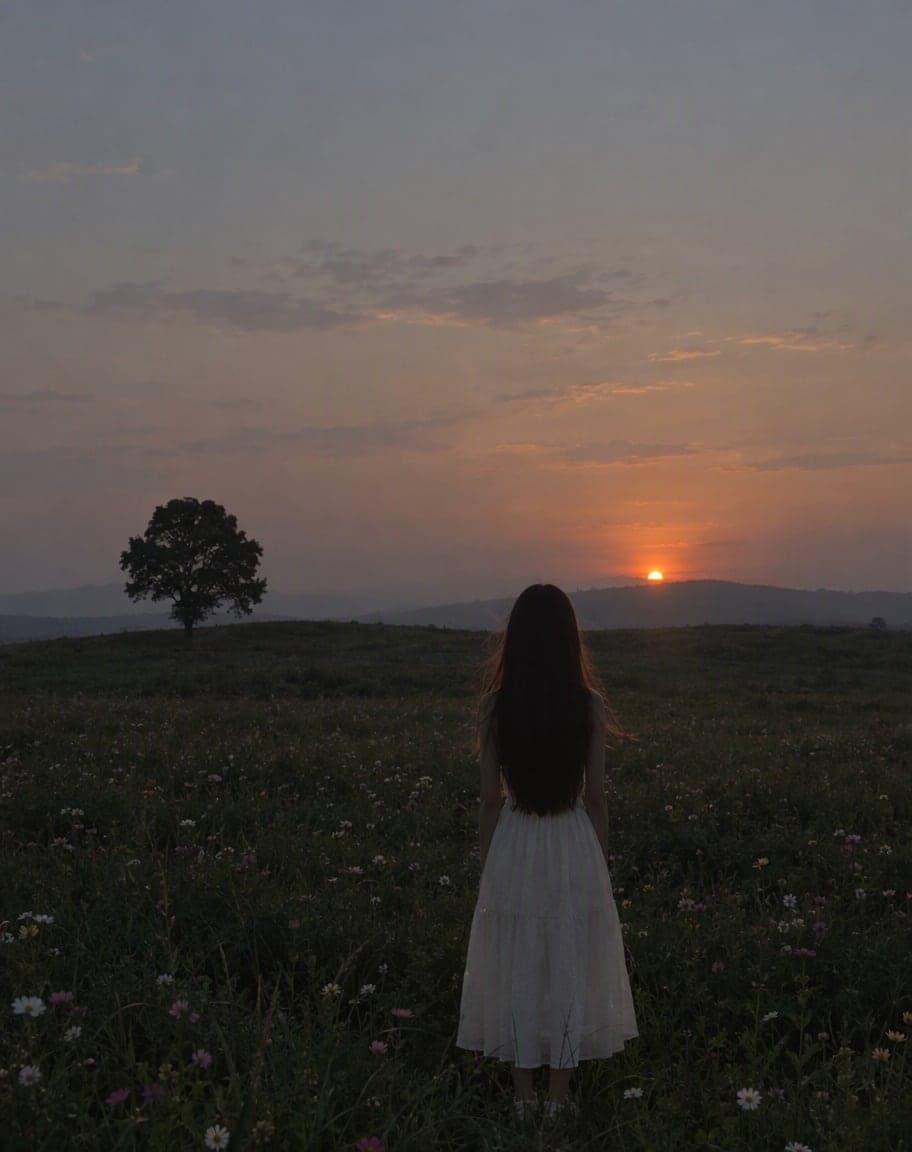
Fix Photo Lighting
Pro-level light, color and clarity in one tap
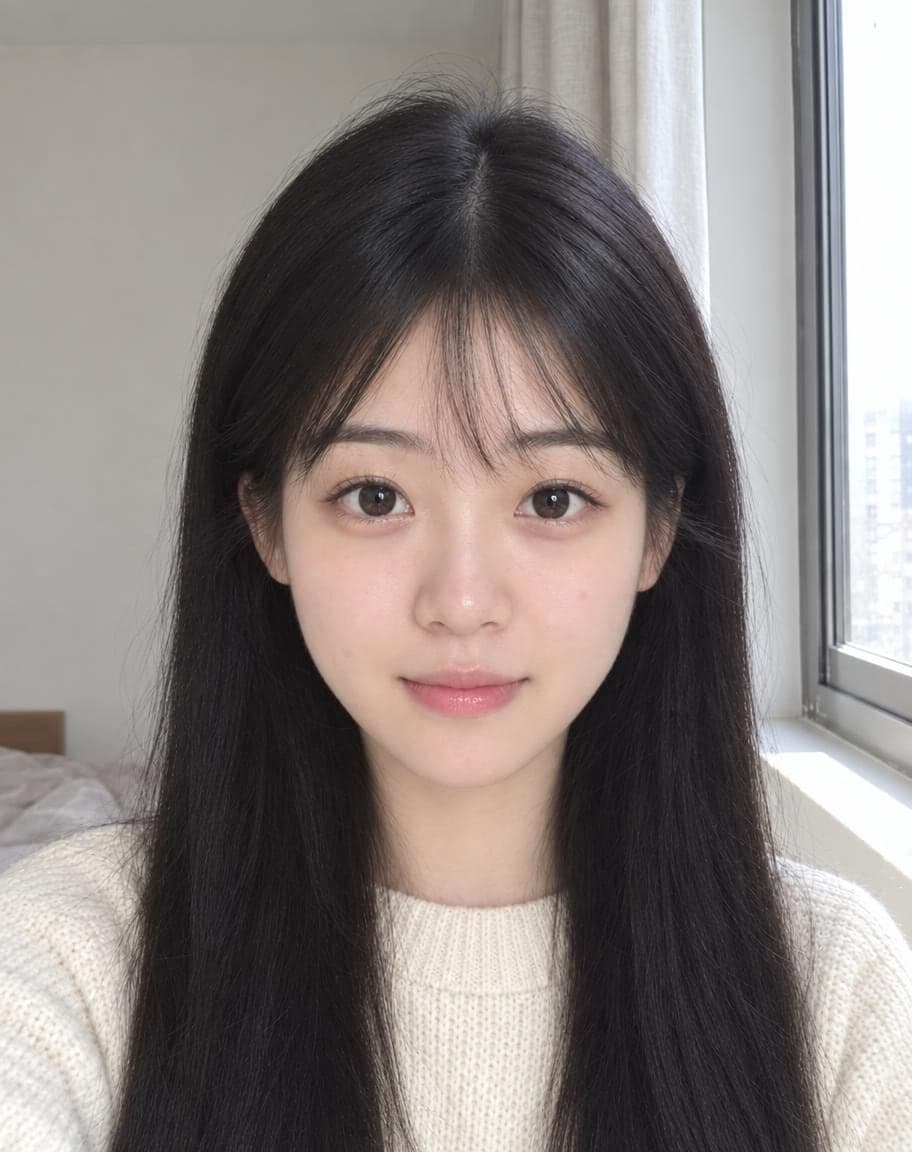
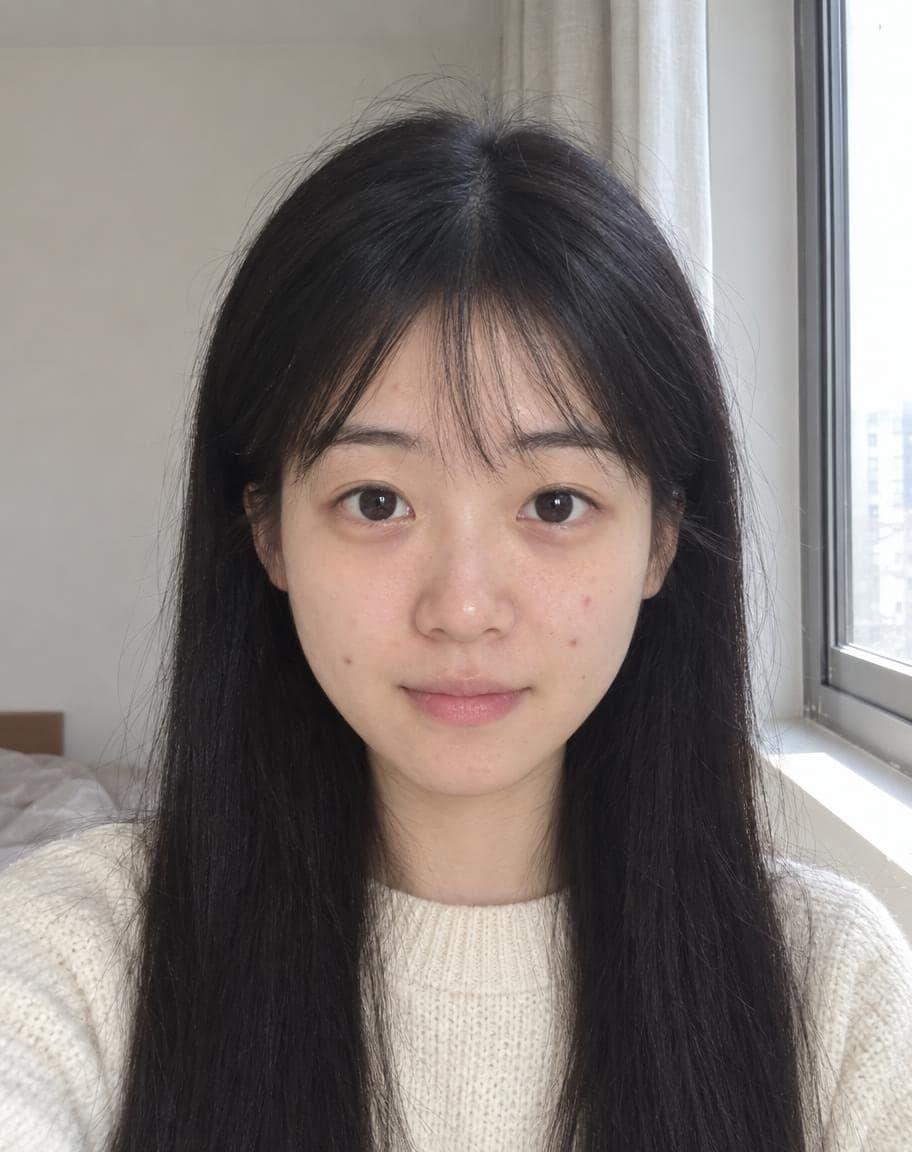
AI Portrait Retouch
Natural retouching that still looks like you

 12
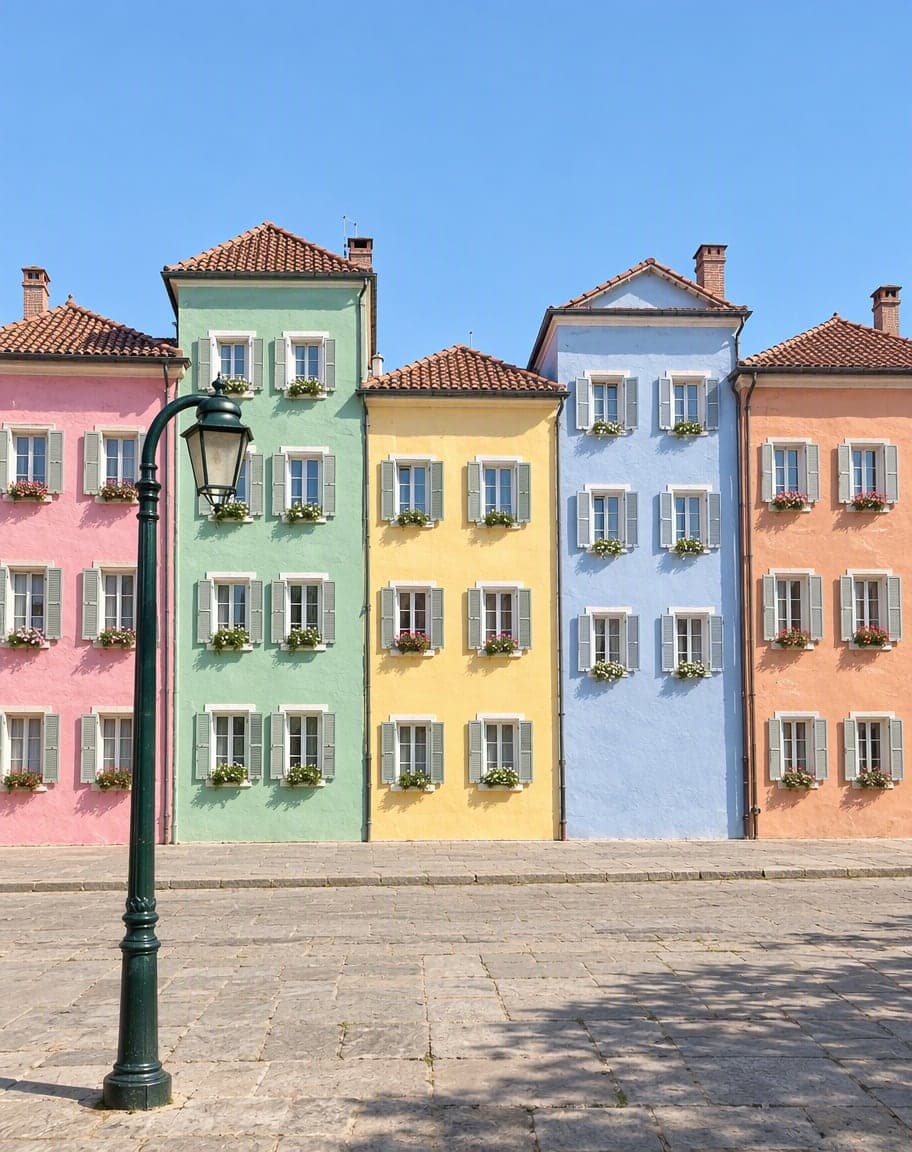
121Turn the sky into a sunset2Remove the lamp post
Point & Edit
Tap a spot, say what to change
Edit Photo with Text: FAQ
What can I ask for?
Anything you can describe: “replace the sky with a sunset”, “make it snow”, “change my jacket to red leather”, “add a cat on the sofa”. The clearer the instruction, the better the result.
What's the reference image for?
Add a second image to borrow something from it — an outfit, a style, an object — and refer to it as “image 2” in your instruction.
Will the rest of my photo change?
Not unless you want it to. By default everything you didn't mention stays the same; switch to “Let the AI get creative” for looser edits.
Can I use the result commercially?
Yes, as long as you have the rights to the photos you upload and follow our Terms of Service.
Is it free?
Yes. You get 5 free edits every day — no sign-up, no credit card and no watermark. Edits that fail don't count.
5 free edits every day. Need more? See pricing