Change Photo Background
Great photo, wrong place: a messy bedroom, a gray parking lot, a cluttered desk. Upload it, pick a new background — plain white, a studio backdrop, a beach — and the AI swaps it in, keeping your face, clothes and pose, or your product, exactly as they were.
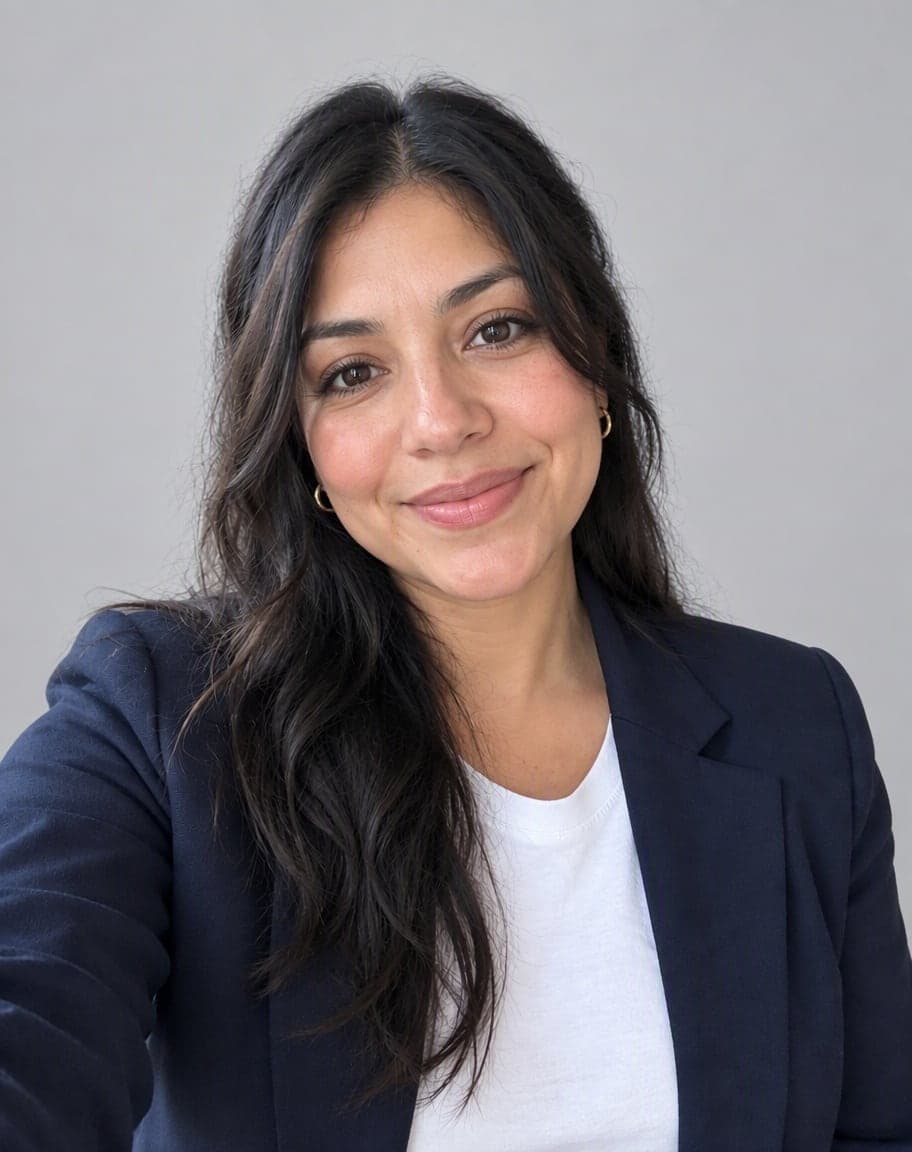
Example
Photo*
Reference image (optional)
Usually 30–90 s · failed edits don't count
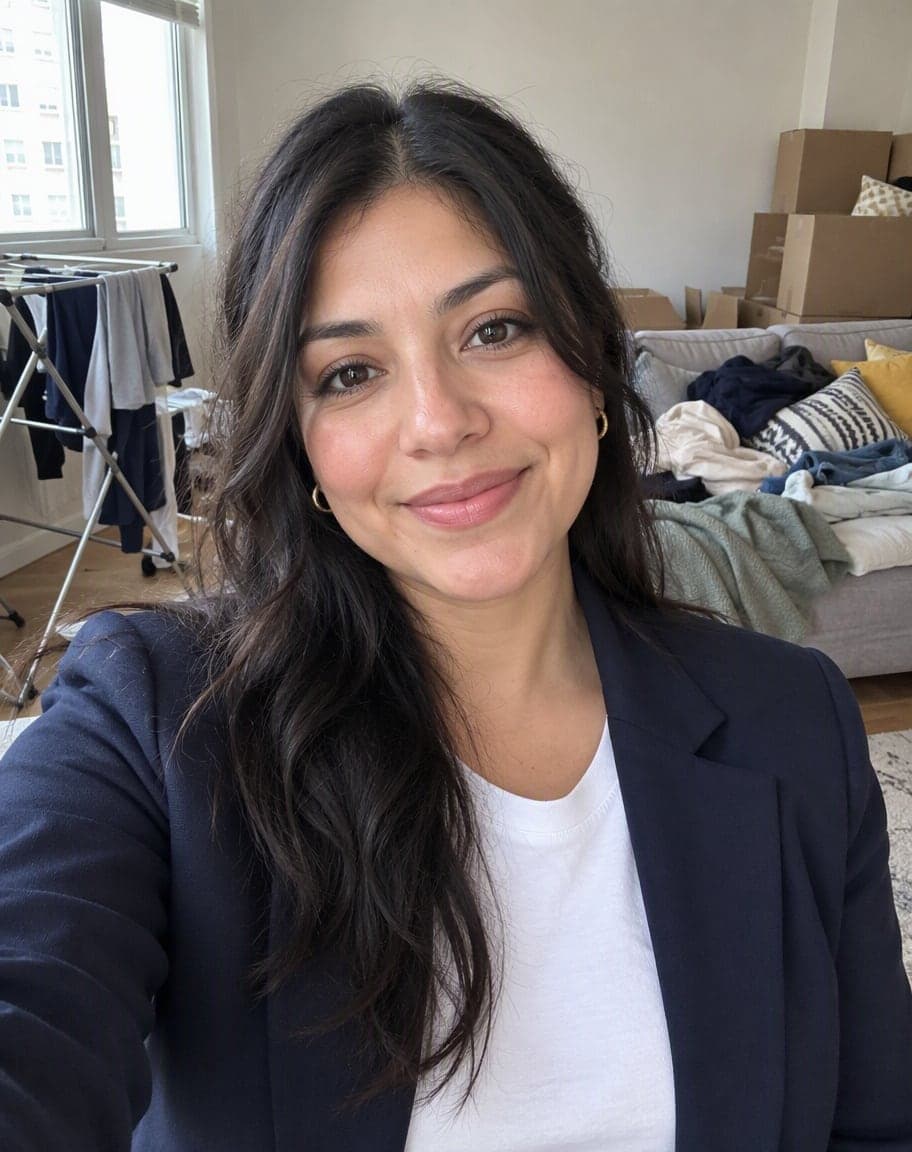
“Change the background to a plain light-gray studio backdrop”
- 1Upload a photo and tweak the options
- 2Tap “Generate” and wait 30–90 seconds
- 3Compare, download or keep editing
More real results
All made with this tool. Drag the line on each photo to compare.


“Change the background to a sunny beach”
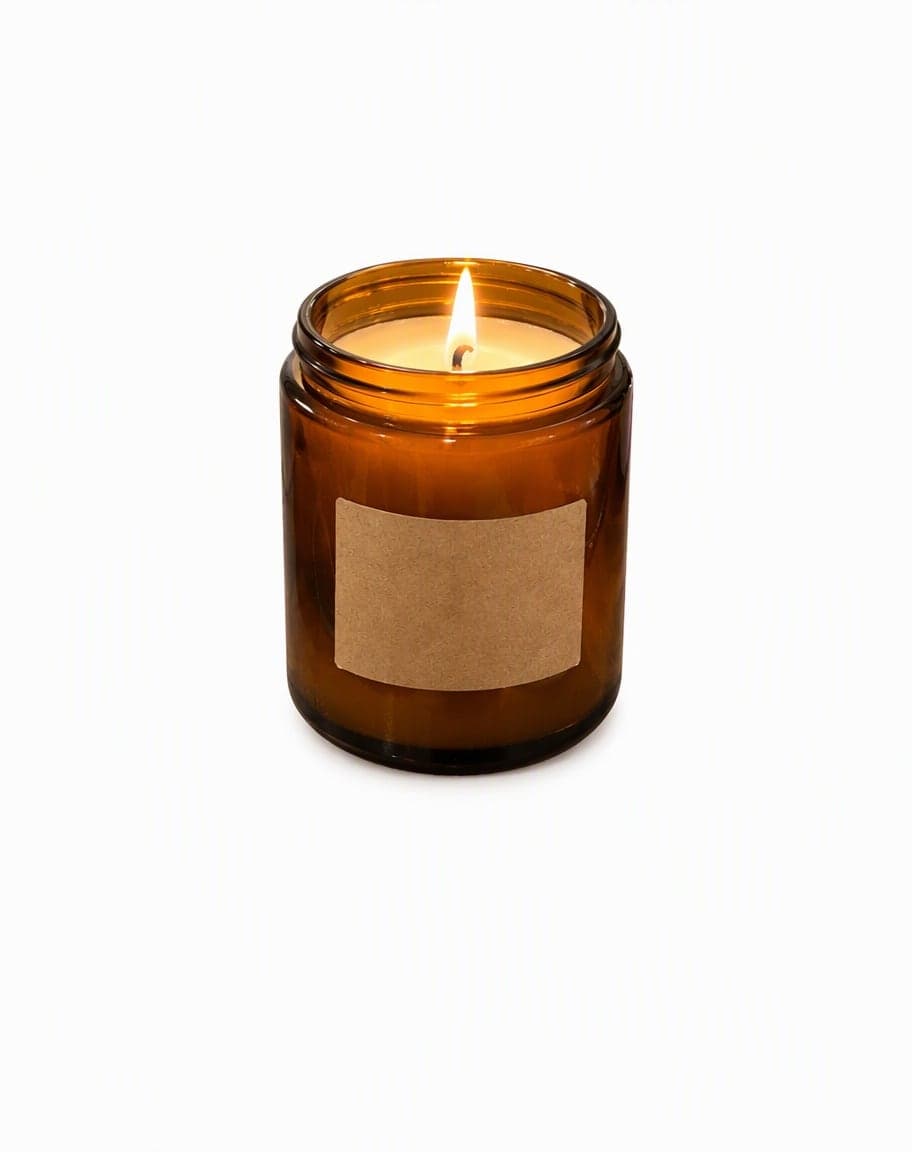
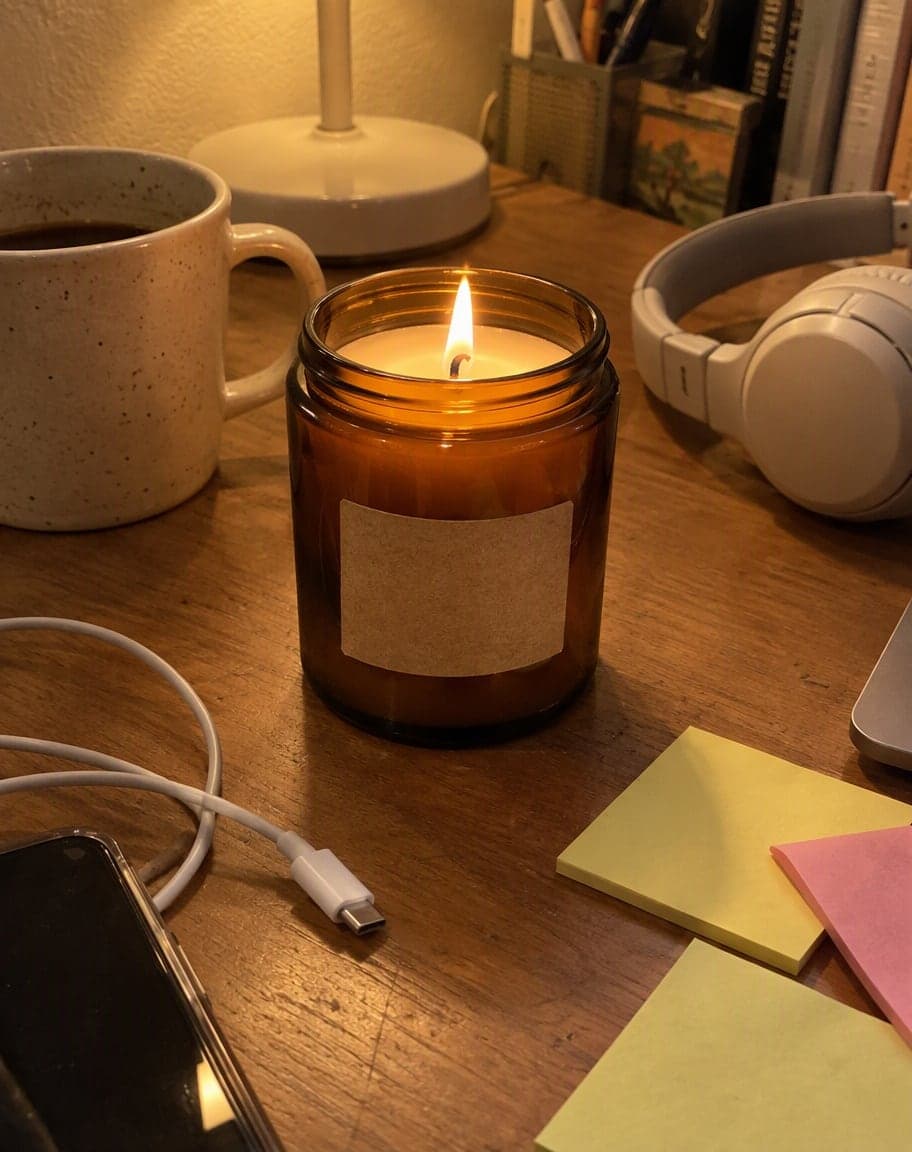
“Keep only the main subject and put it on a plain white background”
What works best, and what it can't do
Works best
- One clear subject — a person, a pet or a product — in front of whatever is behind it.
- Headshots and profile photos: a plain studio backdrop instead of your bedroom.
- Product photos for a shop or listing: Plain white keeps just the product and clears the clutter around it.
What it can't do
- Passport or ID photos: it doesn't crop, resize or check the photo against those rules.
- The exact place you have in mind: the new background is drawn by AI, so a famous street is a lookalike, not the real spot.
- Things right next to you, like the grill in the beach example, count as part of your photo and stay. Pick Plain white, or say what should go, to lose them.
More photo fixes
All tools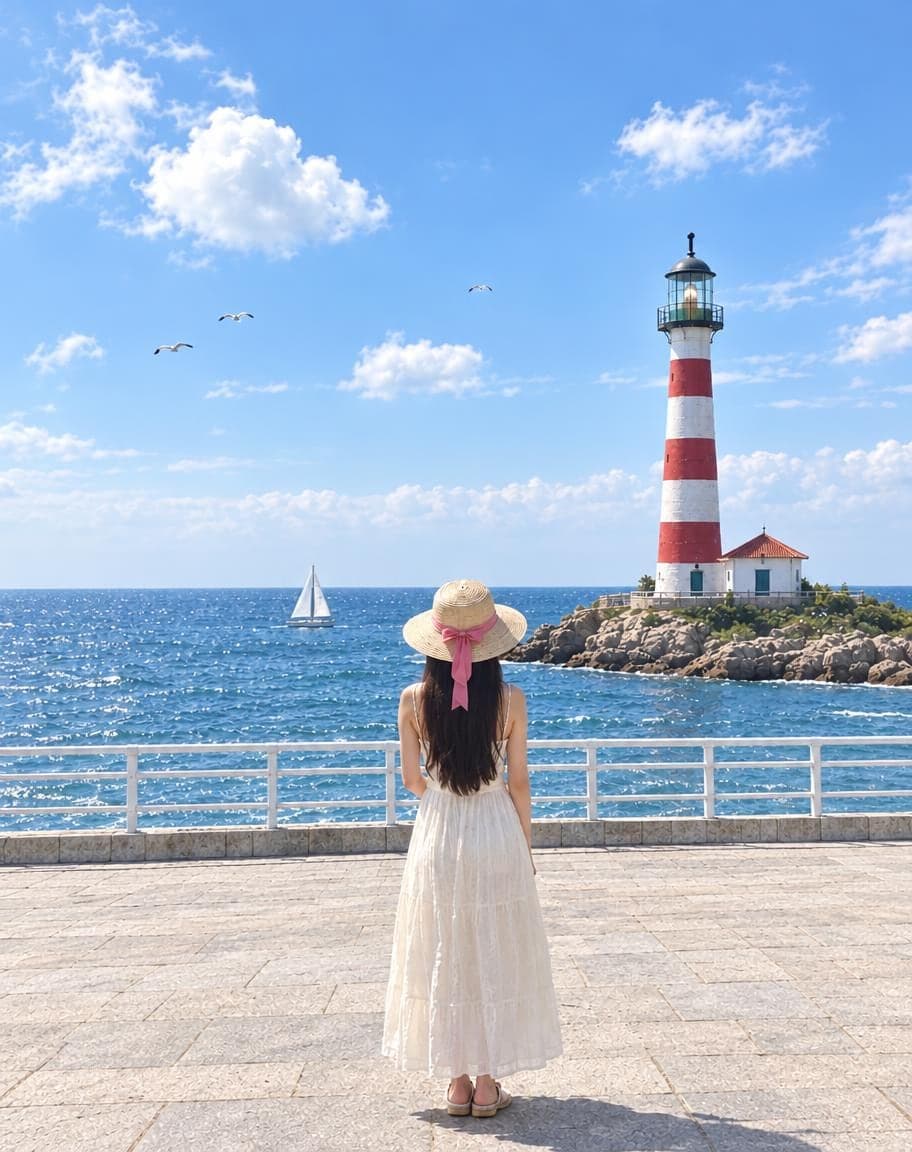
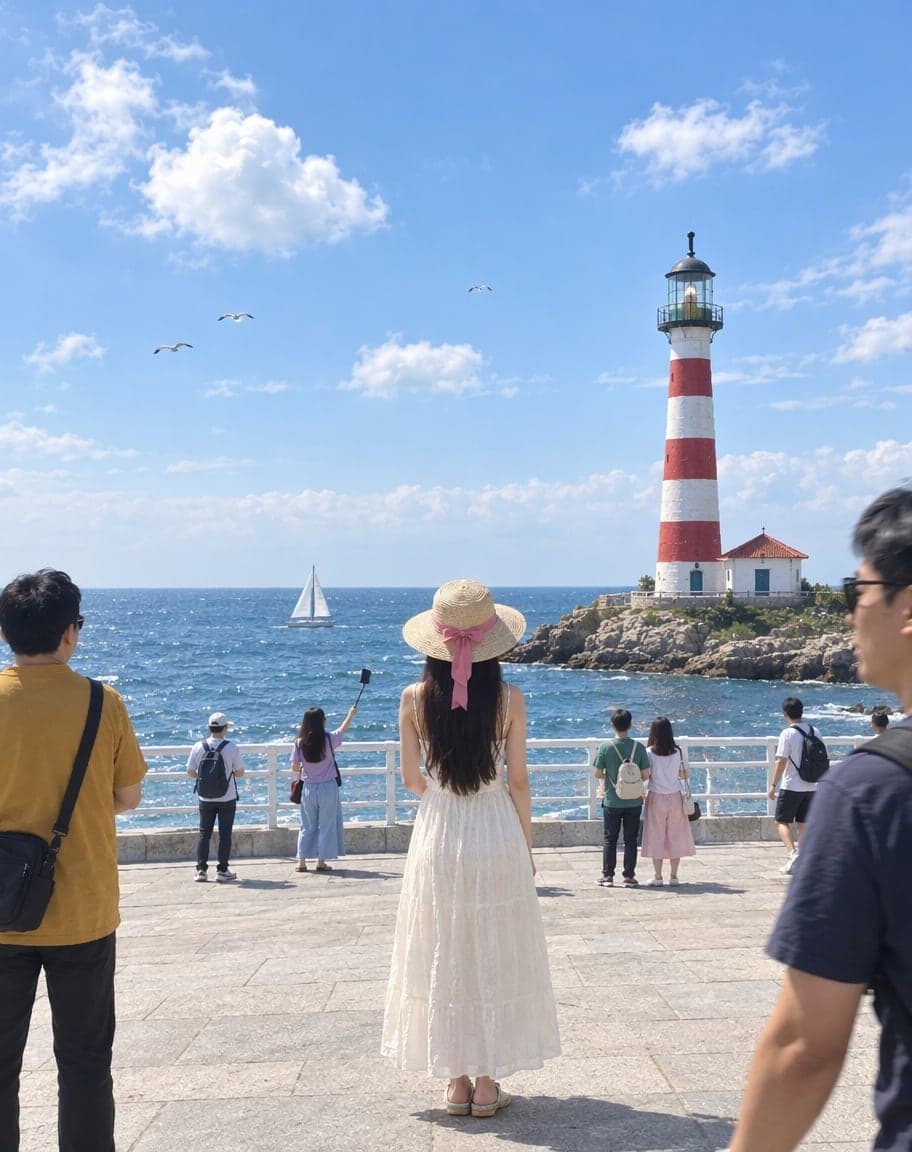
Remove People from Photos
Erase tourists and clutter from the background
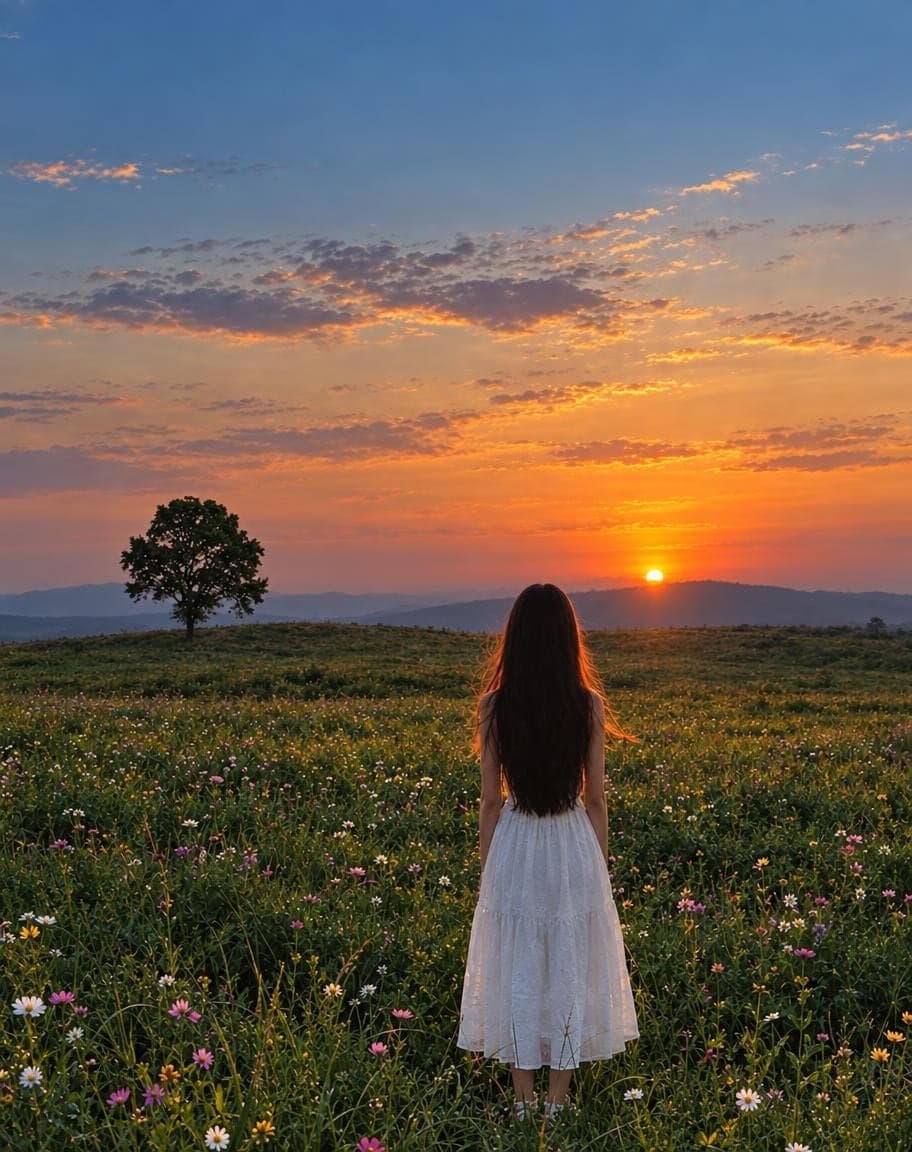
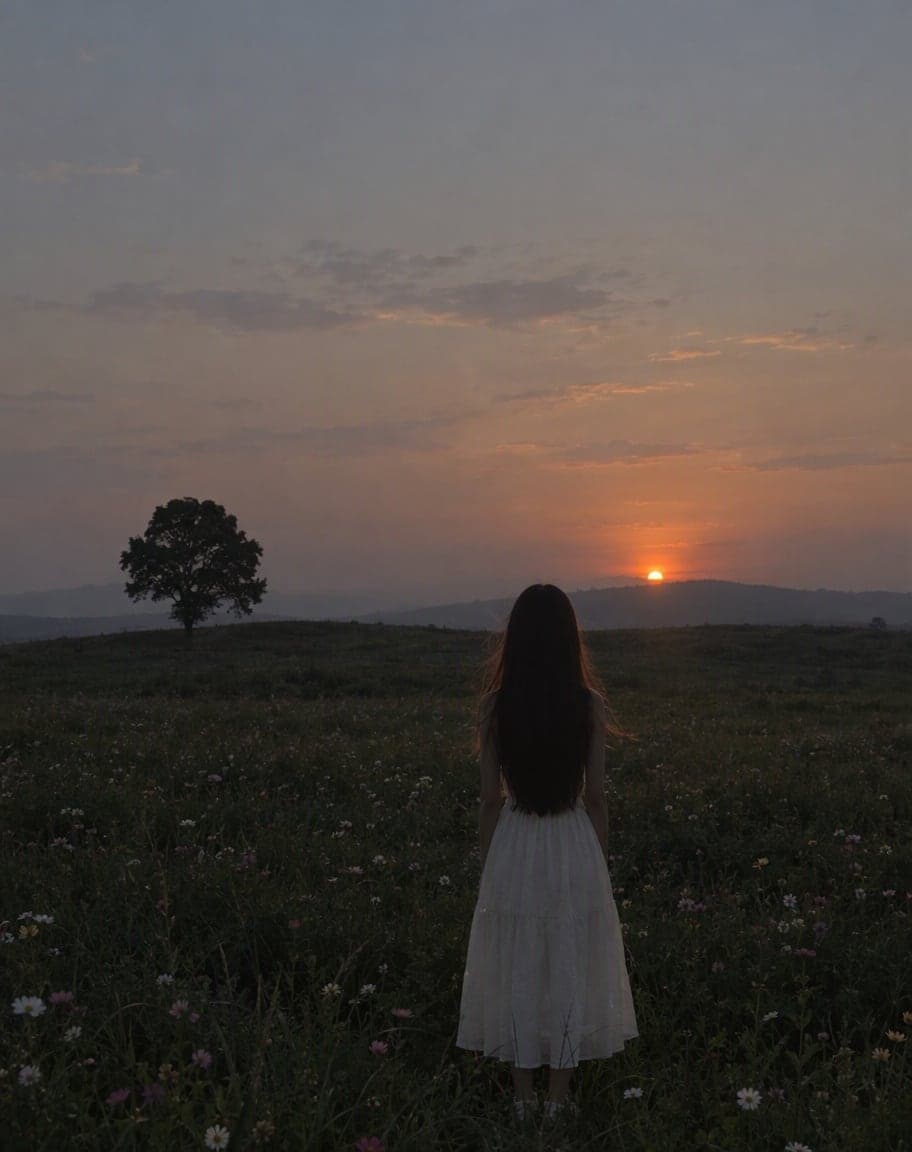
Fix Photo Lighting
Pro-level light, color and clarity in one tap
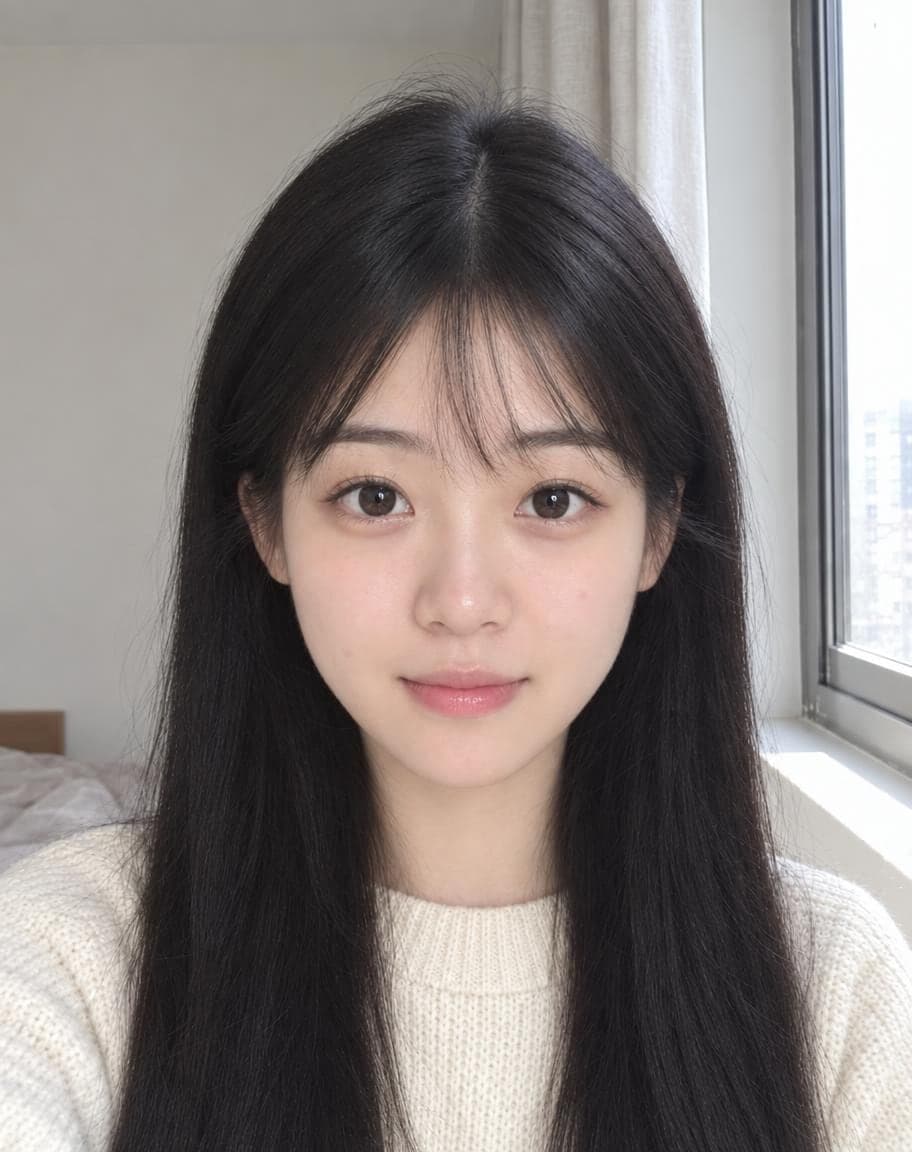
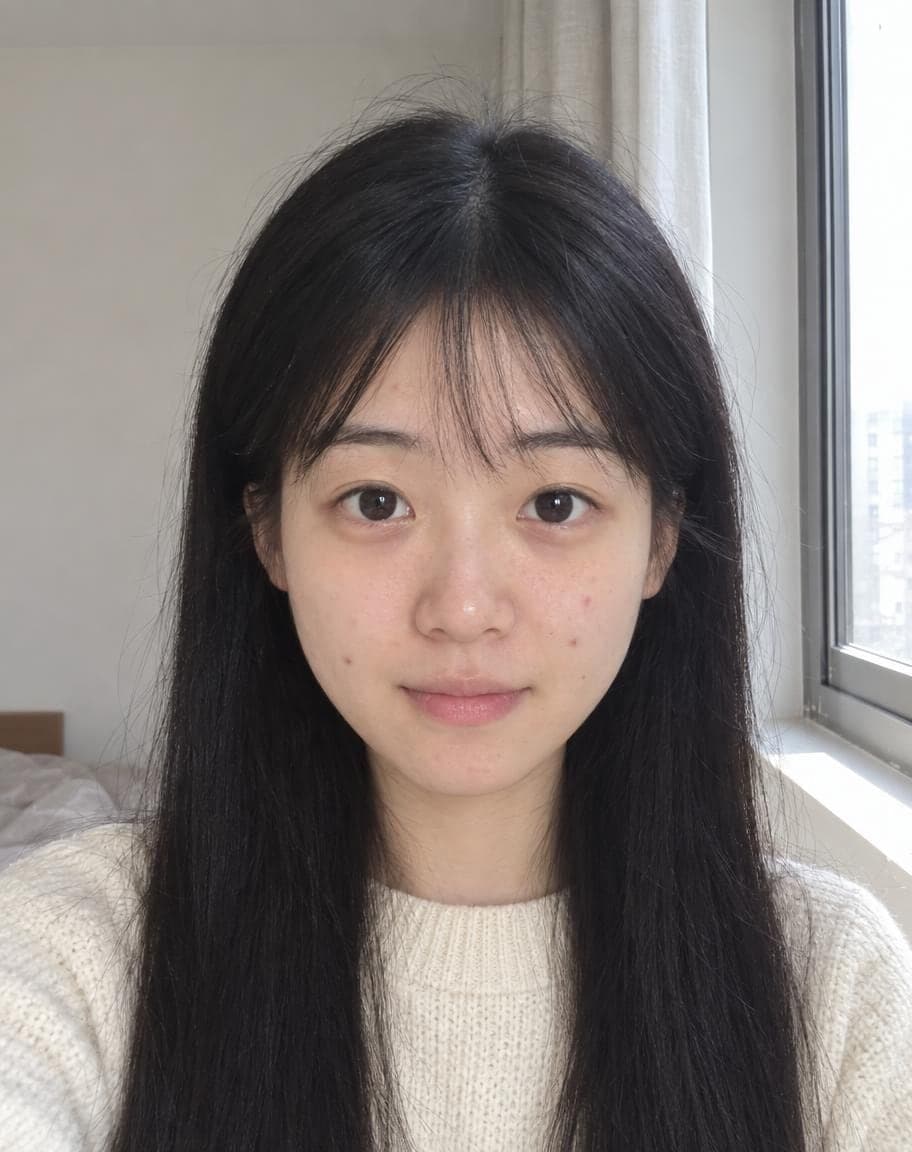
AI Portrait Retouch
Natural retouching that still looks like you
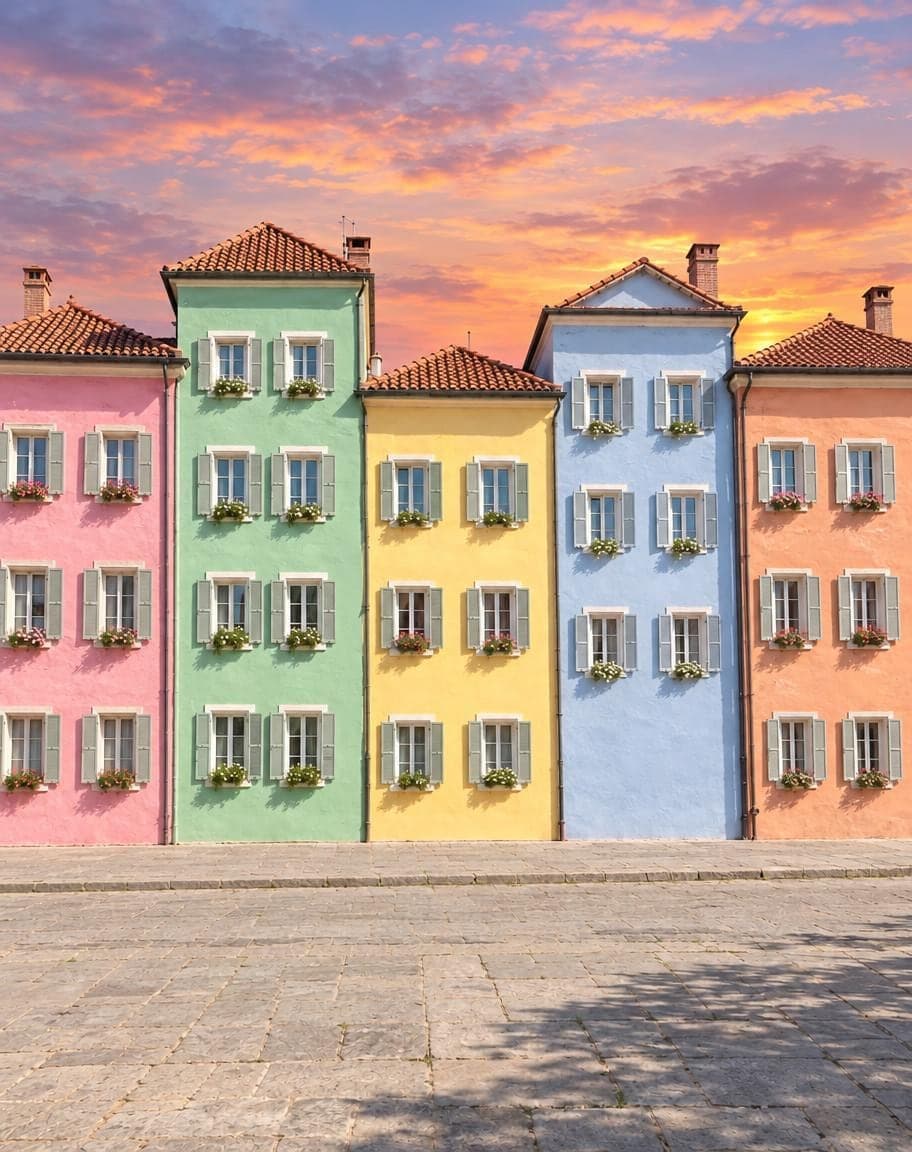
 12
121Turn the sky into a sunset2Remove the lamp post
Point & Edit
Tap a spot, say what to change
Change Photo Background: FAQ
How do I change the background of a photo?
Upload it — plain white is already filled in — and tap Generate. For something else, tap Studio gray or Sunny beach, or describe any background you like in the box.
Can I make the background white?
Yes, that's the default here: it keeps the main subject — you or your product — and turns everything else plain white, clutter included. It won't crop the photo or check it against passport rules, though.
Will my face or my product change?
No. The person or product stays as it was — face, hair, clothes and pose, or the item's shape, color and pattern. Only the background is redrawn.
Can I put myself somewhere else, like a beach or a city?
Yes. Describe the place — “a sunny beach”, “a street in Paris with cafés” — and the AI builds it around you with light and shadows that fit. Things right next to you, like a chair or a grill, stay unless you say otherwise, and famous places come out as lookalikes, not the exact spot.
Is it free?
Yes. You get 2 free edits every day — no sign-up and no credit card (free results carry a small watermark). Edits that fail don't count.
What happens to my photo?
It's stored privately and only used to make your edit. Only you can see it — in the browser you uploaded from, or in your account once you sign in — and we never sell your photos or use them to train AI models.
2 free edits every day. Need more? See pricing