Replace the Sky in Your Photo
The view was amazing, the sky wasn't: flat gray, or blown out to plain white by your phone. Upload the photo, pick a new sky and the AI swaps it in — edges around hair, trees and rooftops stay clean and the water shifts to match, while you stay exactly as you were.
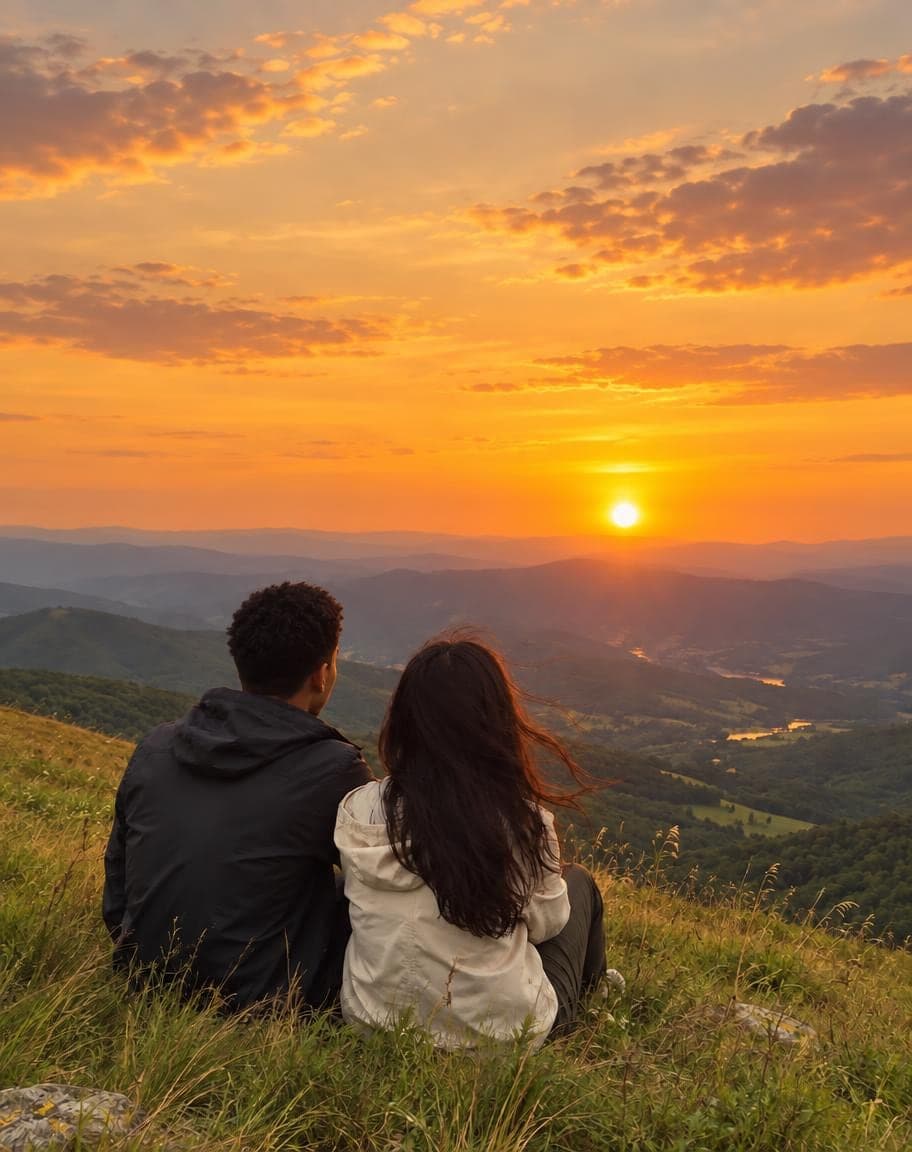
Example
Photo*
Reference image (optional)
Usually 30–90 s · failed edits don't count
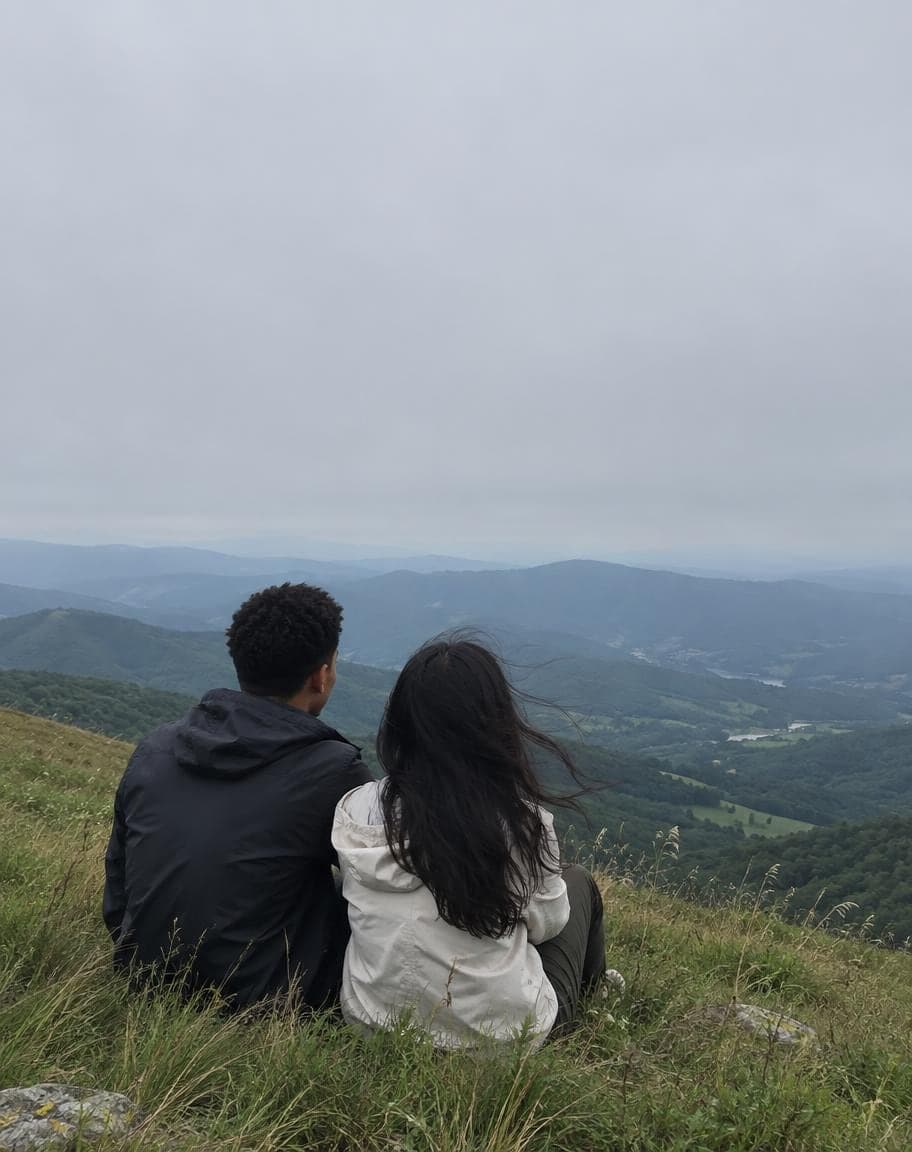
“Replace the sky with a warm golden sunset”
- 1Upload a photo and tweak the options
- 2Tap “Generate” and wait 30–90 seconds
- 3Compare, download or keep editing
More real results
All made with this tool. Drag the line on each photo to compare.
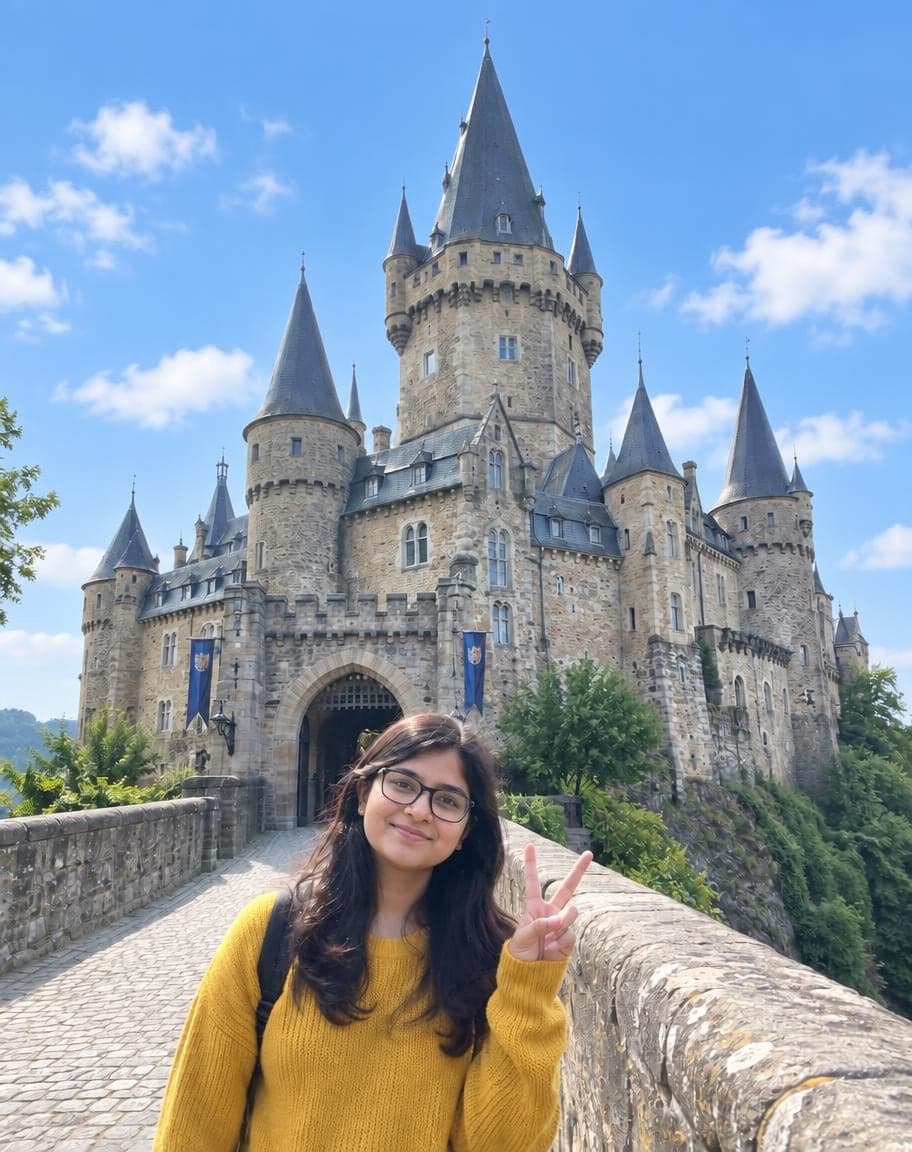
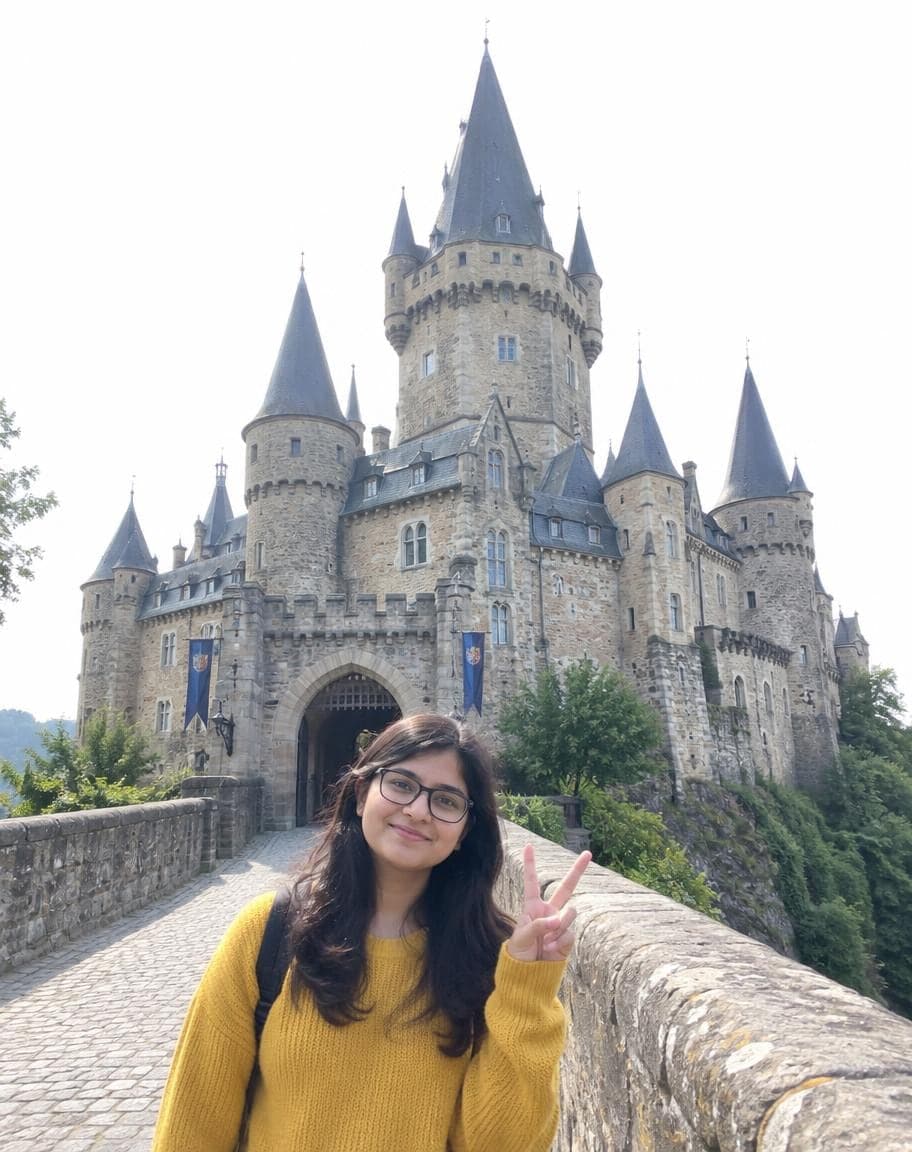
“Replace the sky with a clear blue sky and a few soft white clouds”
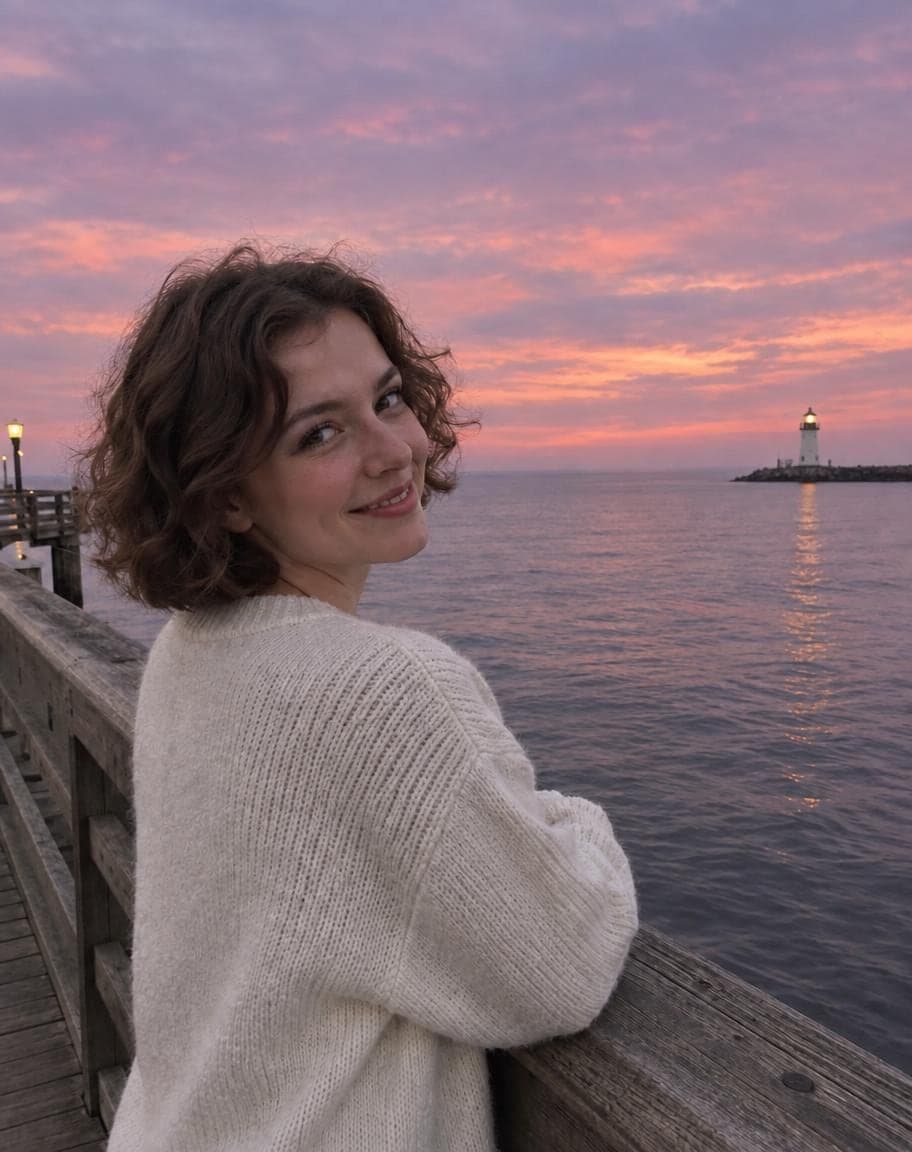
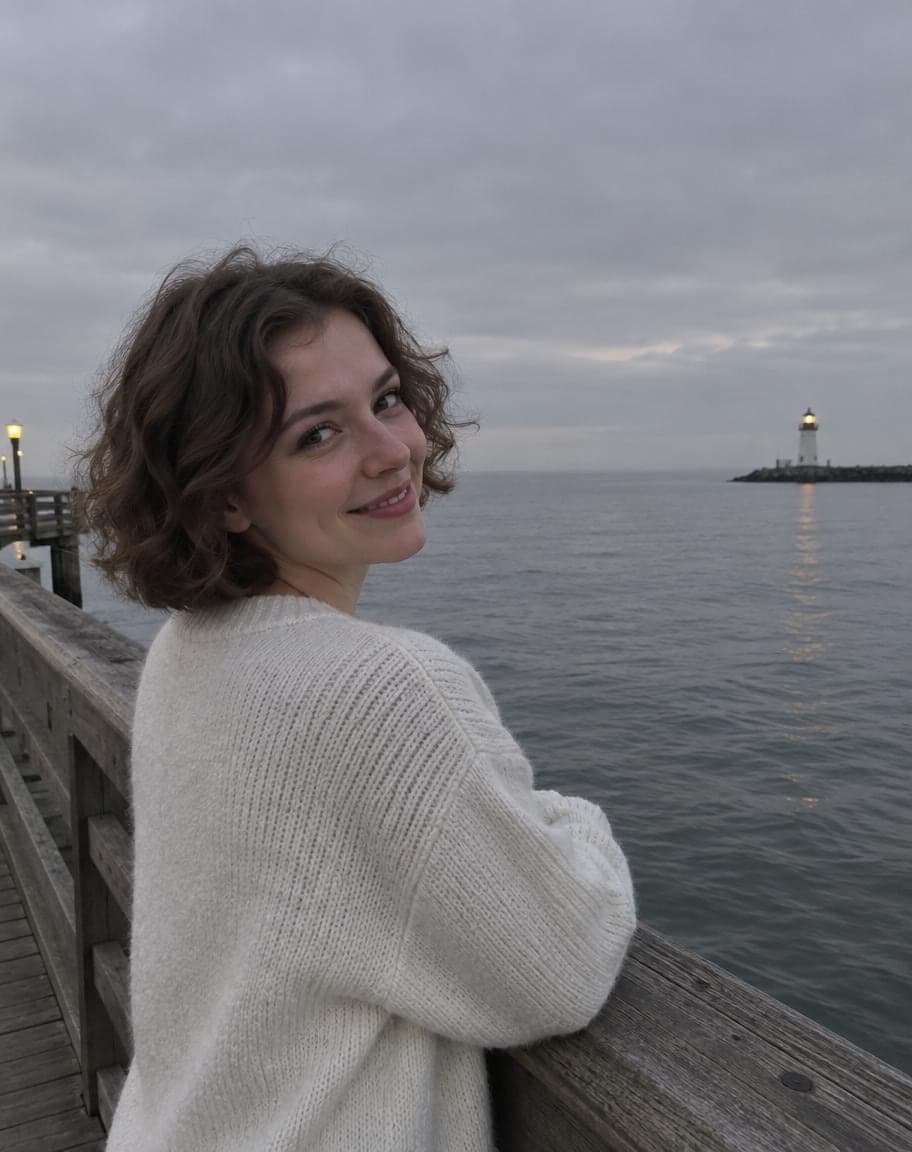
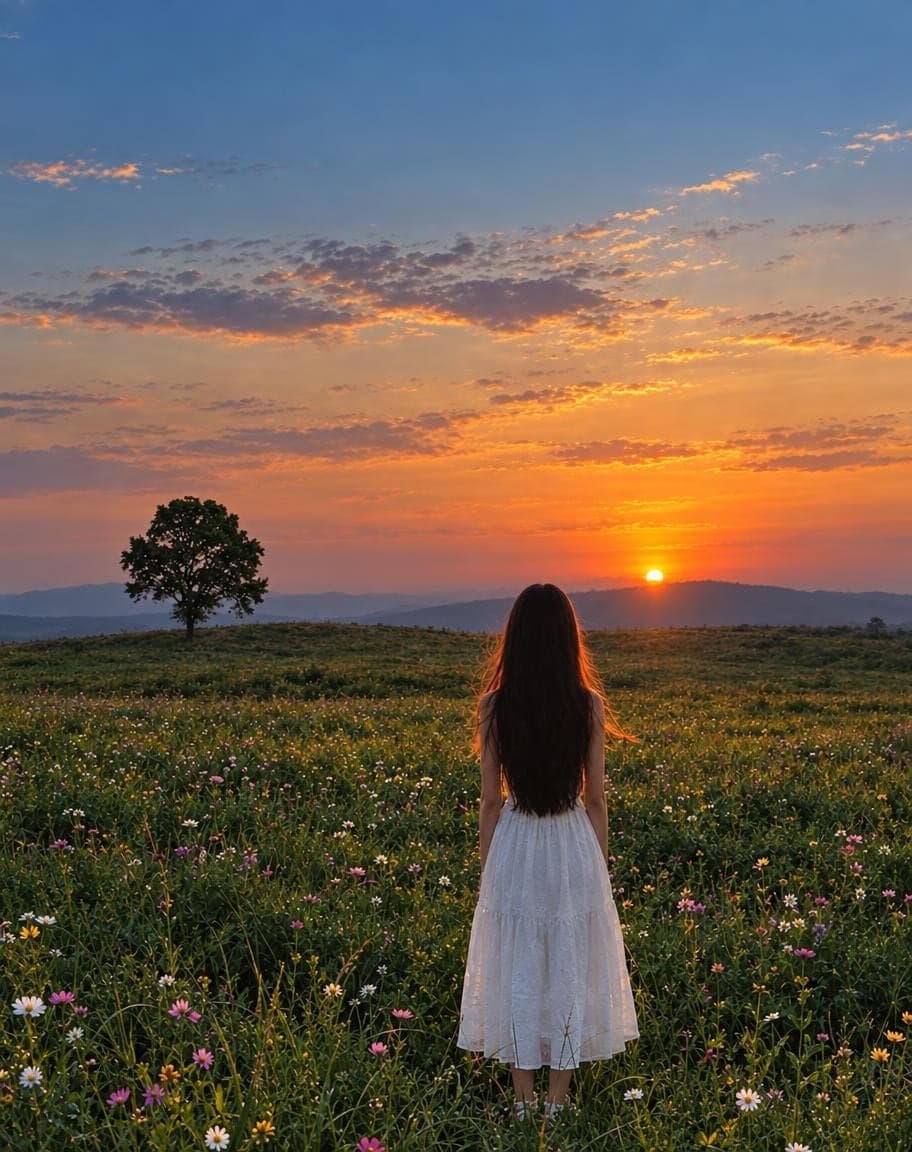
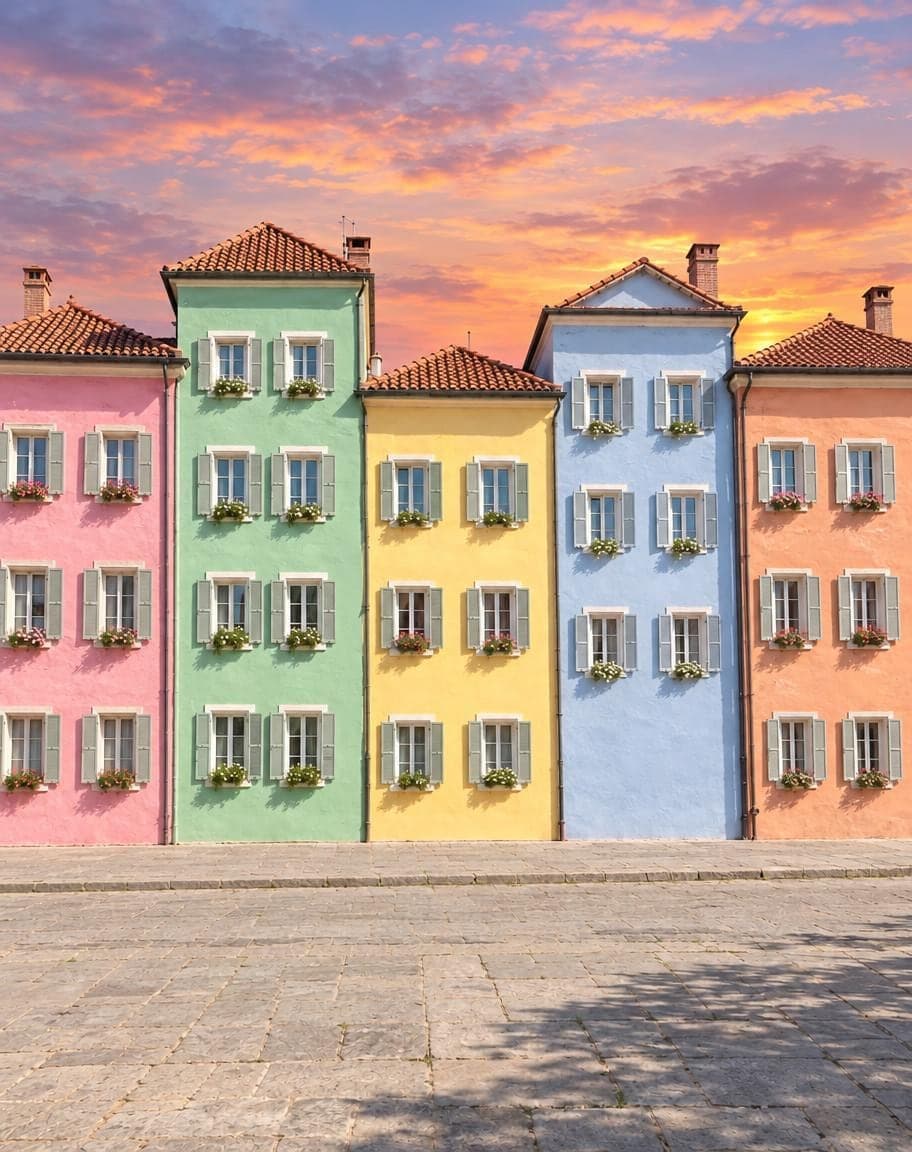
“Replace the sky with a soft pink and purple dusk”
What works best, and what it can't do
Works best
- Gray, hazy or blown-out white skies — the flatter the old sky, the cleaner the swap.
- Hair, trees, spires and rooftops against the sky: edges come out clean, even curls and thin branches.
- Describe the sky you want in the box: “a pink sunset”, “a clear blue sky with a few clouds”.
What it can't do
- Changing only the sky and nothing else: the sea, lakes and windows pick up the new color, and a sunset warms the light a little, so the photo looks real.
- Picking the exact clouds or sun: each try draws a new sky, so run it again for a different one.
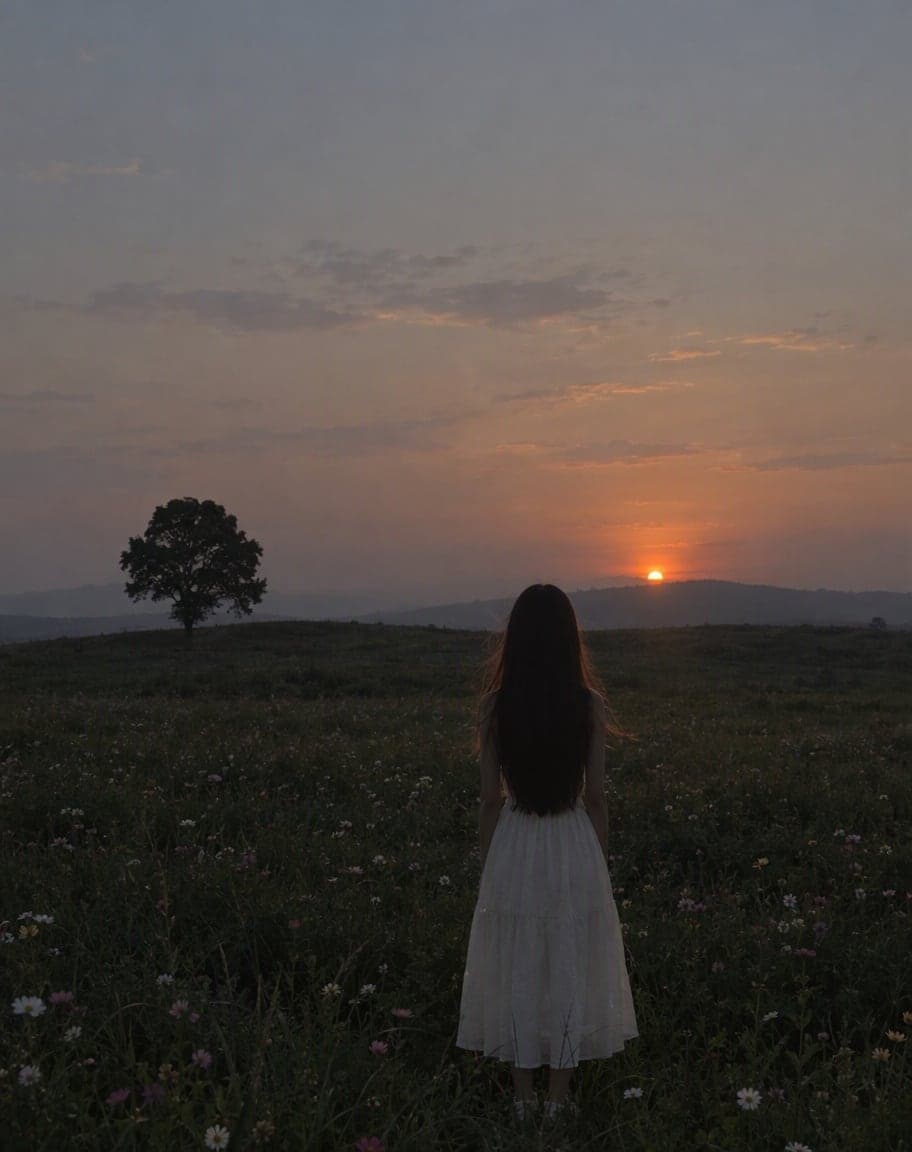
- Turning day into night: a starry sky goes in, but the ground keeps its daylight, so it looks pasted on.
More photo fixes
All tools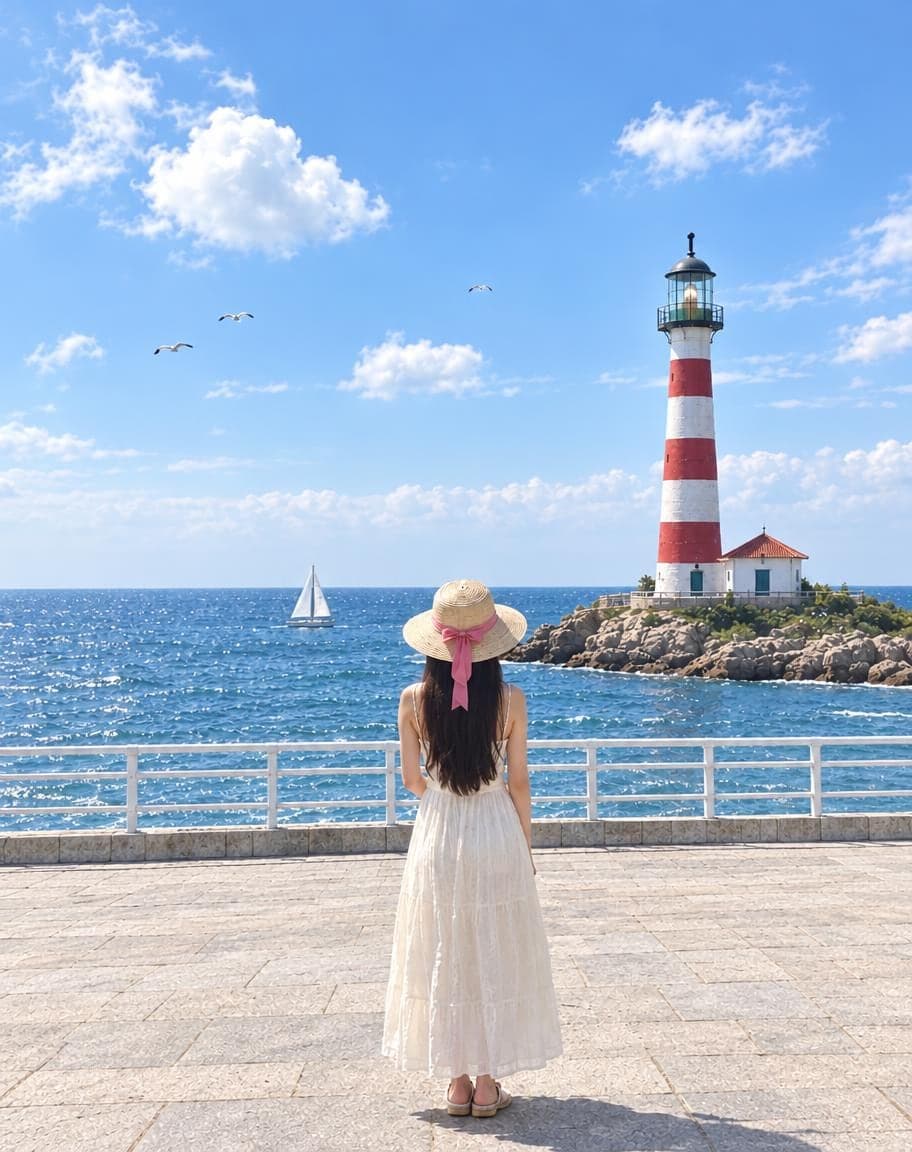
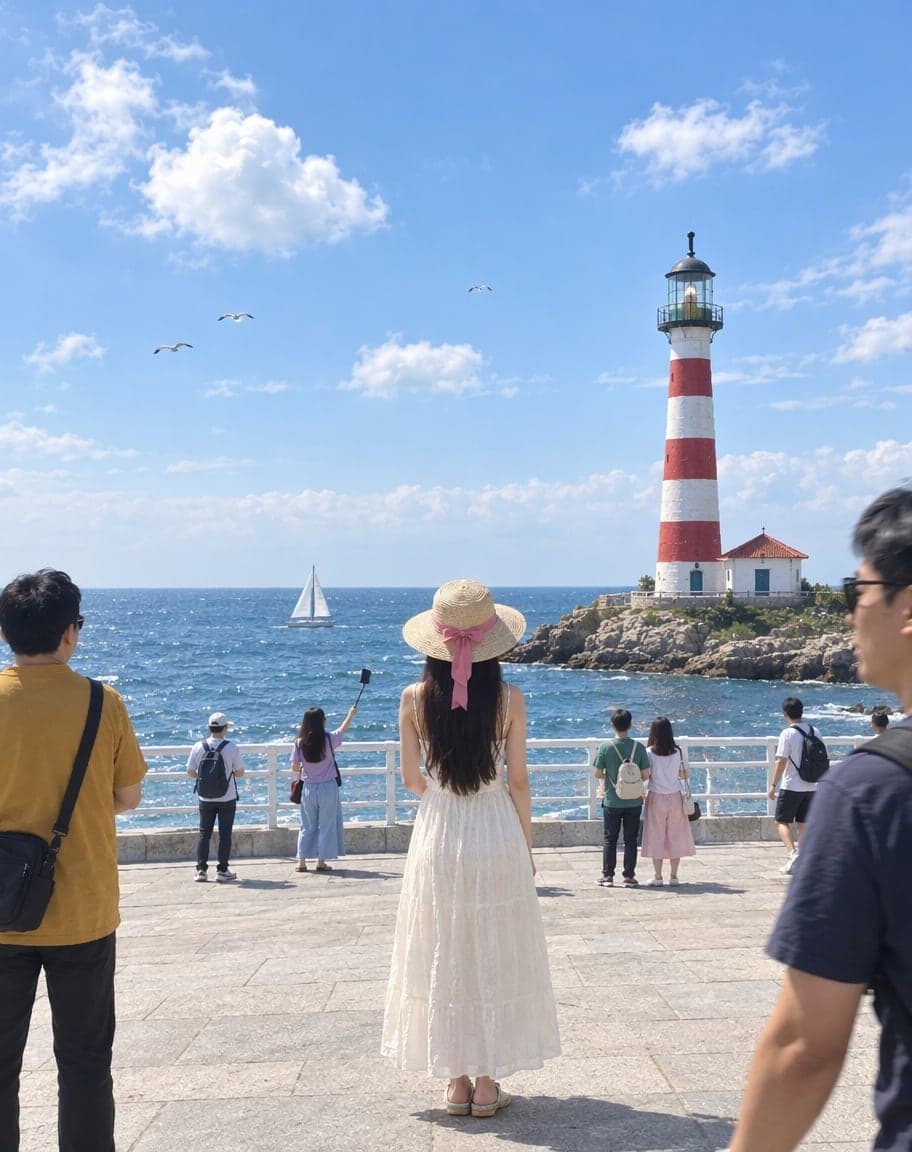
Remove People from Photos
Erase tourists and clutter from the background
Fix Photo Lighting
Pro-level light, color and clarity in one tap
AI Portrait Retouch
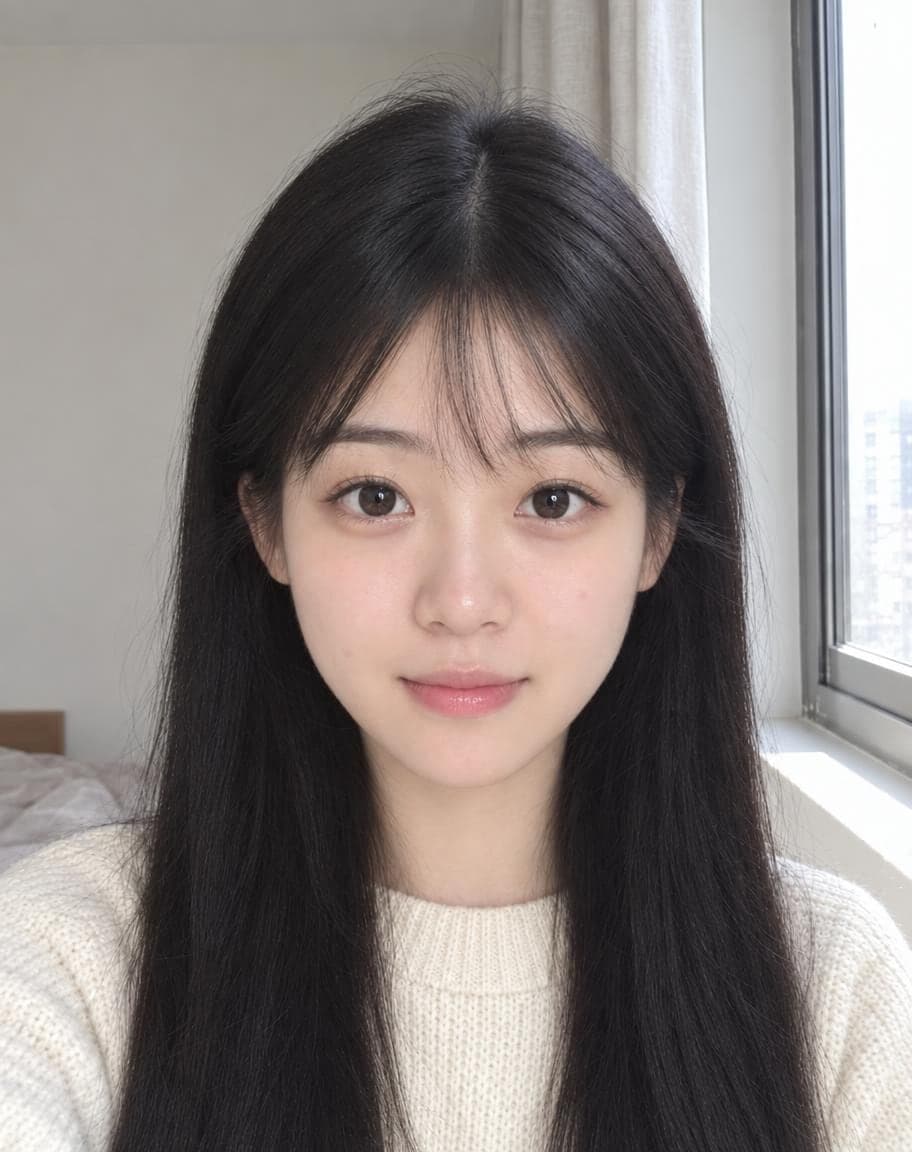
Natural retouching that still looks like you
 12
121Turn the sky into a sunset2Remove the lamp post
Point & Edit
Tap a spot, say what to change
Replace the Sky in Your Photo: FAQ
How do I replace the sky in a photo?
Upload your photo — a clear blue sky is already filled in — and tap Generate. Want something else? Tap Golden sunset or Pink dusk, or describe your own sky in the box.
Will the edges around hair and trees look cut out?
No. The AI redraws the sky around them instead of cutting a mask, so curls, thin branches and church spires blend in naturally.
Does the rest of the scene change to match?
A little, the way it would in real life: the sea, lakes and windows pick up the new sky's color, and a sunset warms the light. People, buildings and the composition stay as they were.
Can I replace a white, blown-out sky?
Yes — it's one of the most common fixes. When a phone turns the sky into a white blank, the AI paints a real sky back in behind towers, trees and people.
Is it free?
Yes. You get 2 free edits every day — no sign-up and no credit card (free results carry a small watermark). Edits that fail don't count.
What happens to my photo?
It's stored privately and only used to make your edit. Only you can see it — in the browser you uploaded from, or in your account once you sign in — and we never sell your photos or use them to train AI models.
2 free edits every day. Need more? See pricing