Fix Backlit Photos
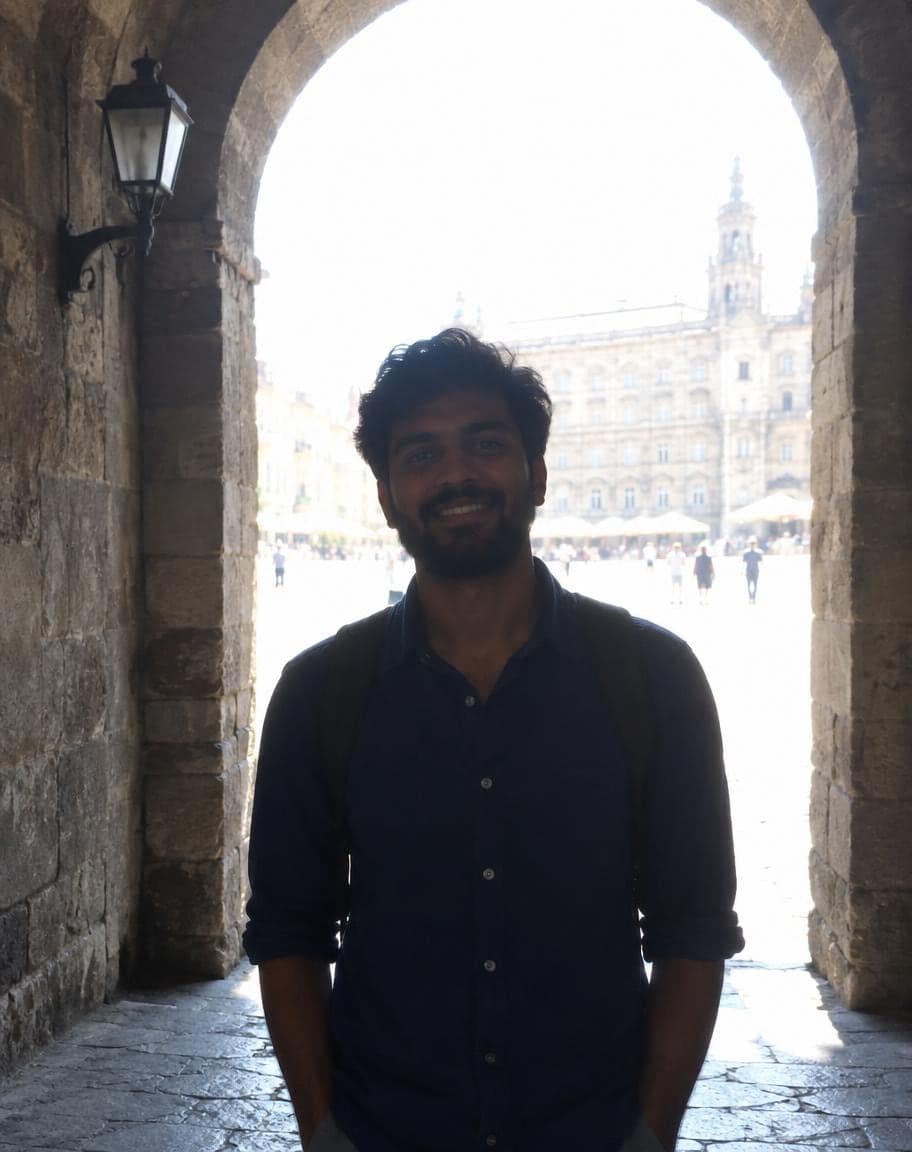
The sunset was perfect, the blossoms were out — and with the light behind you, your face came out as a dark shadow. Upload the photo and the AI brings faces out of the shadow and keeps your real skin tone, while the bright sky or sunset behind you stays as it was.
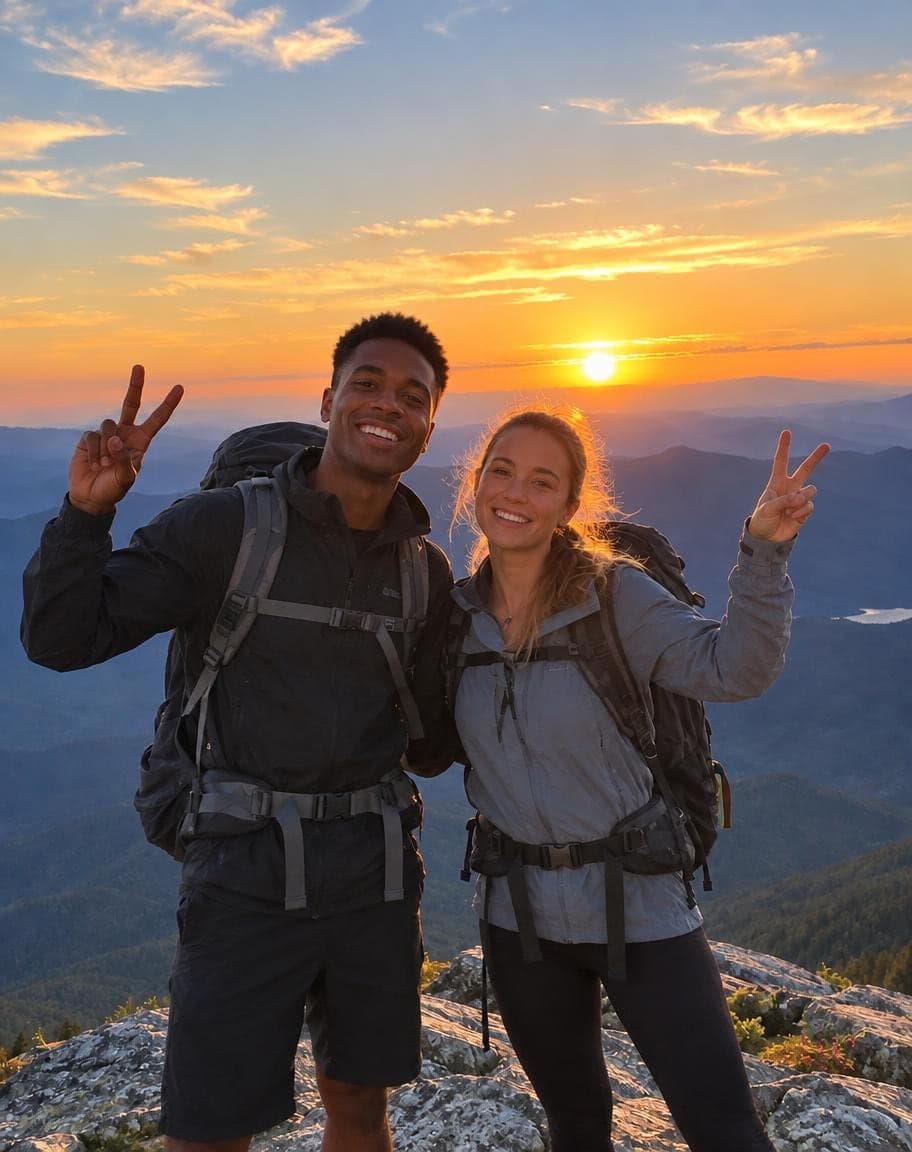
Example
Photo to fix*
Usually 30–90 s · failed edits don't count
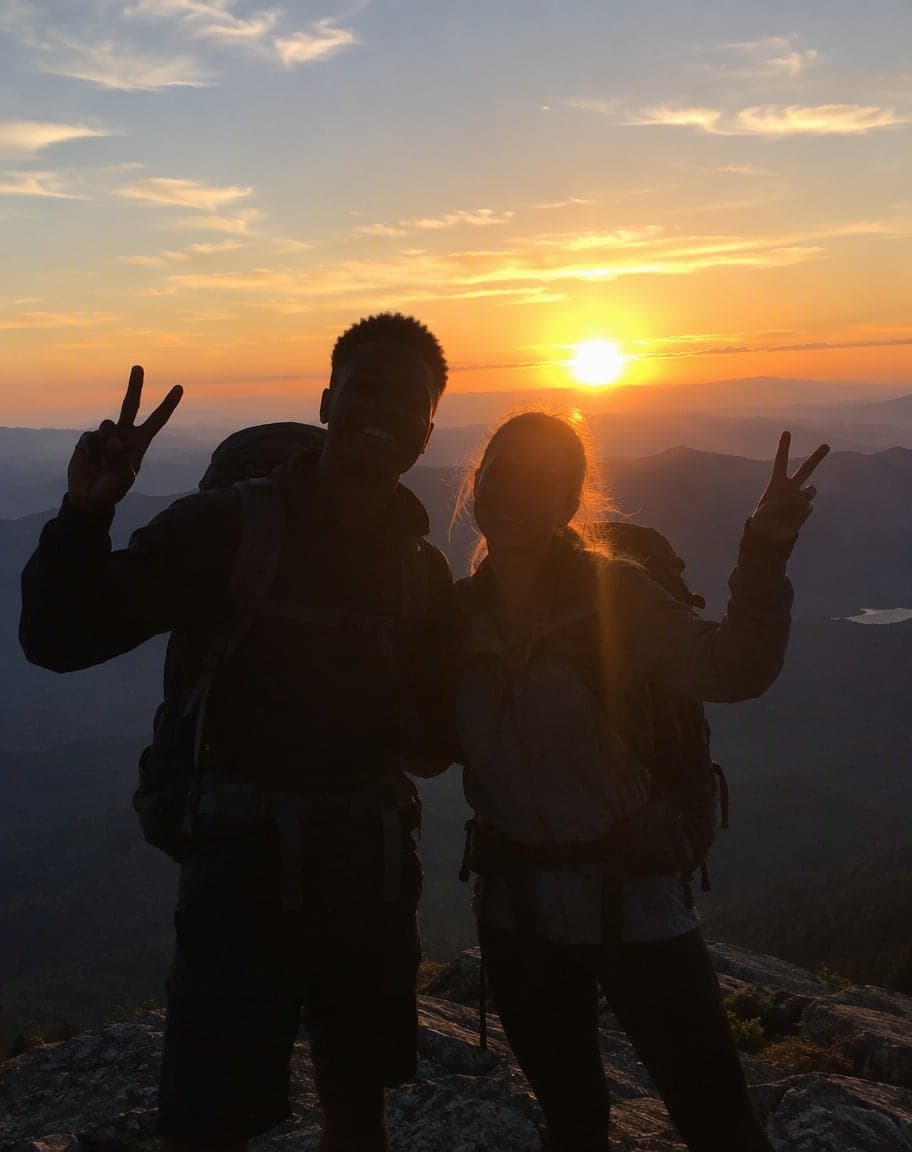
- What's wrong with it?:
- Backlit face
- 1Upload a photo and tweak the options
- 2Tap “Generate” and wait 30–90 seconds
- 3Compare, download or keep editing
More real results
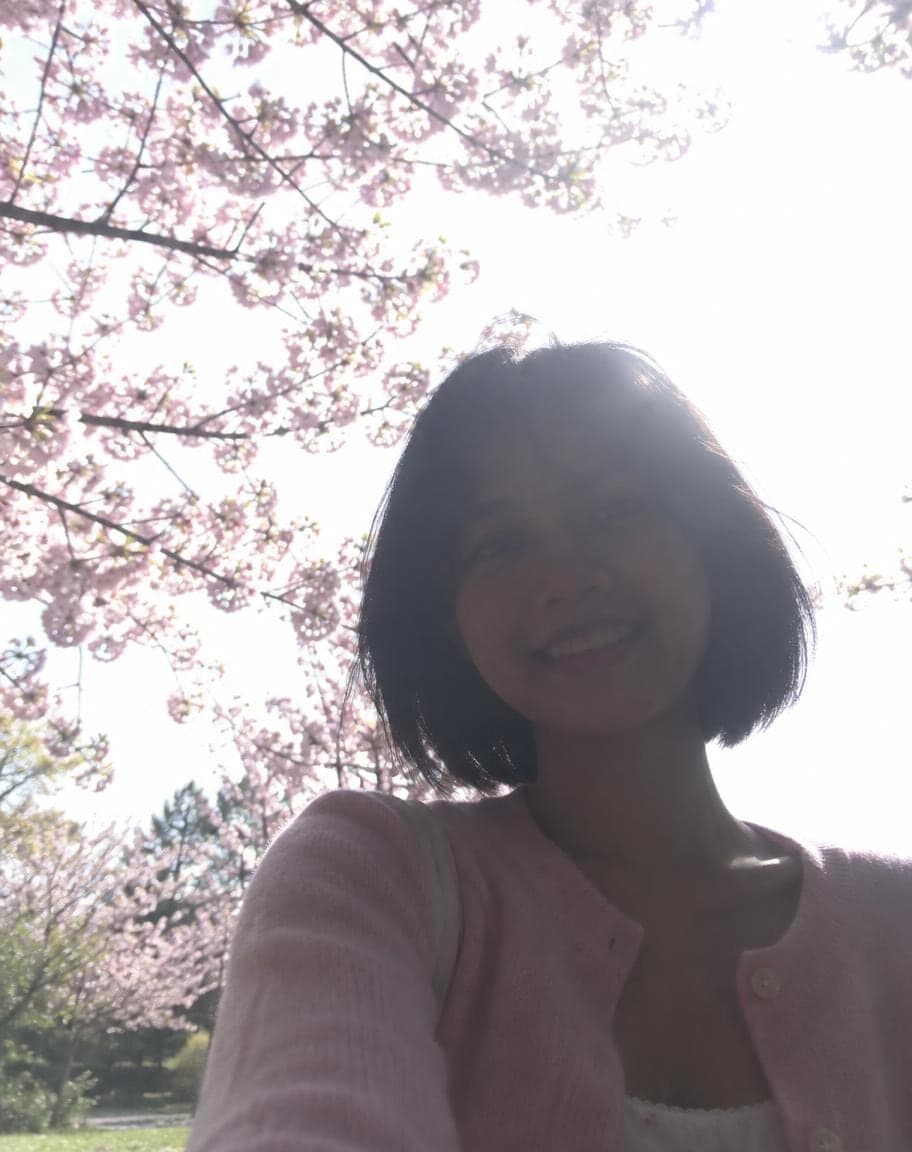
All made with this tool. Drag the line on each photo to compare.
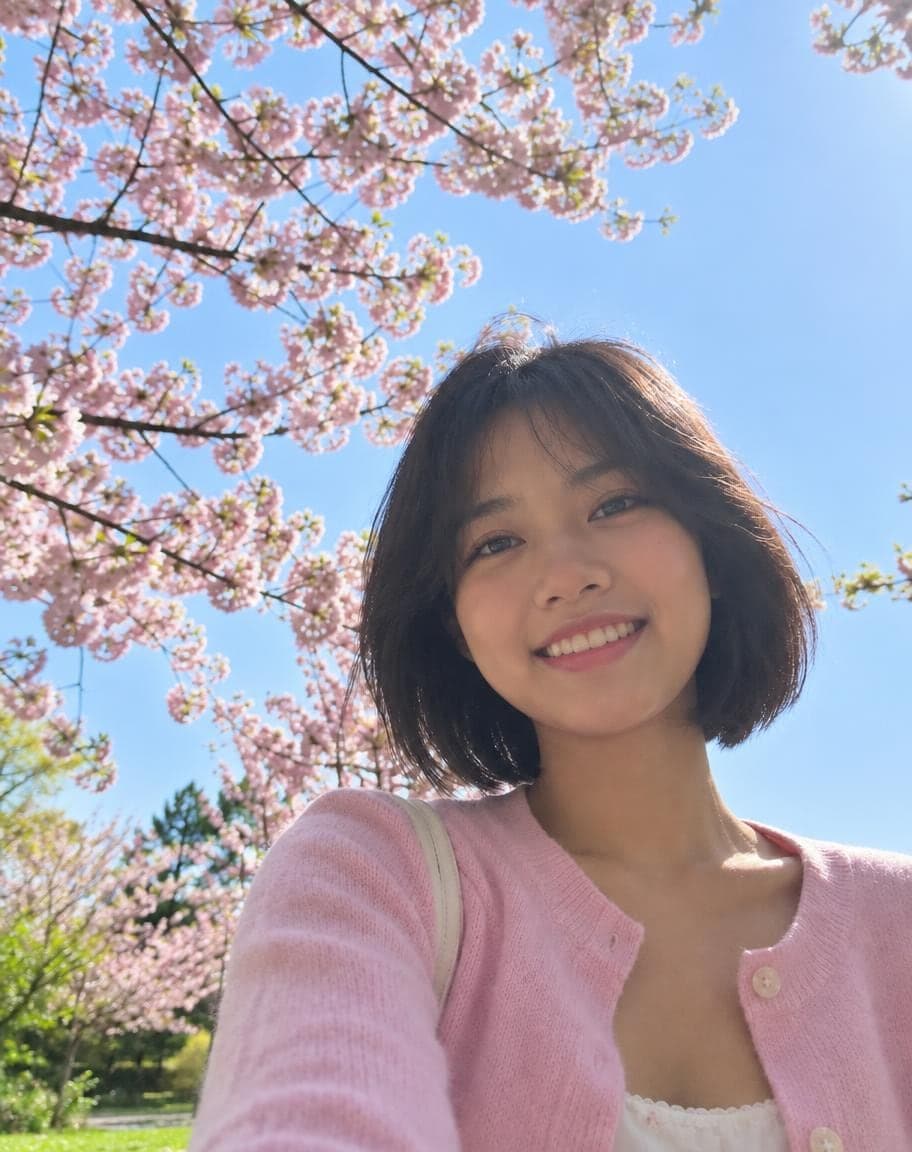
- What's wrong with it?:
- Backlit face

- What's wrong with it?:
- Backlit face
What works best, and what it can't do
Works best
- Faces in shadow against a bright sky, window, doorway or sunset.
- The face is in focus and big enough to see, even if it's dark.
- No one in the photo, just a dark foreground under a bright sky? Switch to “Let AI decide”.
What it can't do
- Complete silhouettes where the face is pure black: the features have to be filled in by AI, so they may not look exactly like the person.
- Lens flare or haze across the face.
- Turning a sunset into daytime — it keeps the light you shot in and only brings faces out of the shadow.
More photo fixes
All tools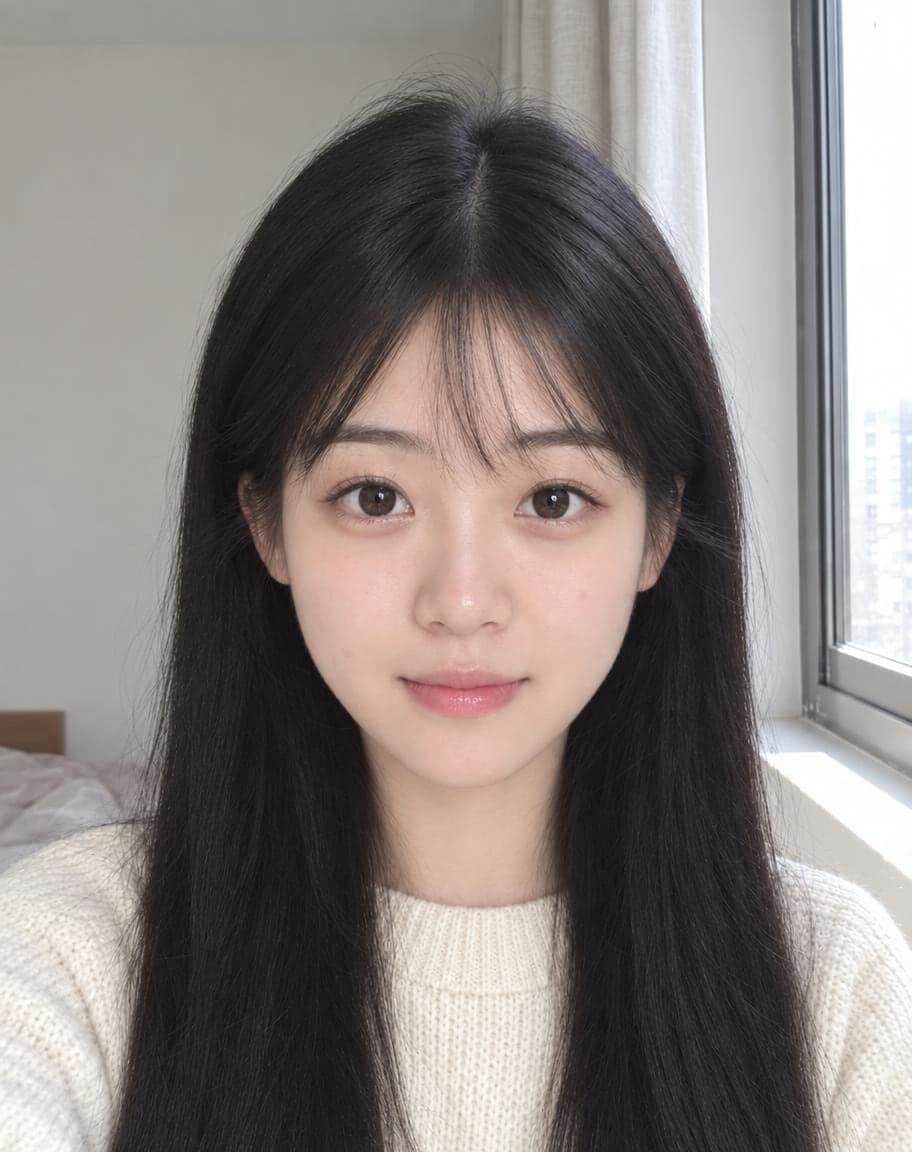
AI Portrait Retouch
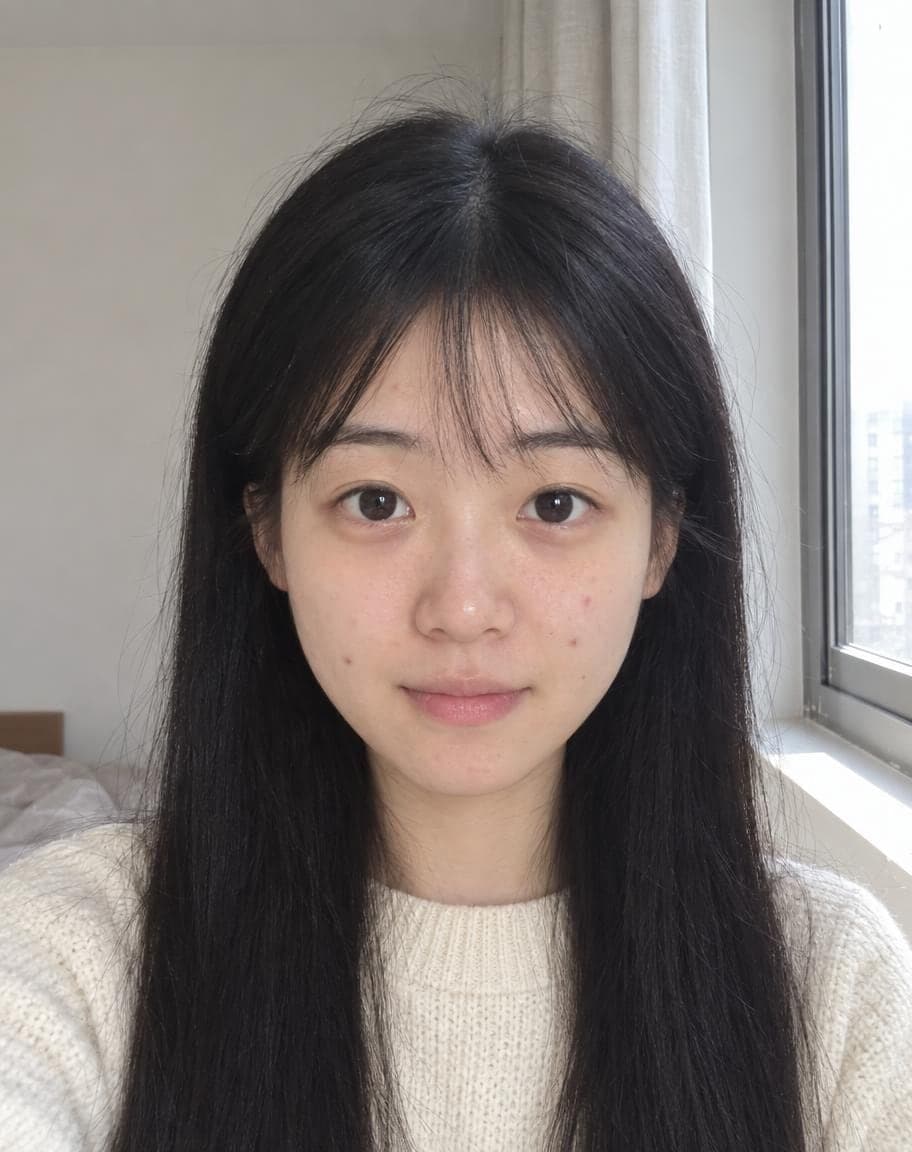
Natural retouching that still looks like you

 12
121Turn the sky into a sunset2Remove the lamp post
Point & Edit
Tap a spot, say what to change
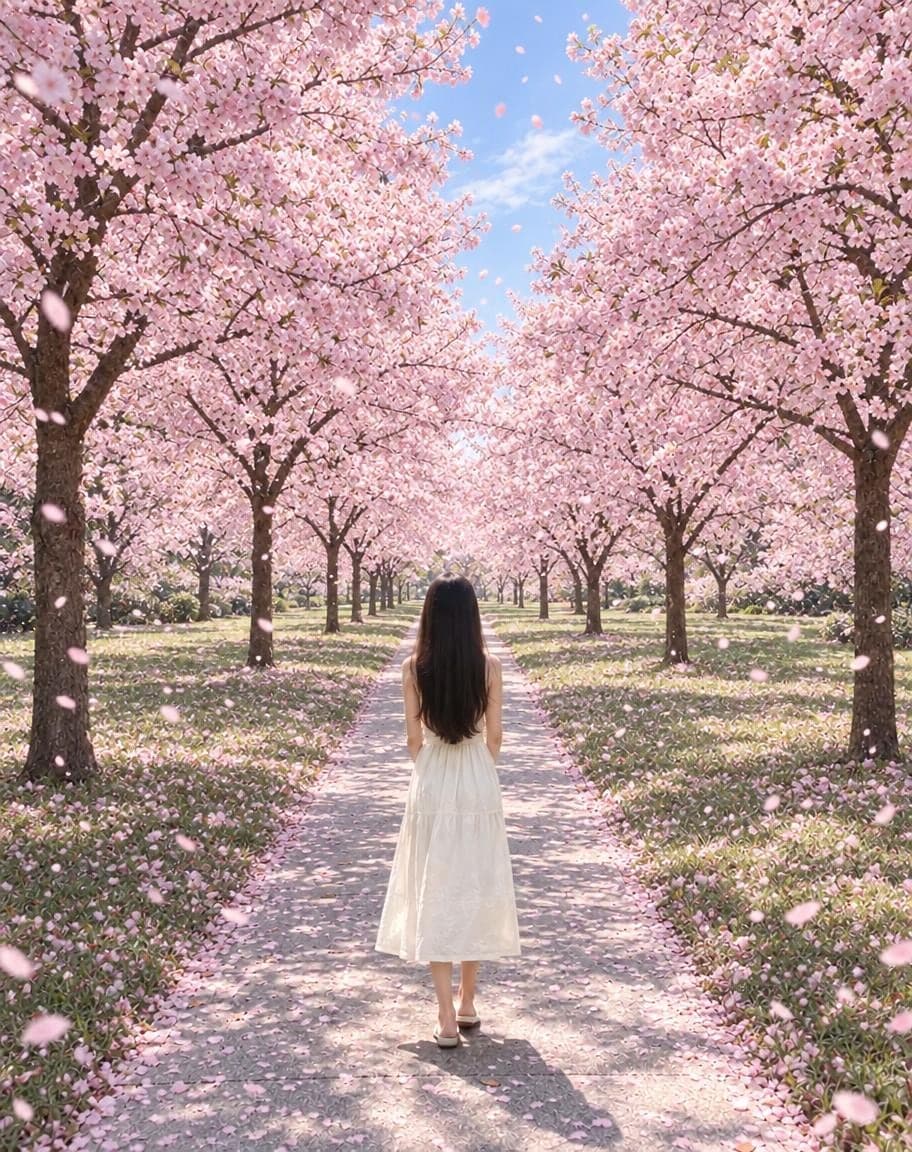
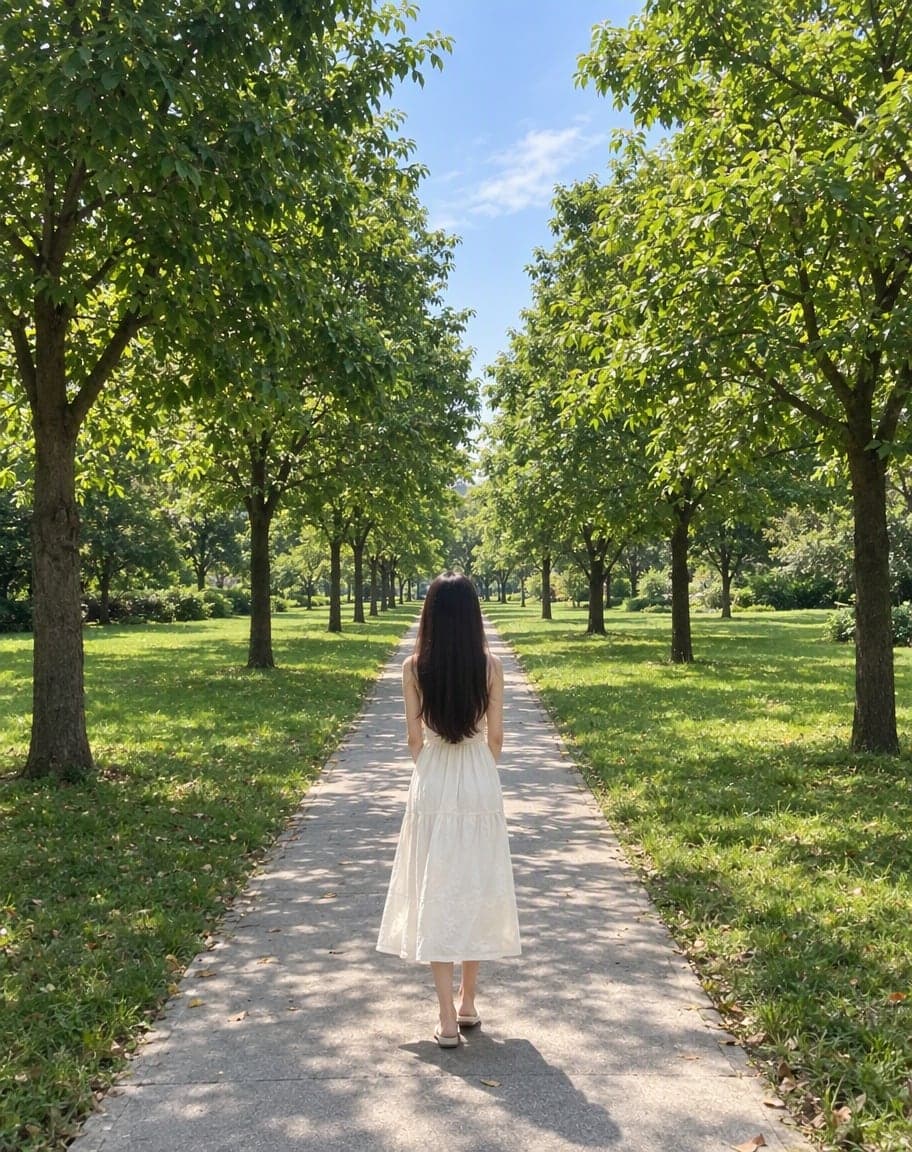
“Switch the background to cherry-blossom season, with petals drifting in the air”
Edit Photo with Text
Describe any edit in one sentence
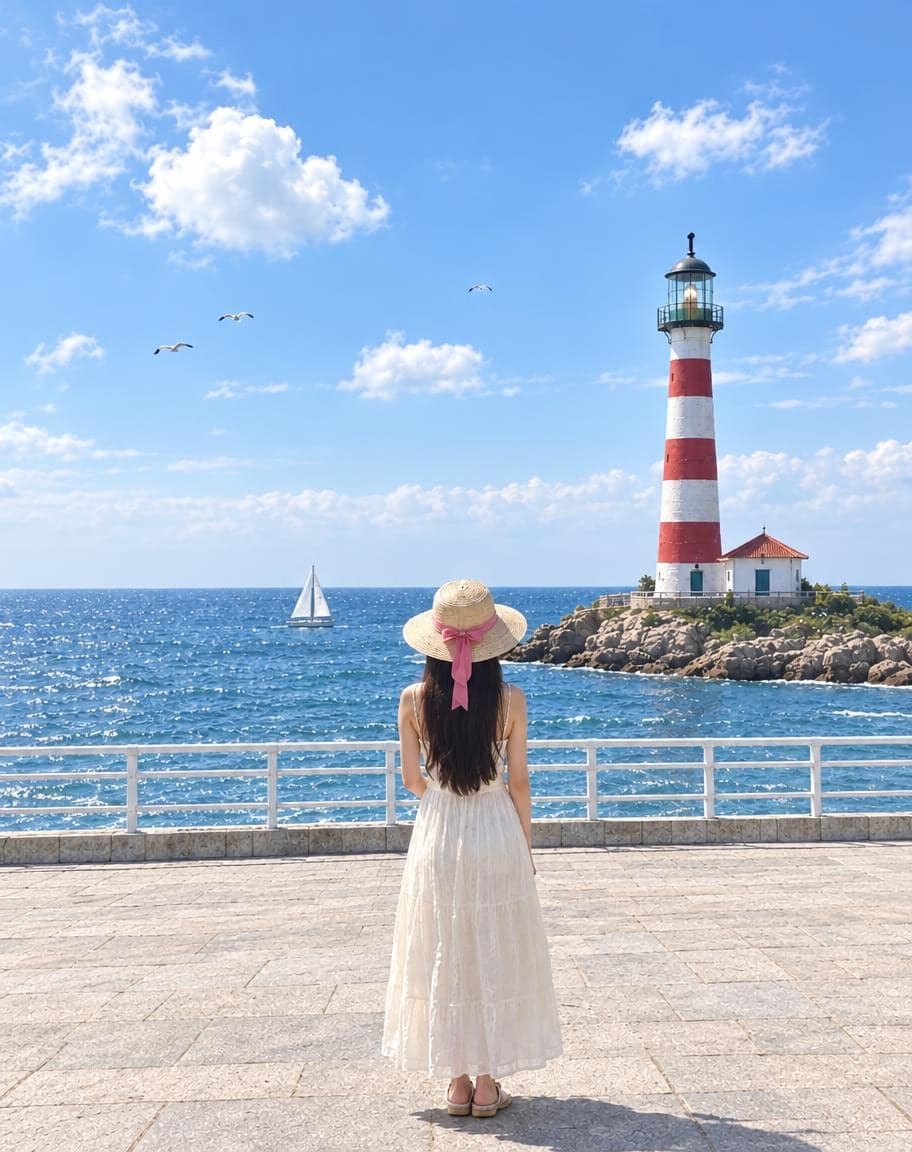
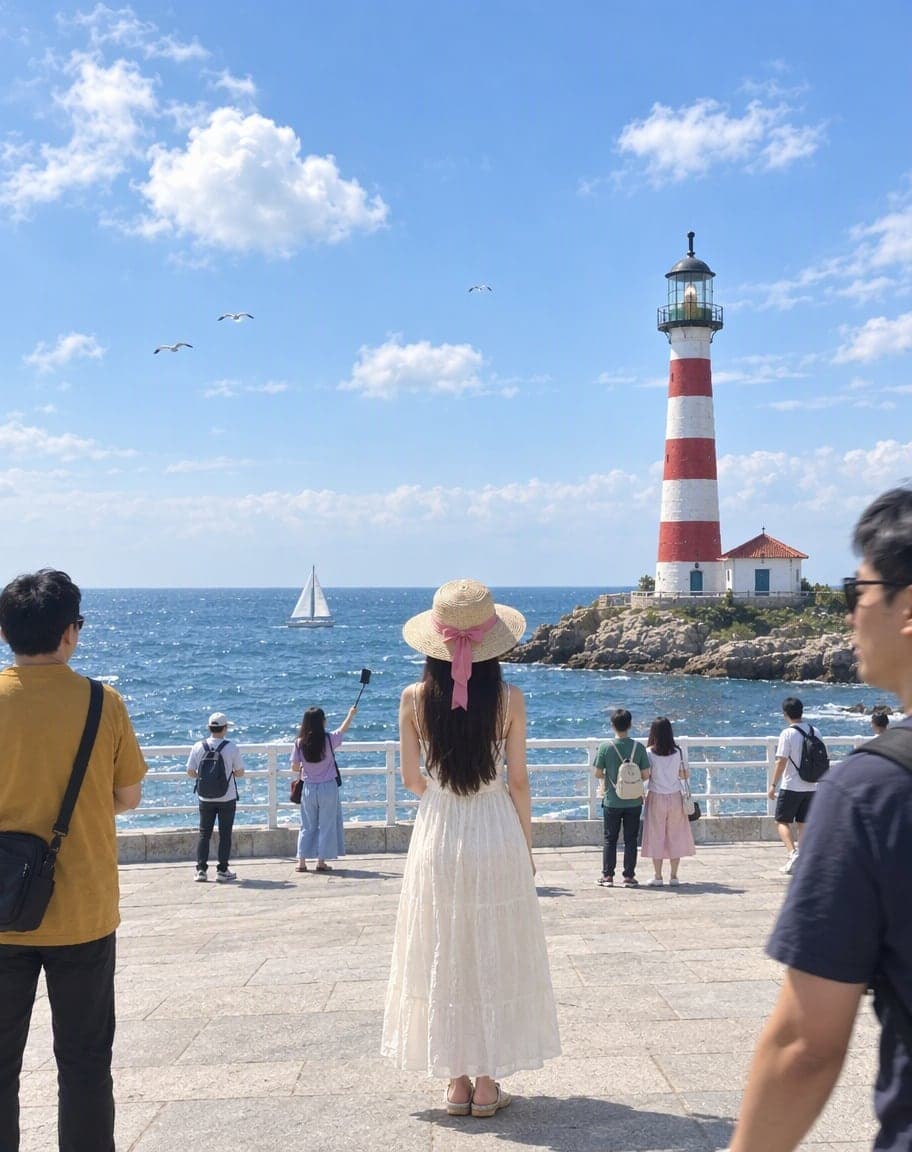
Remove People from Photos
Erase tourists and clutter from the background
Fix Backlit Photos: FAQ
How do I fix a backlit photo?
Upload it — “Backlit face” is already selected — and tap Generate. The AI brightens the faces in shadow and balances them with the bright background, the way a photographer would with a reflector or a touch of fill flash.
Will it change my skin tone?
No. It brings your face out of the shadow without lightening your skin. Drag the slider on your result to compare it with the original.
Will the sunset or the bright sky stay?
Yes. The background keeps its light and color — often it gets a little detail back — and only the parts in shadow are lifted.
Can it fix a complete silhouette?
Partly. If the face is pure black there's no detail to bring back, so the AI has to fill it in and it may not look exactly like the person. Photos where you can still make out the face work best.
Is it free?
Yes. You get 2 free edits every day — no sign-up and no credit card (free results carry a small watermark). Edits that fail don't count.
What happens to my photo?
It's stored privately and only used to make your edit. Only you can see it — in the browser you uploaded from, or in your account once you sign in — and we never sell your photos or use them to train AI models.
2 free edits every day. Need more? See pricing