GPT Image 2.5 photo editor
Edit any photo with GPT Image 2.5 — just describe the change in plain English. No API key, no subscription, no sign-up.
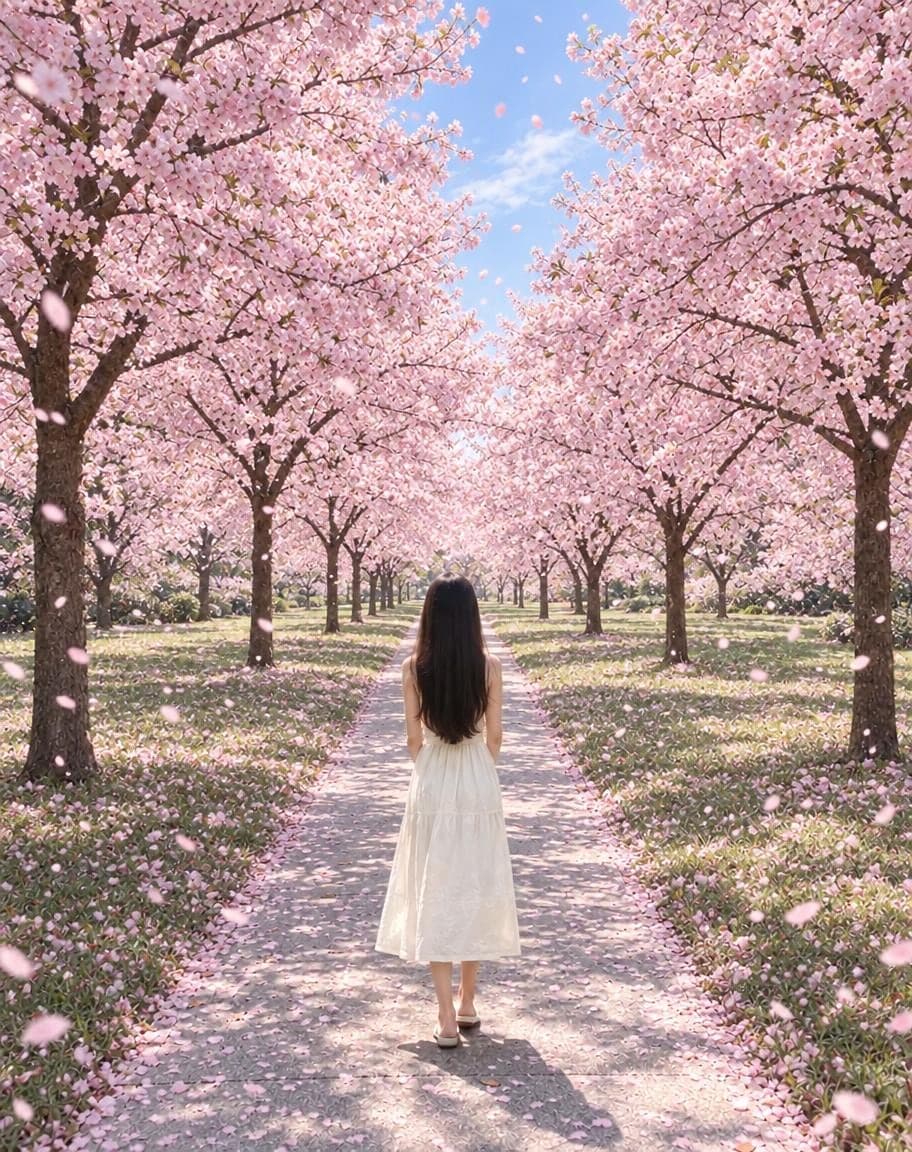
Example
Photo*
Reference image (optional)
Usually 30–90 s · failed edits don't count
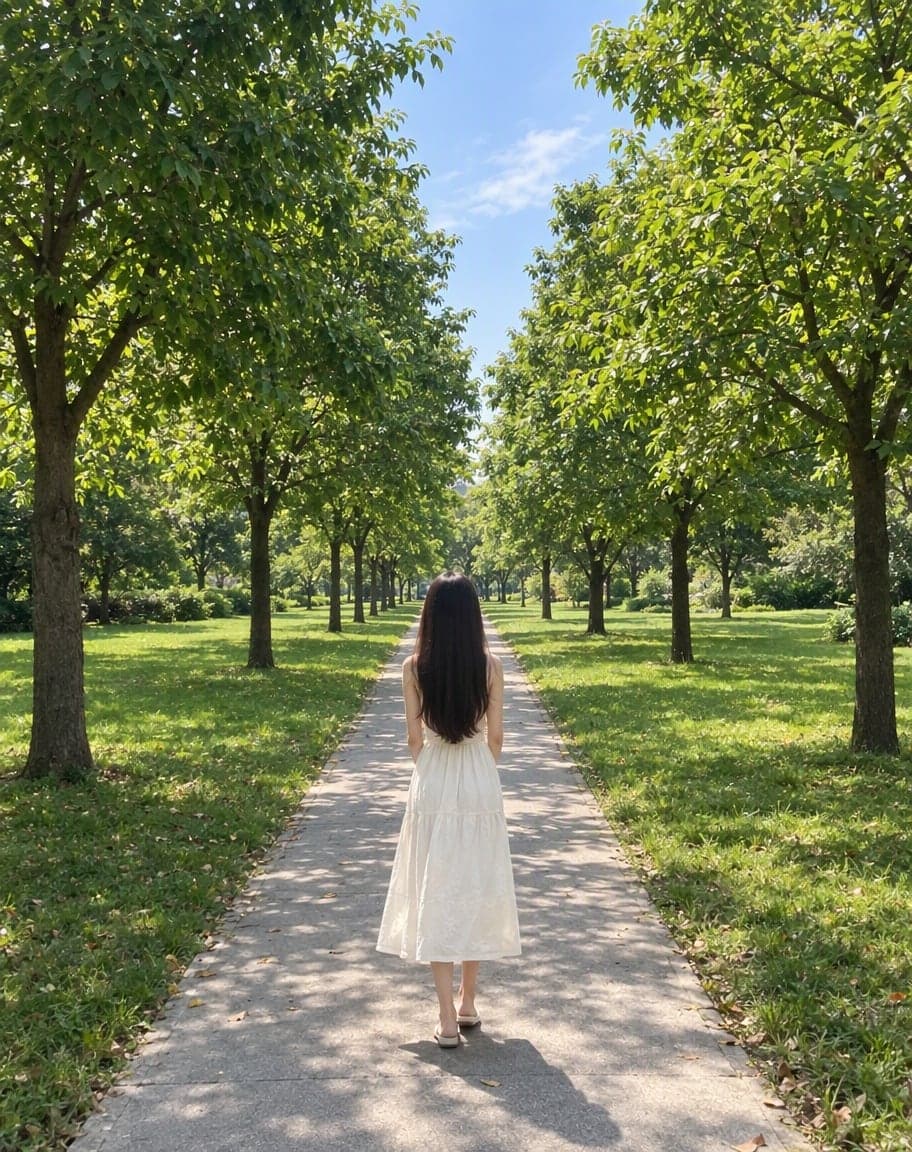
“Switch the background to cherry-blossom season, with petals drifting in the air”
- 1Upload a photo and tweak the options
- 2Tap “Generate” and wait 30–90 seconds
- 3Compare, download or keep editing
What is GPT Image 2.5?
GPT Image 2.5 is a new generation of OpenAI's GPT Image models for creating and editing pictures. It comes in two variants — Flare, tuned for speed, and Sunburst, tuned for finer edits.
NicePic lets you use it straight from your browser: upload a photo, describe the change, and download the result. Everything you don't mention stays as it was, so it works for small fixes as well as big transformations.
- 1
Upload a photo
JPG, PNG or WebP. Add a second image if you want to borrow an outfit, a style or an object from it.
- 2
Describe the edit
Say what should change in plain English — “replace the sky with a pink sunset”. Anything you don't mention stays the same.
- 3
Download the result
Usually ready in 30–90 seconds. Compare before and after, download it, or keep editing.
GPT Image 2.5 prompt ideas
Tap one to put it in the box above, or write your own.
No prompt needed: 15 ready-made edits
Each one runs a prompt we've already written and tested — just upload your photo.
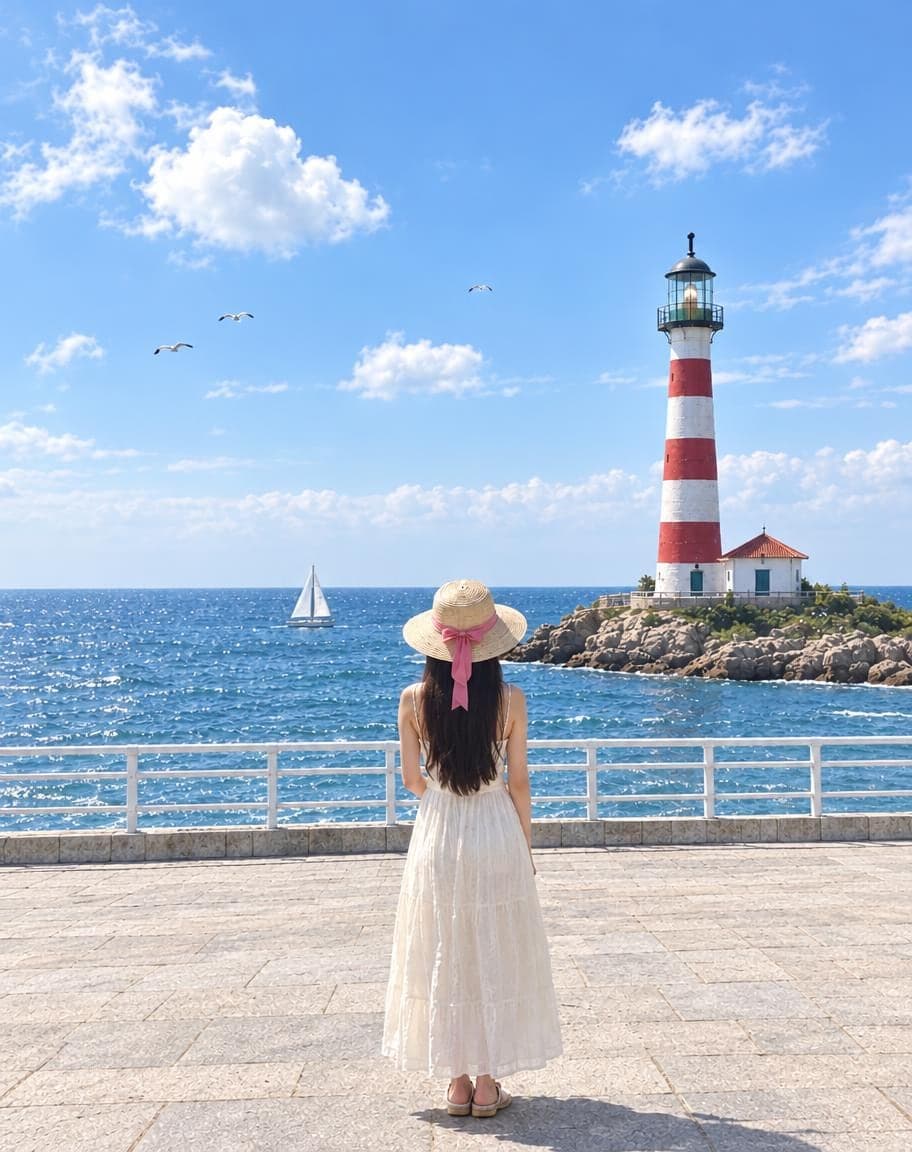
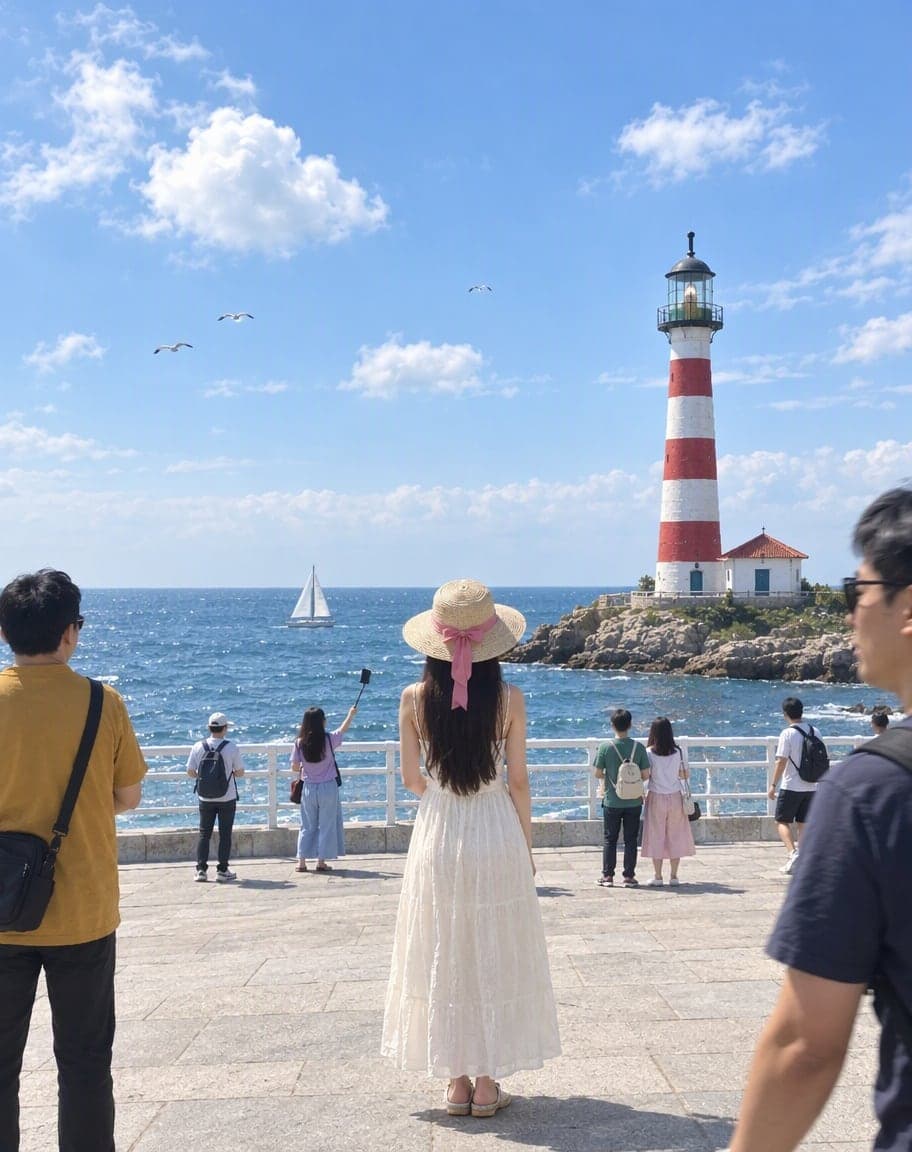
Remove People from Photos
Erase tourists and clutter from the background
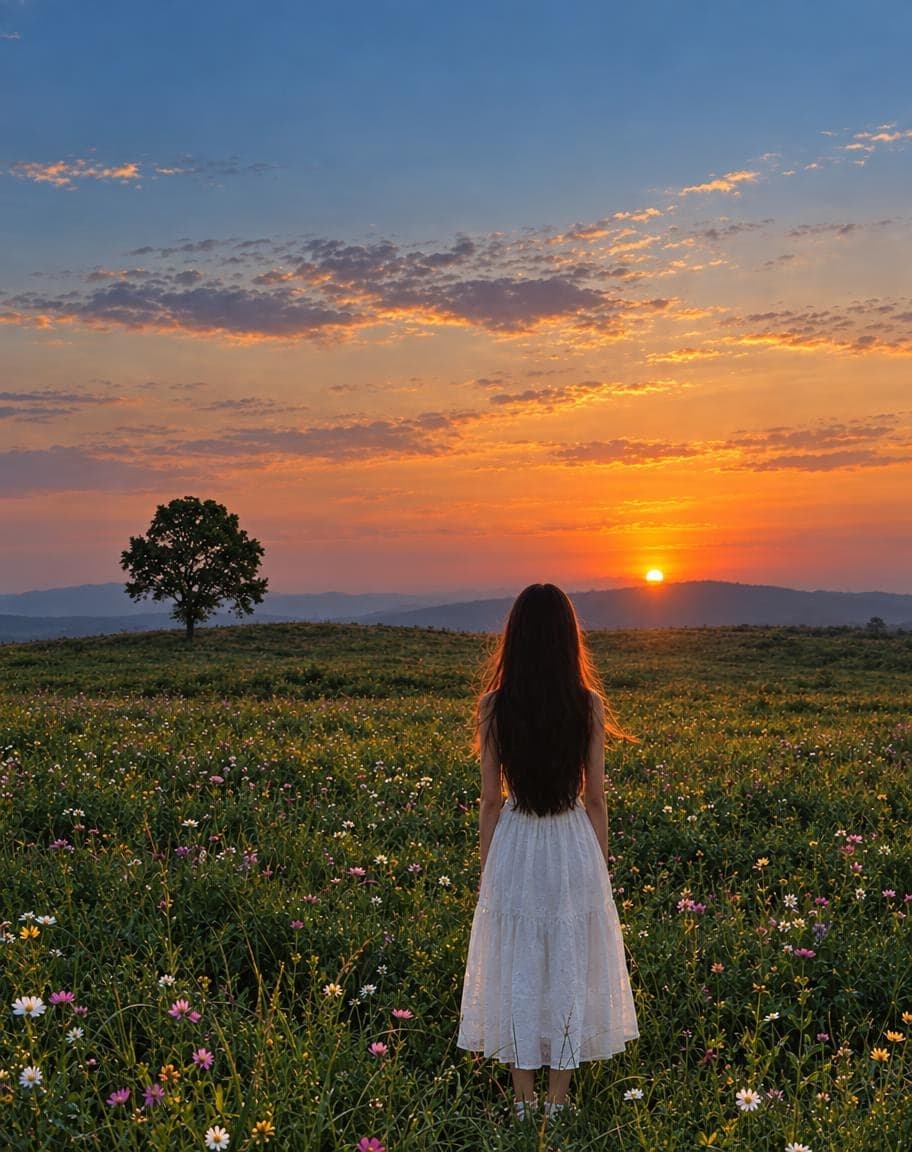
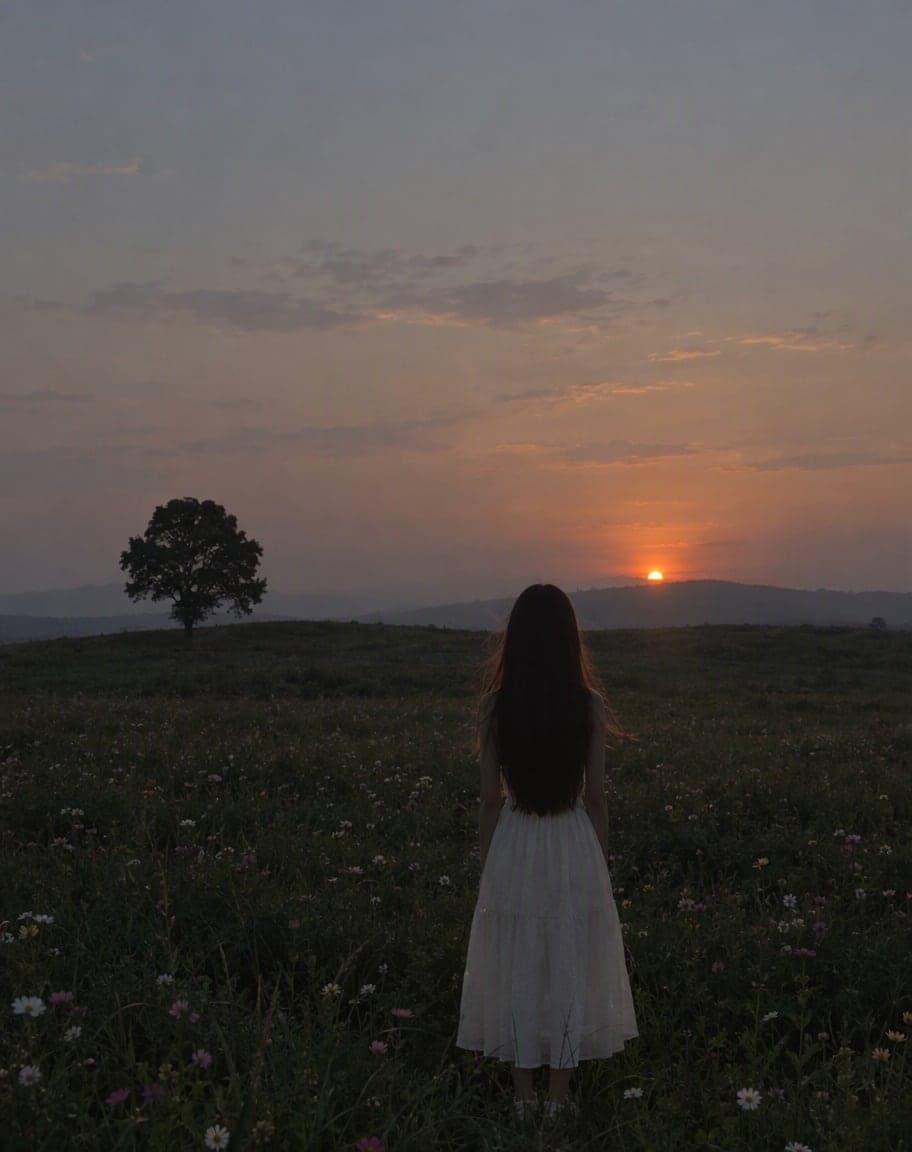
Fix Photo Lighting
Pro-level light, color and clarity in one tap
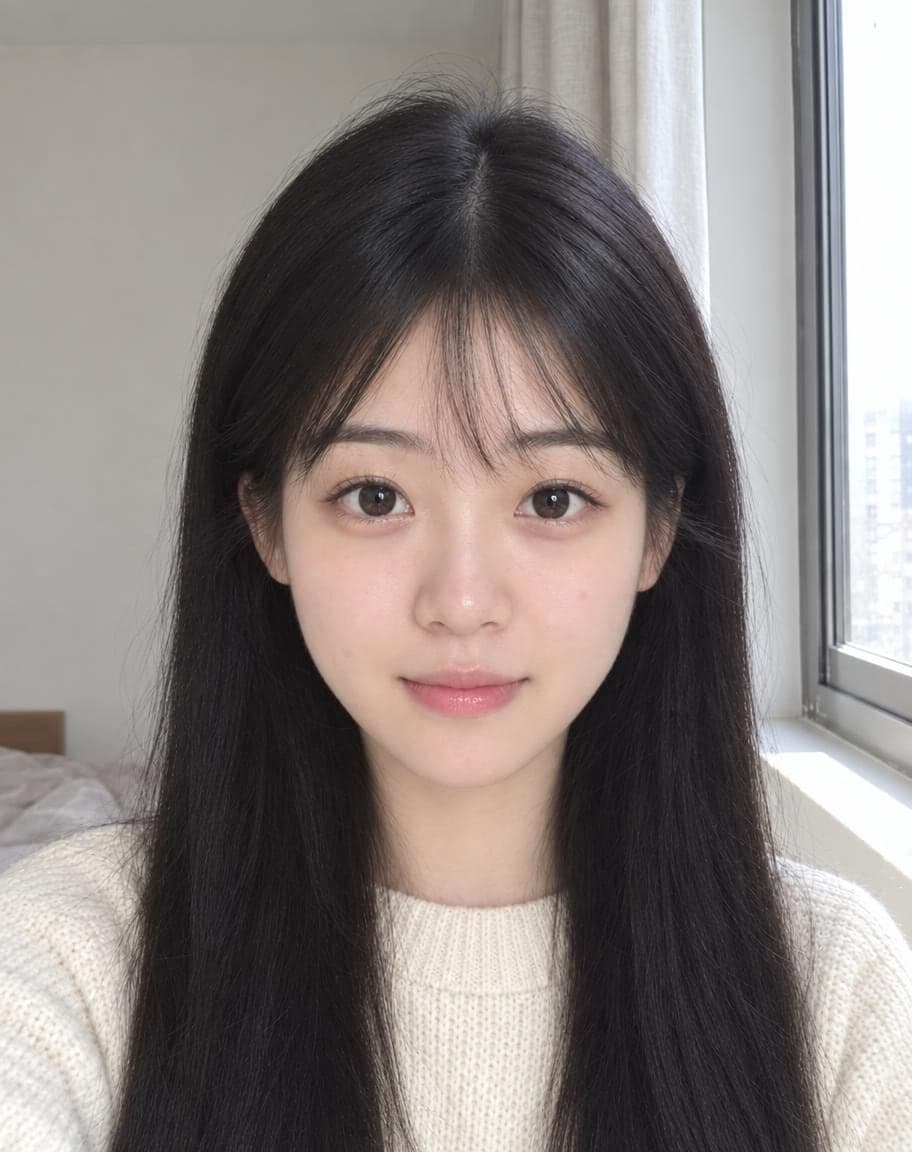
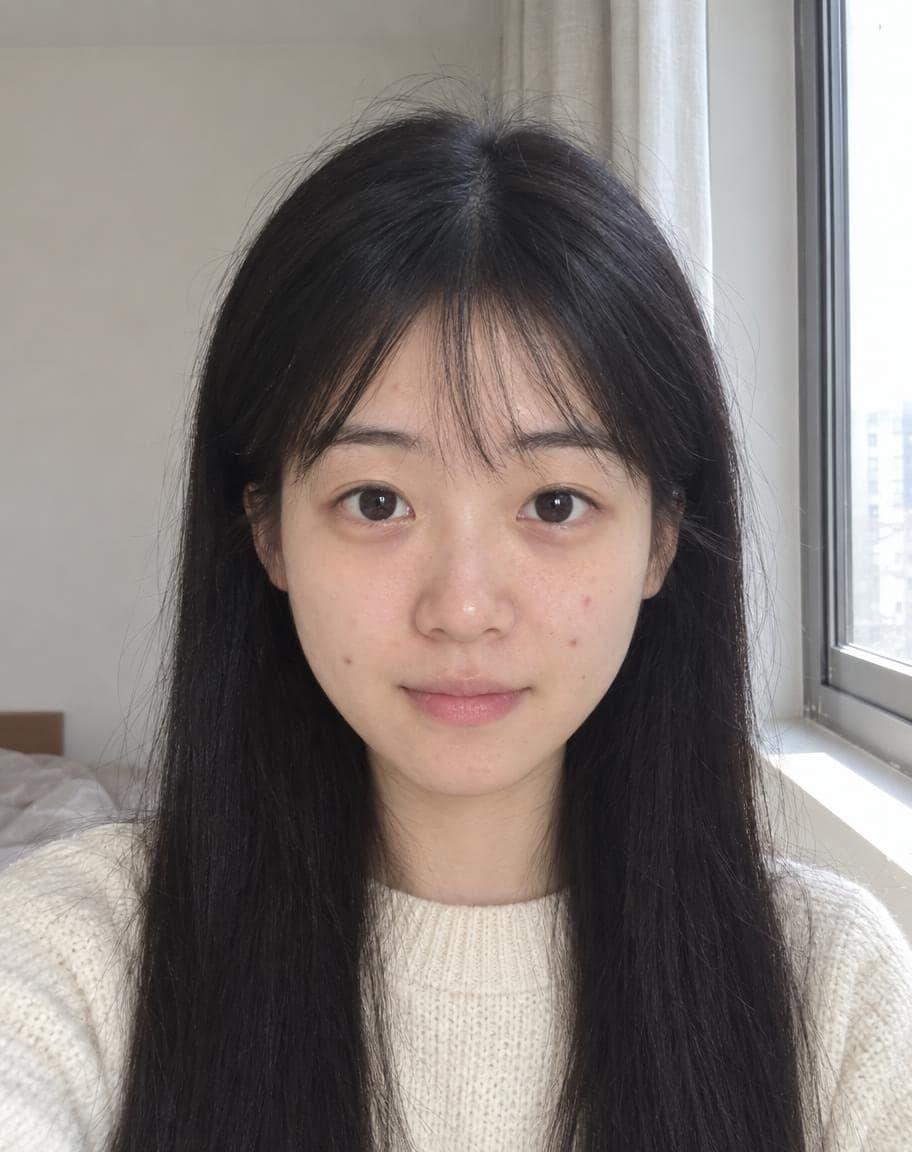
AI Portrait Retouch
Natural retouching that still looks like you
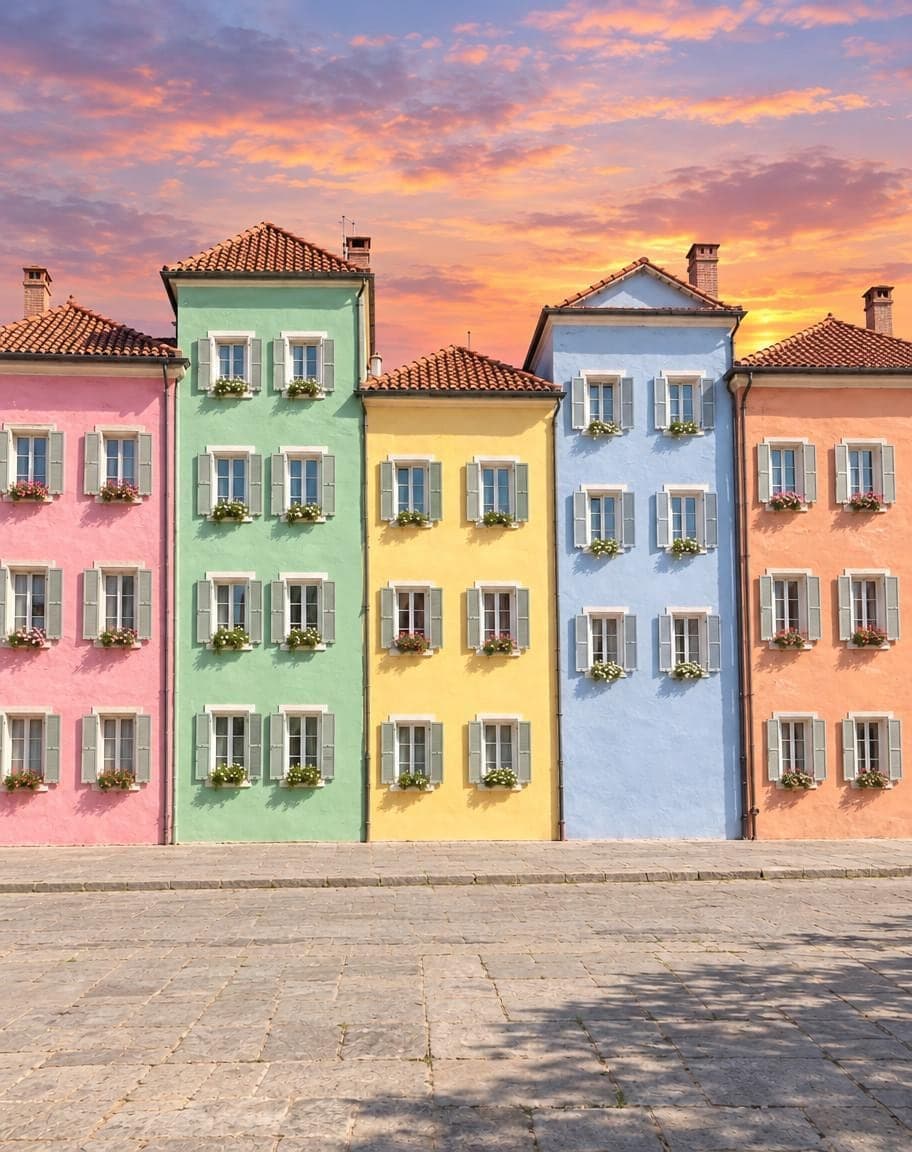
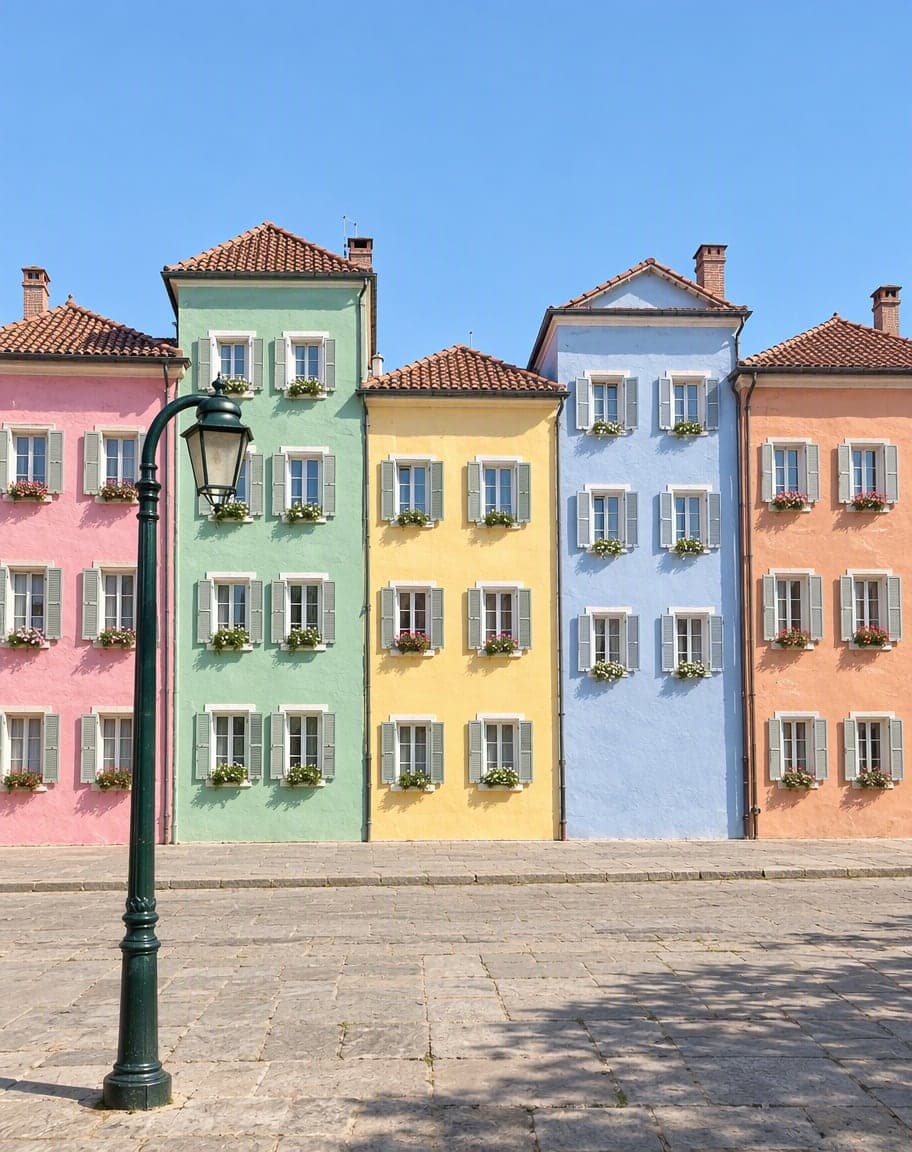 12
121Turn the sky into a sunset2Remove the lamp post
Point & Edit
Tap a spot, say what to change
“Switch the background to cherry-blossom season, with petals drifting in the air”
Edit Photo with Text
Describe any edit in one sentence
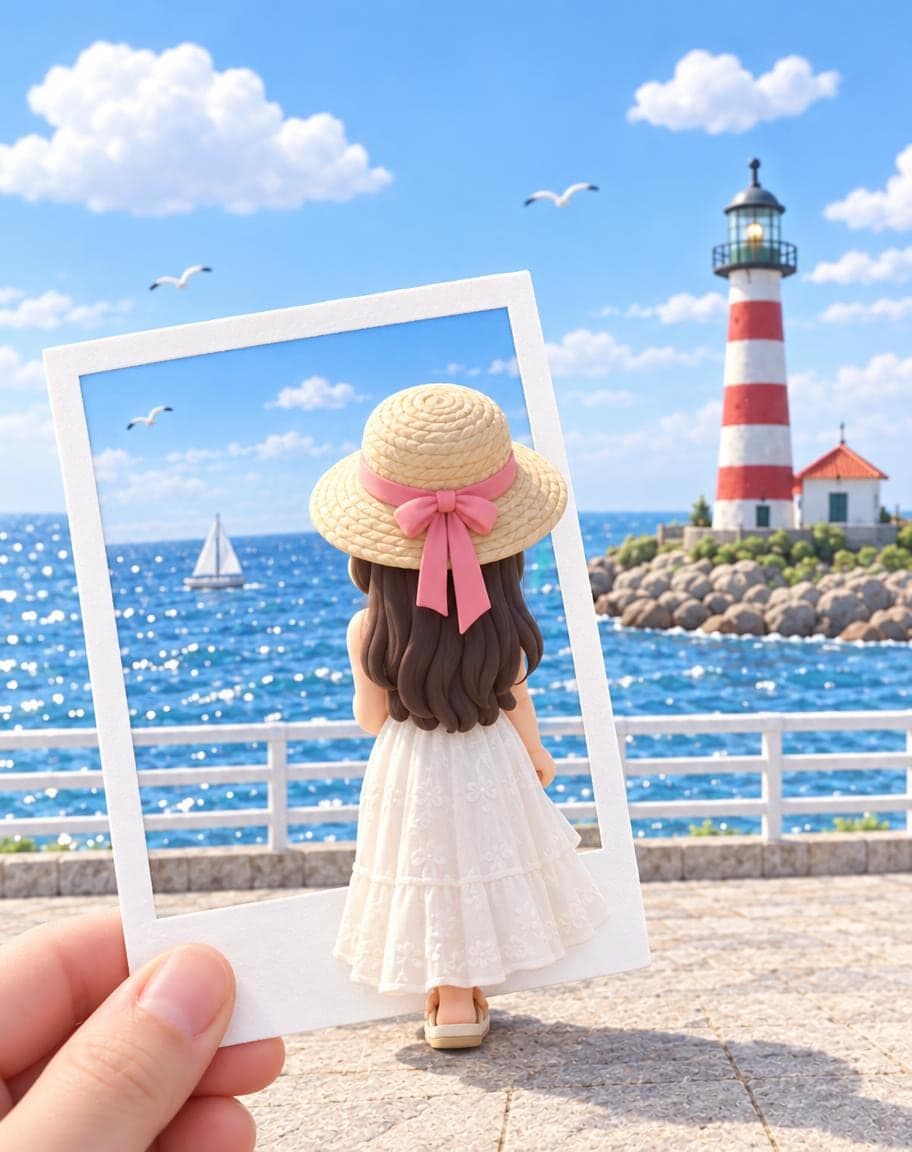
3D Figurine in a Polaroid
Become a chibi clay figure stepping out of a polaroid


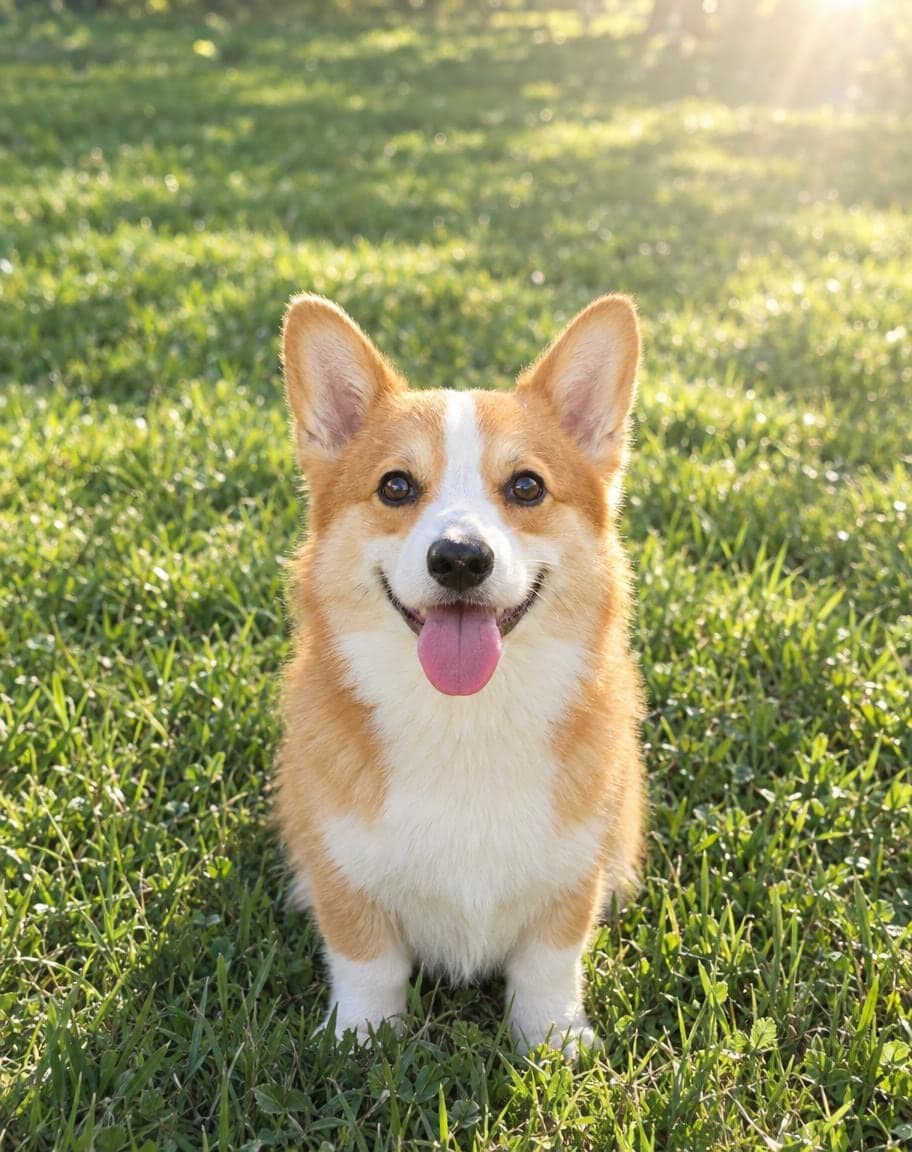
Pet Movie Poster
Star in a movie poster with your pet
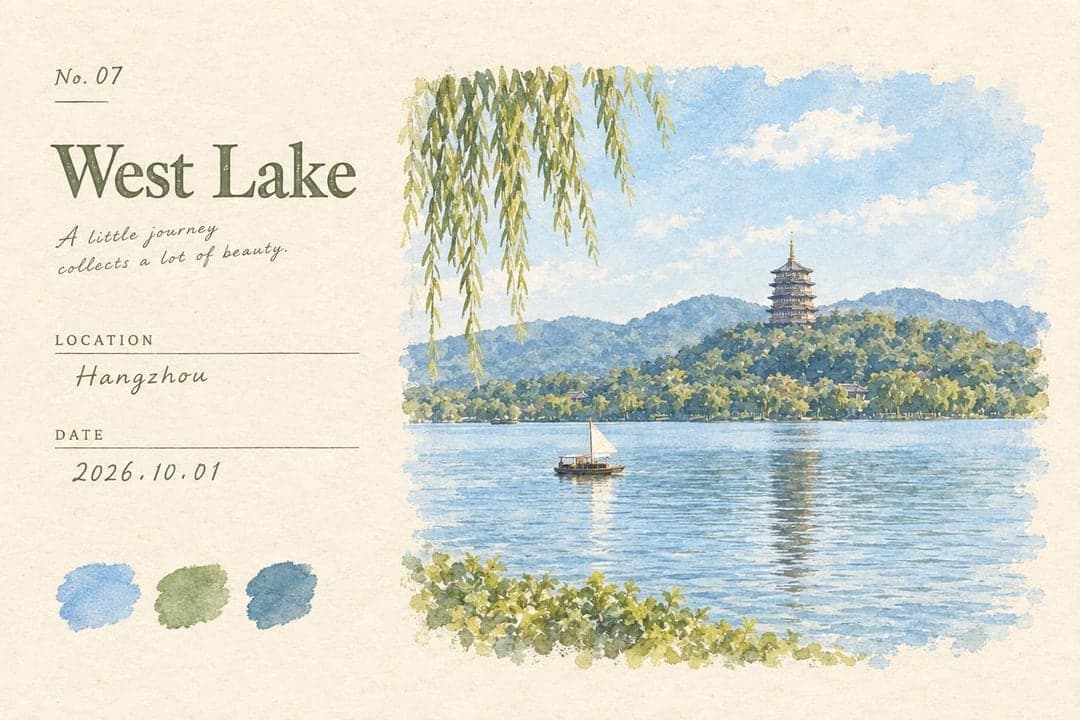
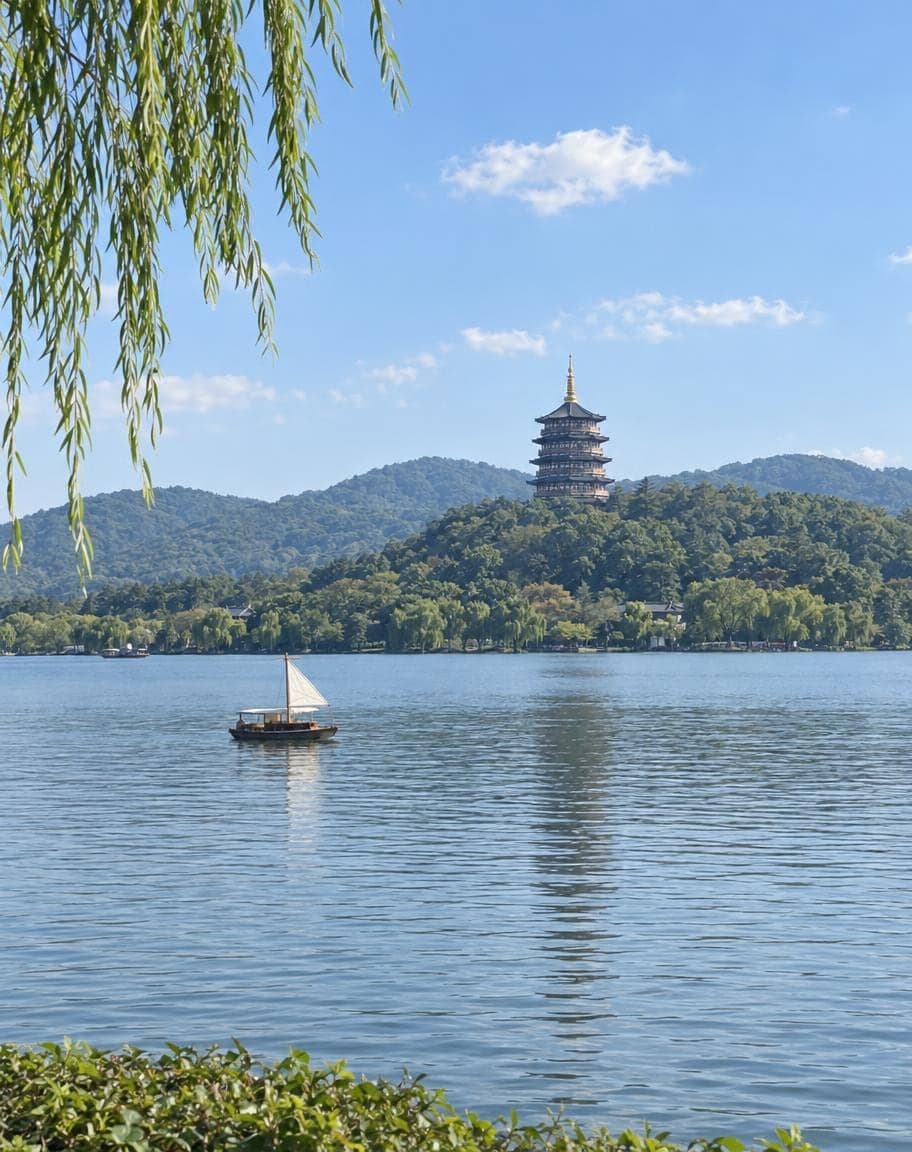
Photo to Postcard
Travel photos become vintage watercolor postcards
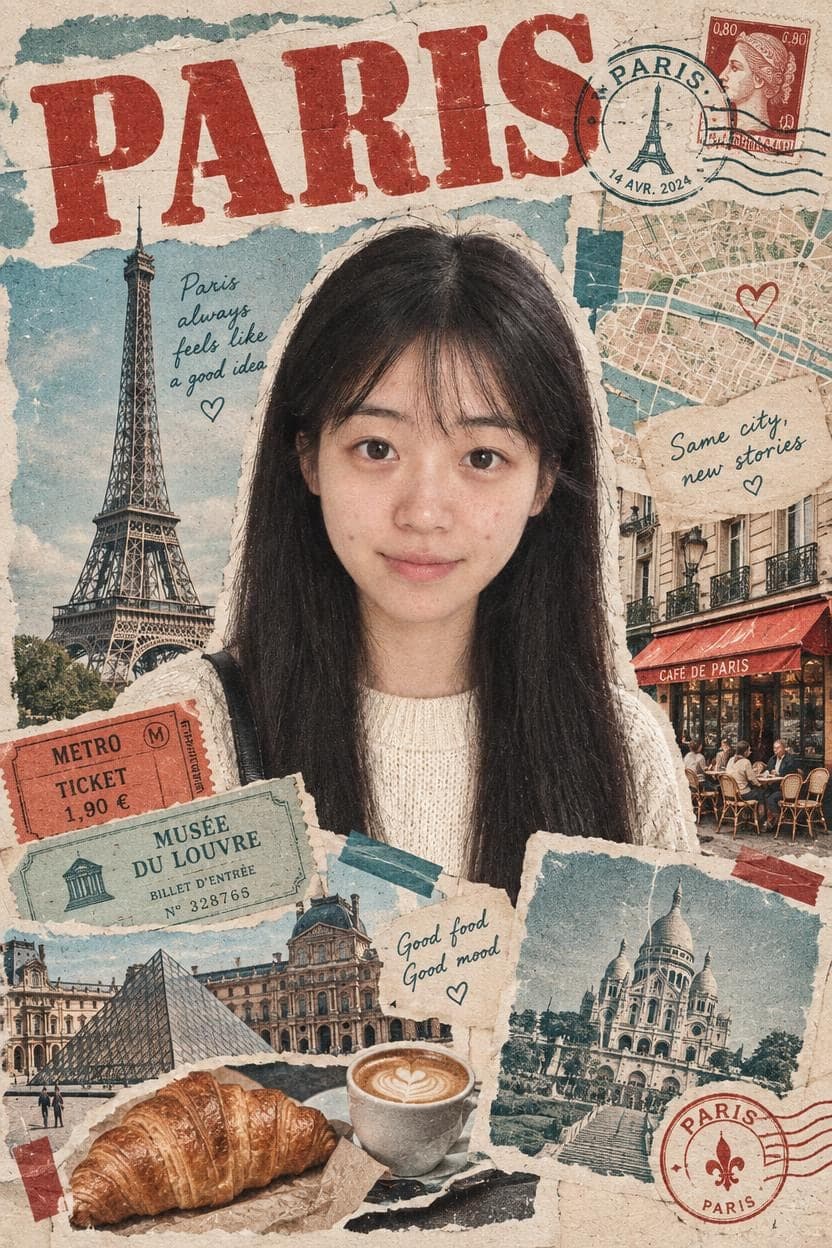
Travel Poster Maker
One selfie + a city = a vintage collage poster

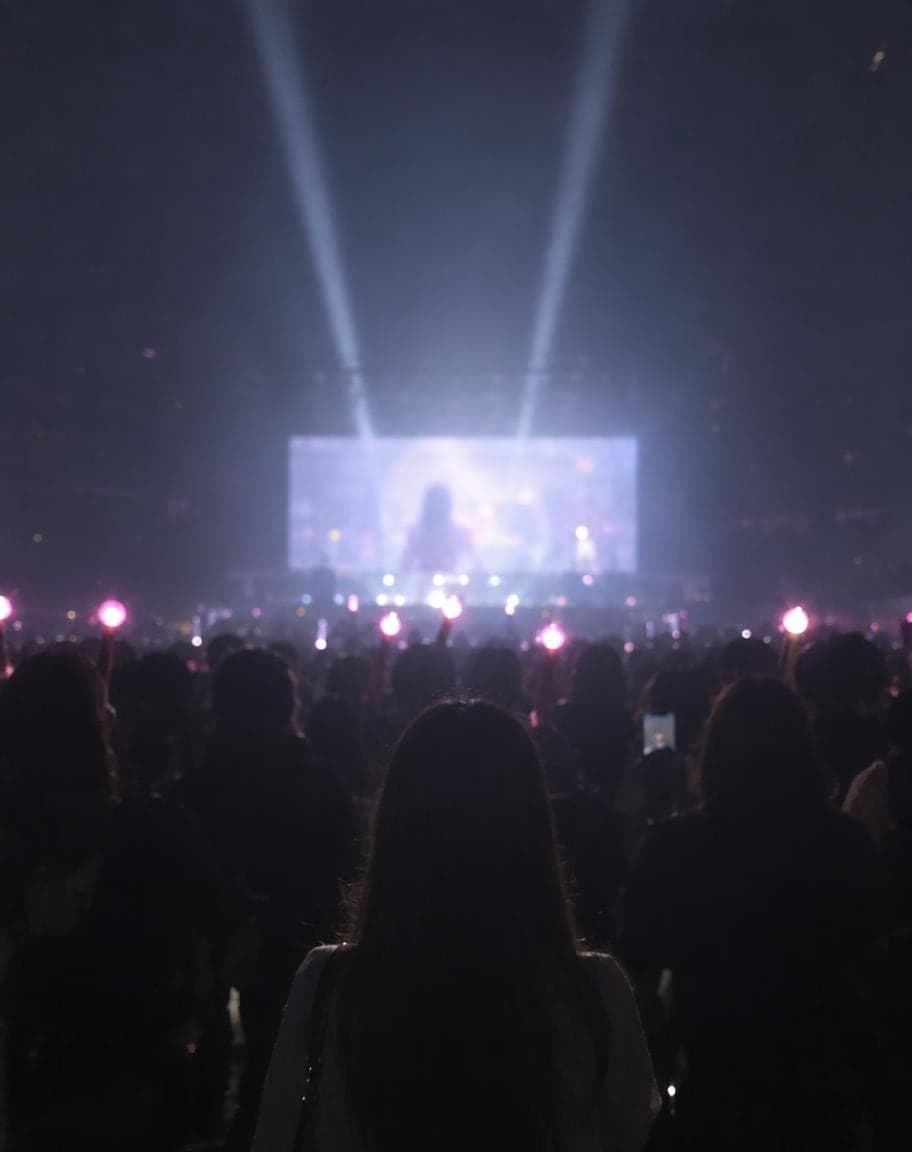
Concert Photo Glow-Up
Turn a plain concert snap into a main-character shot
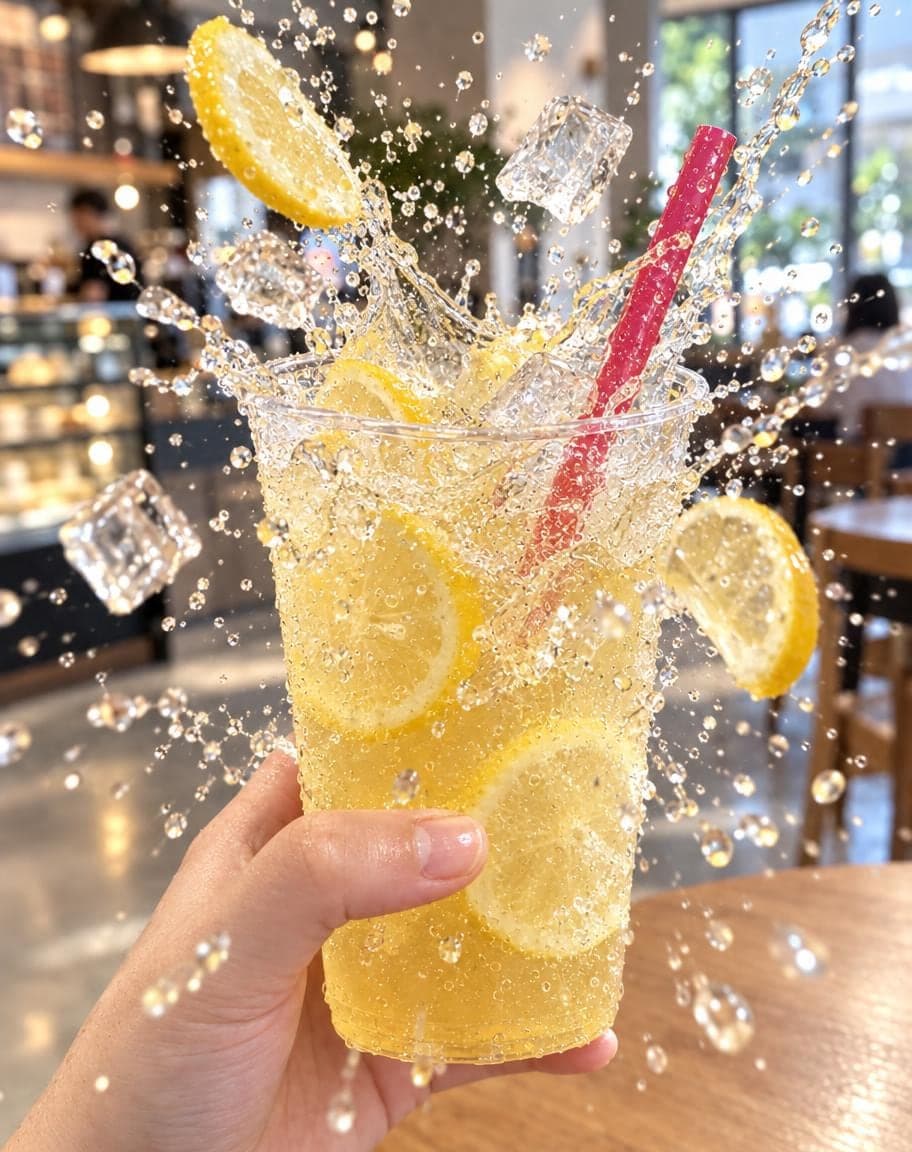
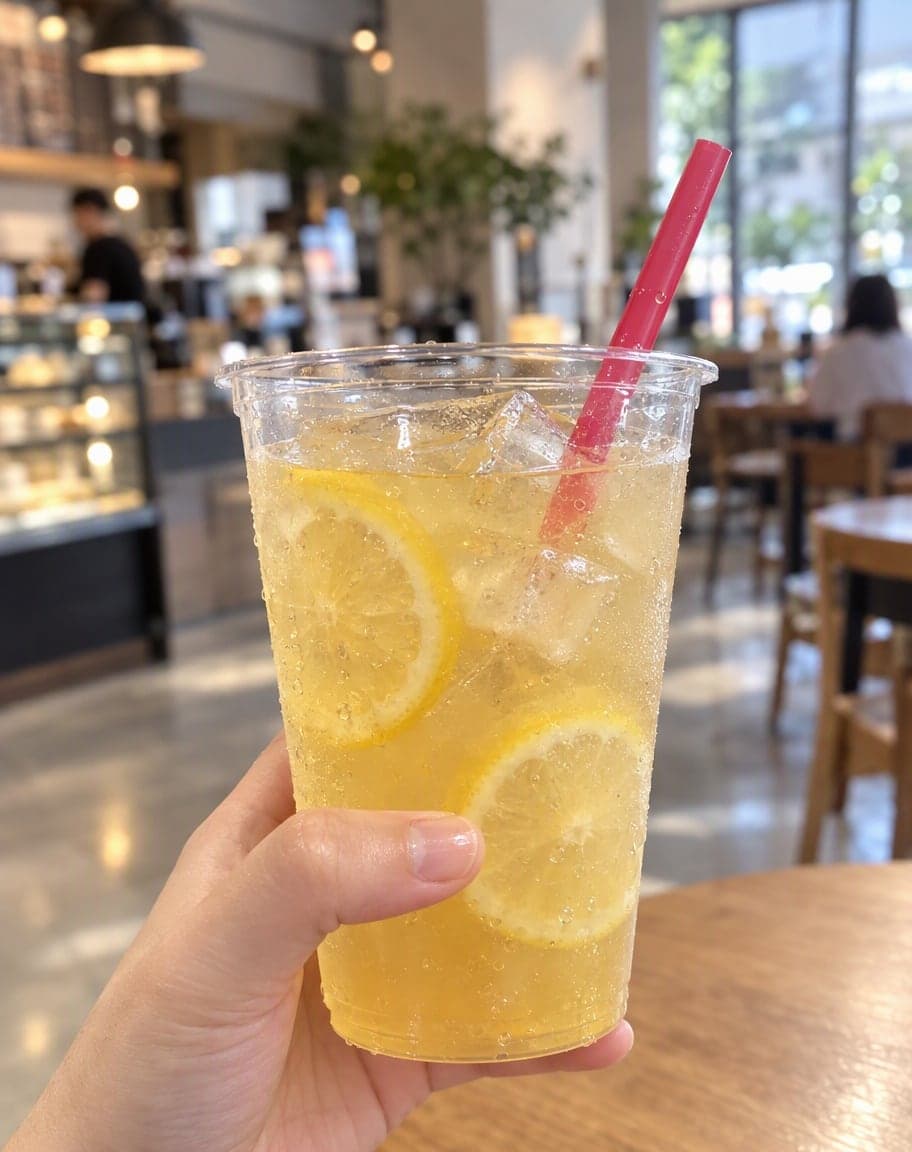
Food Splash Photo
Make your drink or dish burst out of the frame

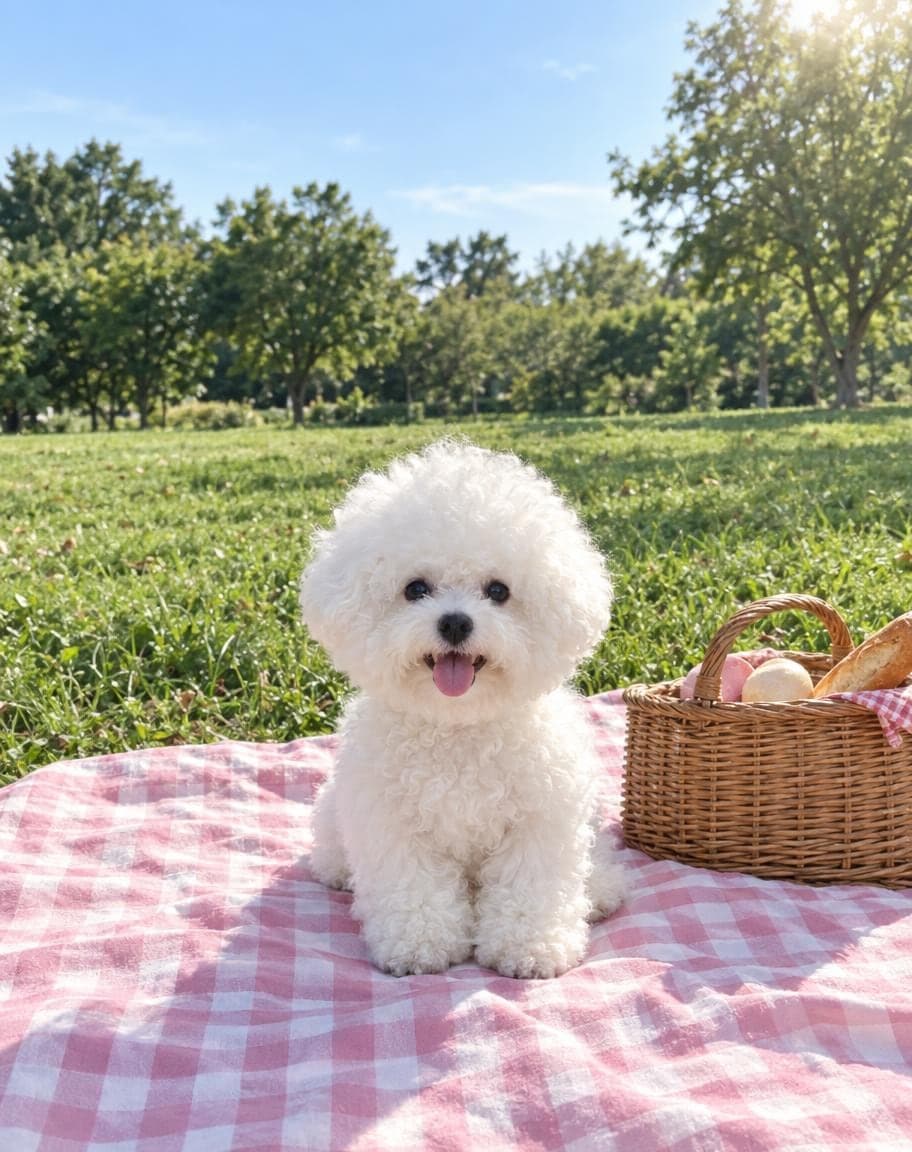
Doodle Captions
Handwritten titles and cute doodles on any photo
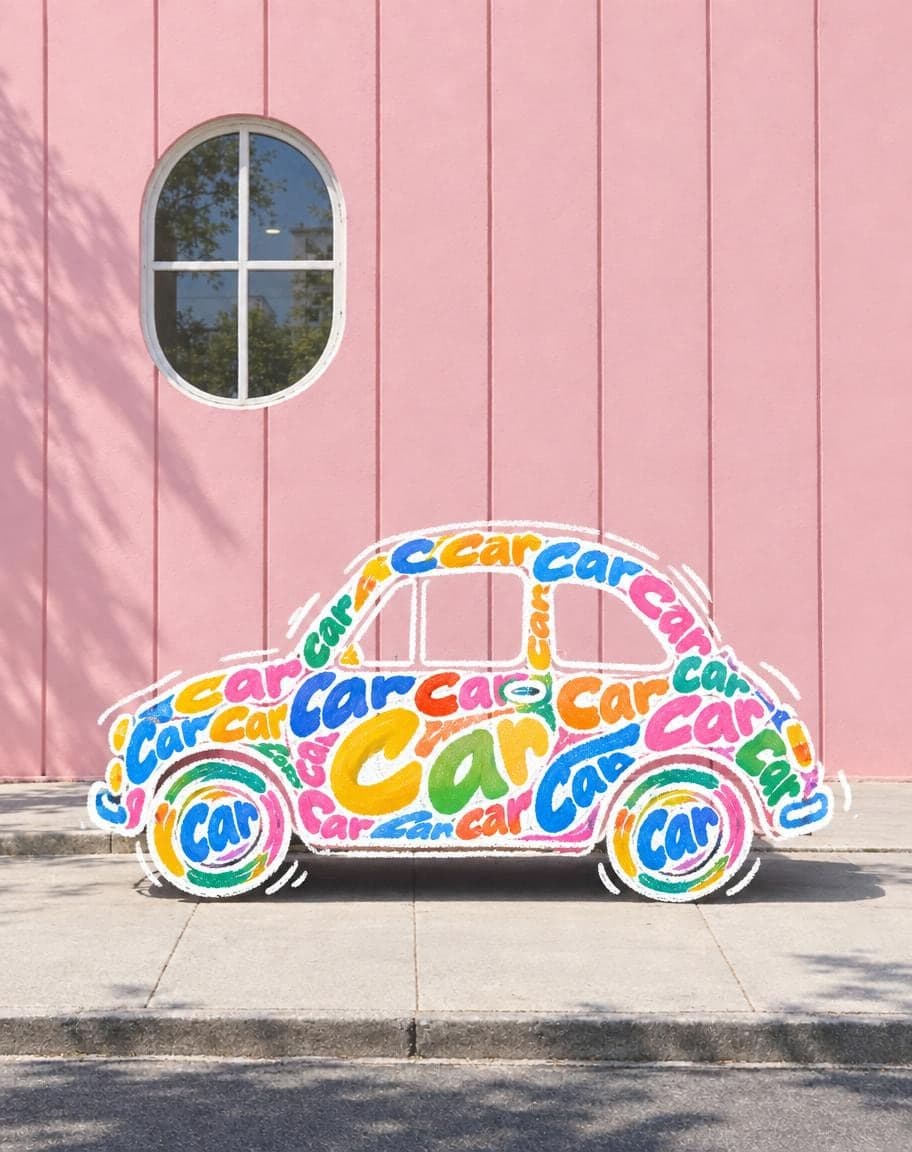
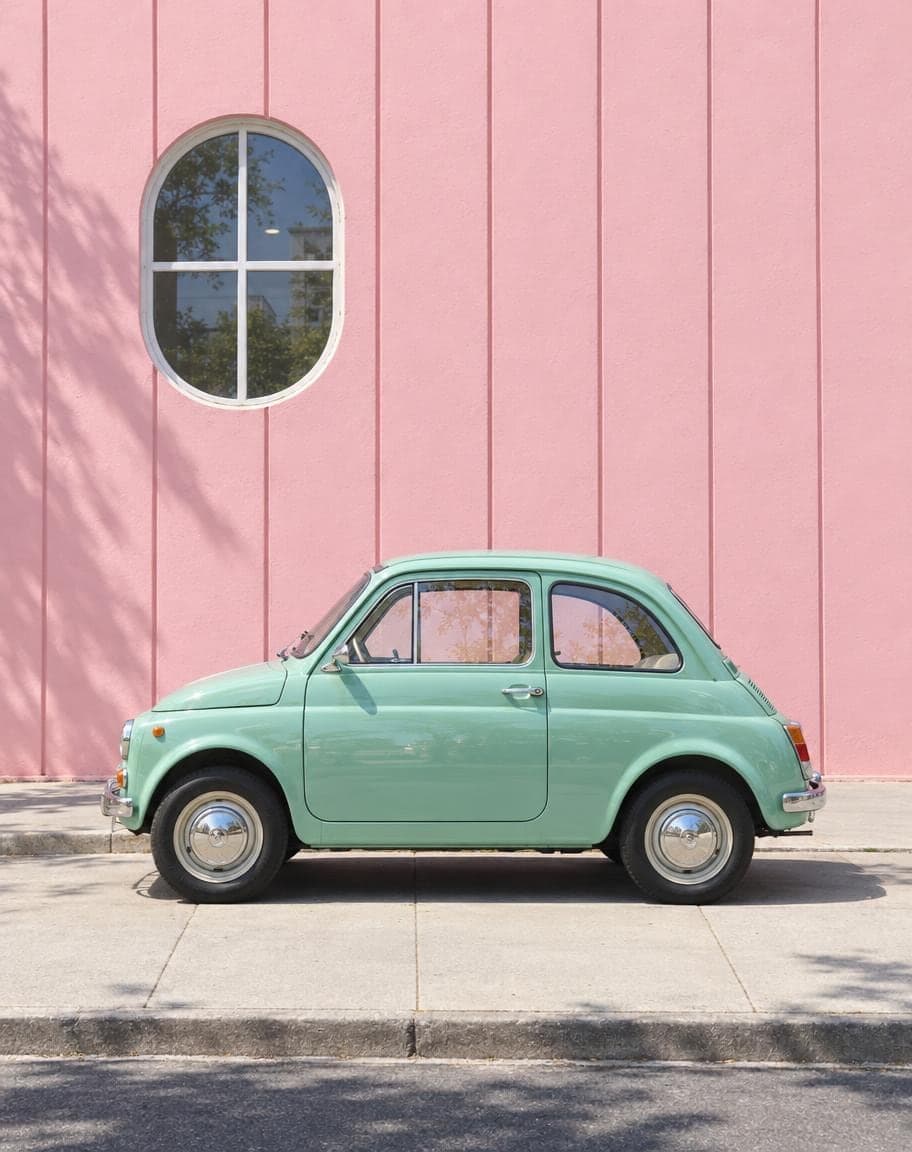
Word Doodle Art
Turn a chair into “Chair” and a car into “Car”
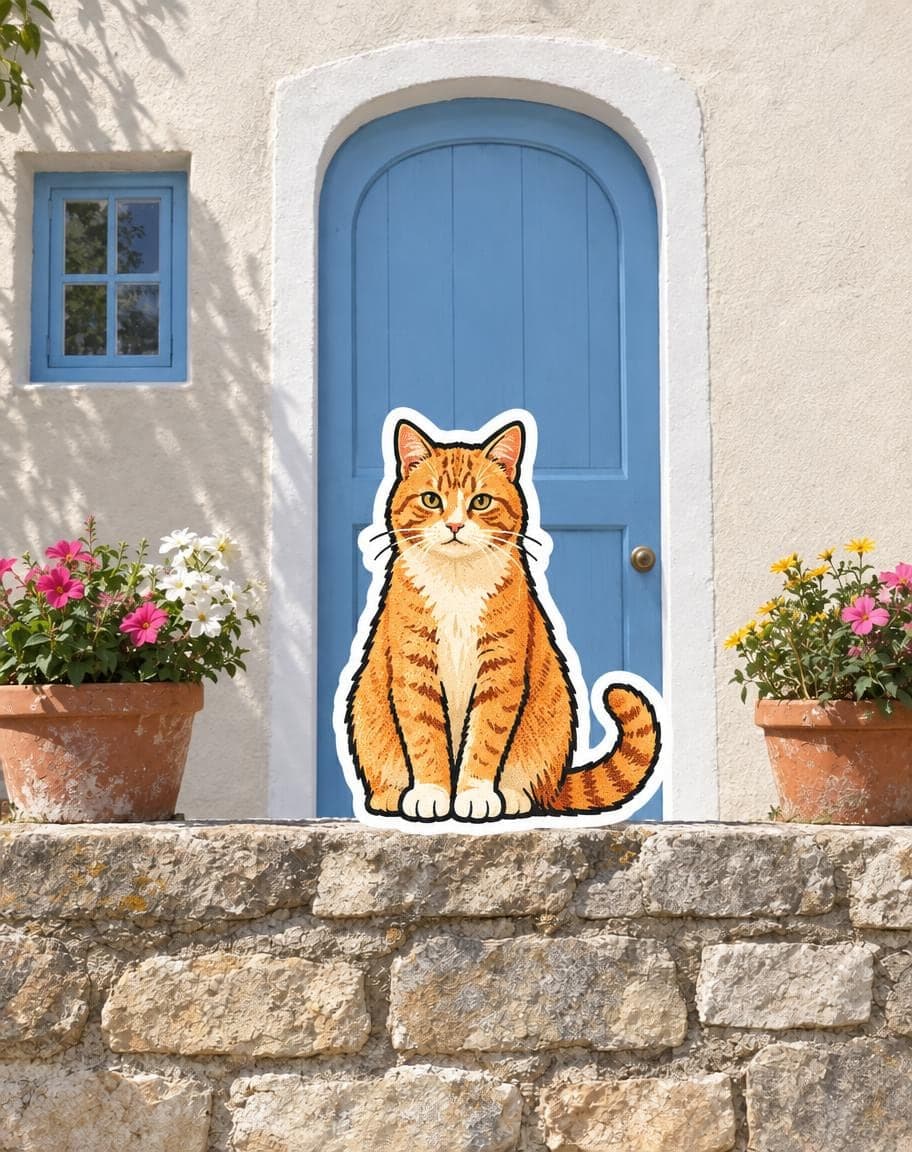
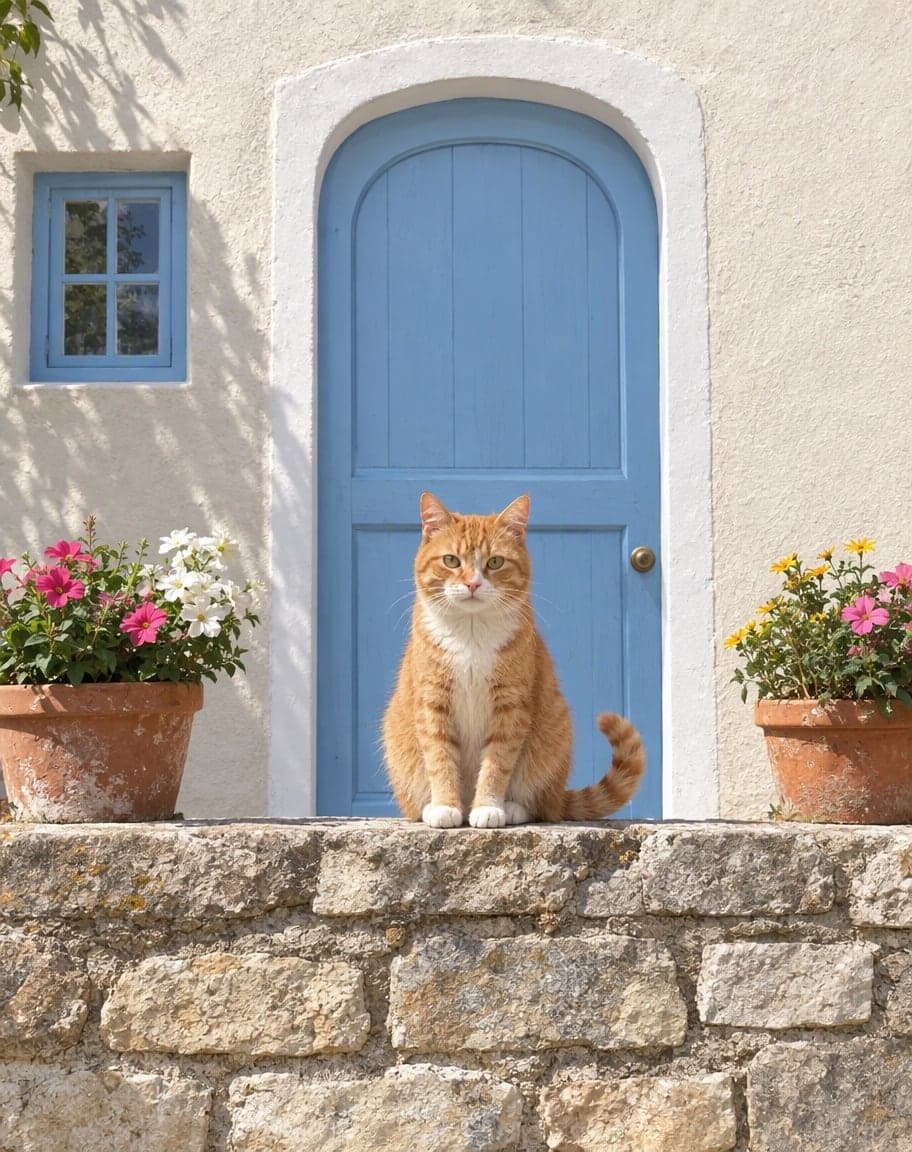
Photo to Sticker
Redraw the star of your photo as a travel sticker
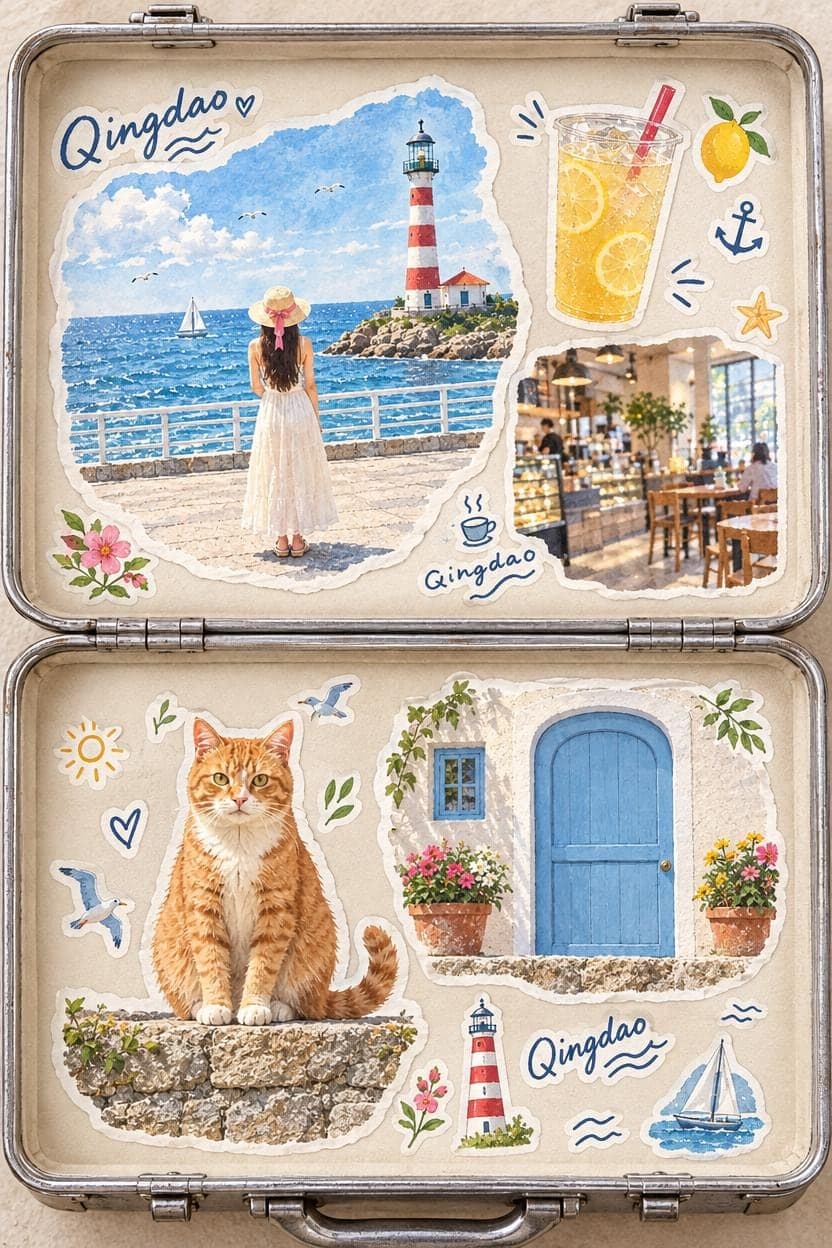
Travel Suitcase Collage
Pack a whole trip into one sticker-covered suitcase
GPT Image 2.5: FAQ
Is GPT Image 2.5 free to use here?
Yes. You get 5 free edits every day — no sign-up, no credit card and no watermark. Credit packs for heavier use are coming soon.
Do I need an OpenAI account or an API key?
No. Everything runs on our side — you just upload a photo in your browser and describe the change.
Is every edit made with GPT Image 2.5?
Yes, edits run on GPT Image 2.5. If it's ever briefly unavailable, we may route an edit to the previous GPT Image model so it still goes through instead of failing.
What can GPT Image 2.5 do with my photo?
Anything you can describe: swap skies and backgrounds, remove people or objects, change clothes and colors, restyle the whole photo, add props or text. For common jobs, the ready-made tools below already have the prompts written for you.
What happens to my photos?
They're stored privately and only used to make your edits. Only the browser you uploaded from can see them, and we never sell your photos or use them to train AI models.
Is NicePic affiliated with OpenAI?
No. NicePic is an independent product that uses GPT Image 2.5 to power its edits.
GPT Image is a trademark of OpenAI. NicePic is an independent product and is not affiliated with, endorsed or sponsored by OpenAI. See our Terms and Privacy Policy.